60
CP30 Mobile Computer
Reference Manual
3.4.2 OS UPDATE TOOL
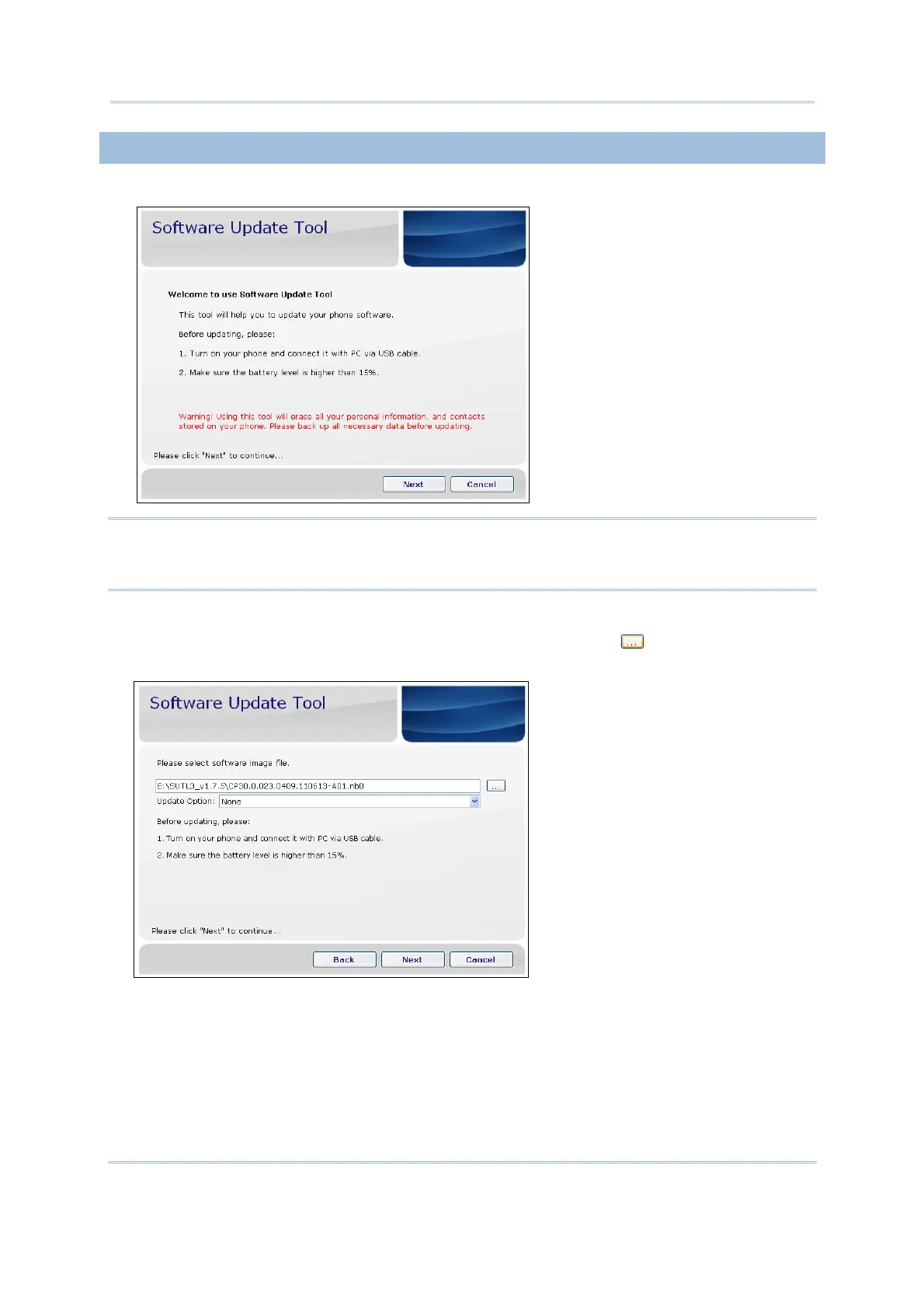
1) Run the CP30 software update Tool on your computer.
Warning: It will erase all your personal information and contacts stored on your
mobile phone during using Software Update Tool. Please back up all
necessary data before updating.
2) Connect phone to your computer via USB cable and turn on your phone.
3) On your PC software update Tool screen, click “Next”. Click
to select the desired
image file (*.nb0).
4) Click “Next” to continue.



 To Next Page