132
CP30 Mobile Computer
Reference Manual
9.1.4 USING BACKUPS FOR RESTORE
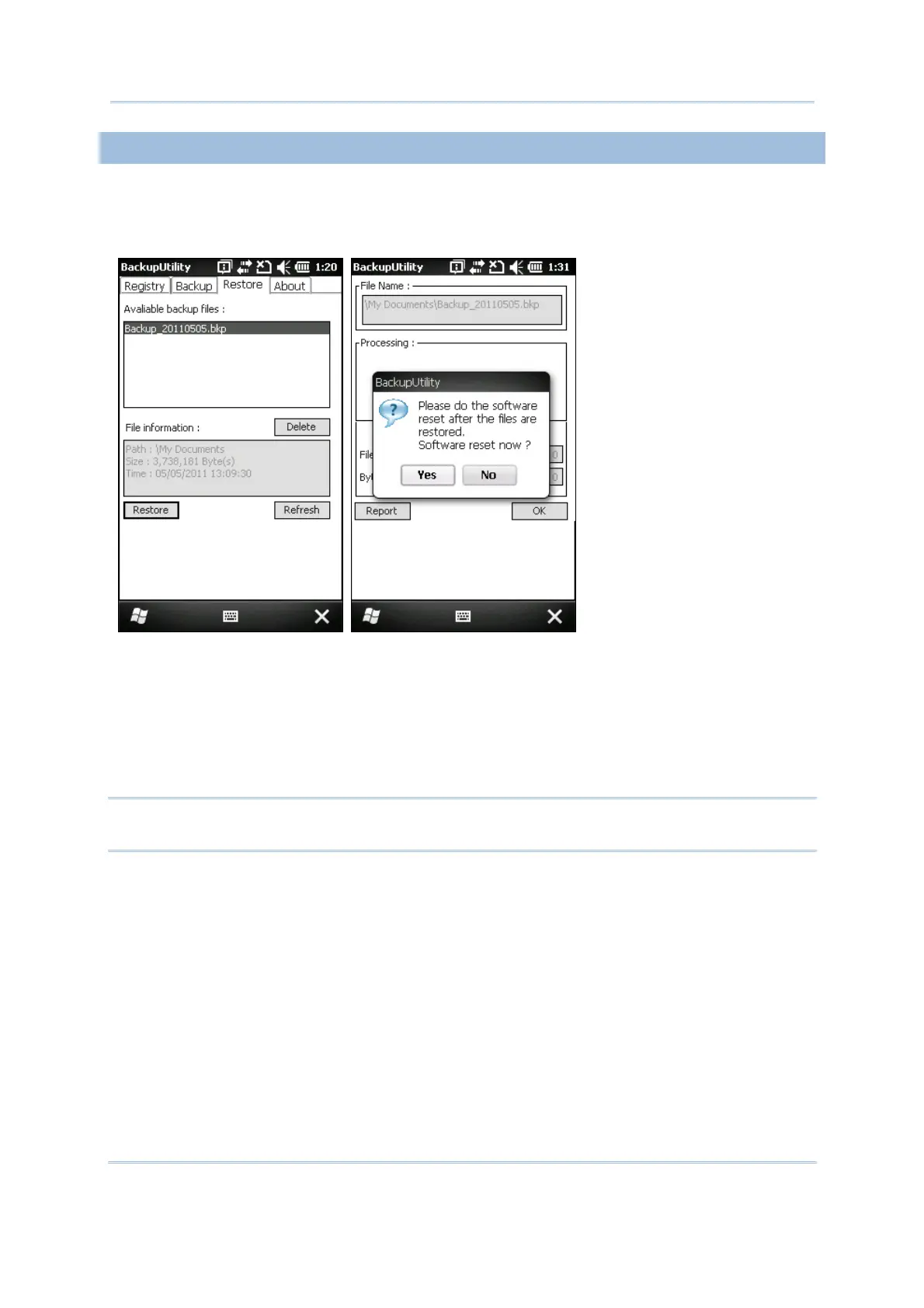
After the backup operation, tap the Restore tab and it will automatically start scanning
for any .bkp files. Specify how to use these backups for automatic or manual restore
operation.
File Manipulation
Tap [Refresh] to refresh the list of available backups. If a backup file is not desired
any more, select it and tap [Delete].
Restore
Select a desired backup file from the list and tap [Restore]. The specific file will be
used in the restore process that starts automatically right after a cold boot.
Warning: For the Restore setting to take effect, you must tap [OK] on the pop-up
screen to allow restore the file selected after software resetting.
Manual Restore
Depending on specific requirements, you may perform a full or partial restore
manually.



 To Next Page