39
Chapter 2
Learnin
Windows Mobile Basics
2.3.5 FIND A FILE
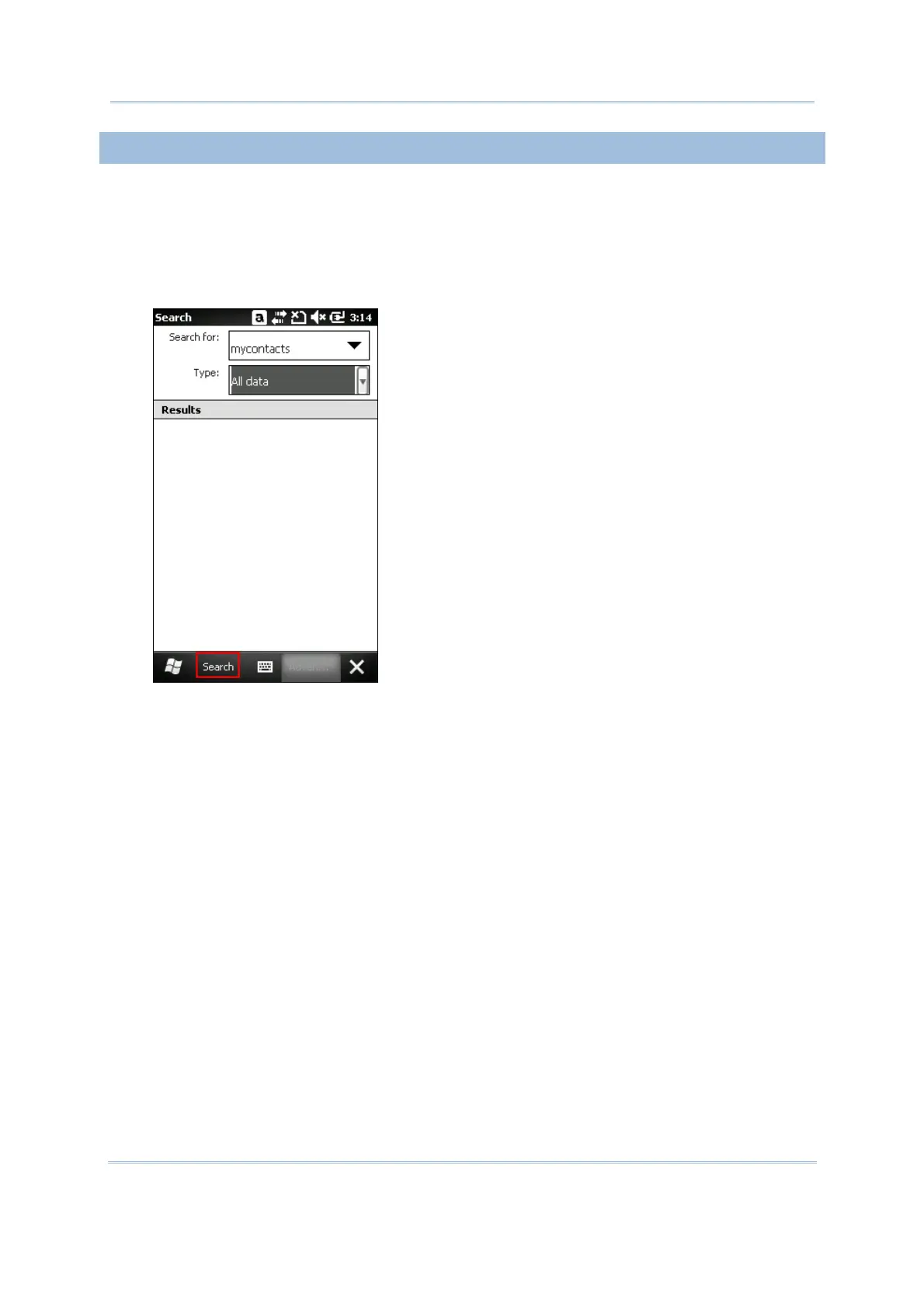
1. Tap Start | Search Phone.
2. In the “Search for” box, enter the file name, word, or other information you want to search
for. If you have looked for this item before, tap the drop-down list and select it.
In the “Type” box, select a data type to help narrow your search. If the data type of your
file is other than listed, you may try [Larger than 64 KB]. However, if such file is less than
64 KB, it will not be searchable.
3. Tap Search.
4. In the Results list, tap the item you want to open.



 To Next Page