18
CP30 Mobile Computer
Reference Manual
1.3.1 KEYPAD SETTINGS
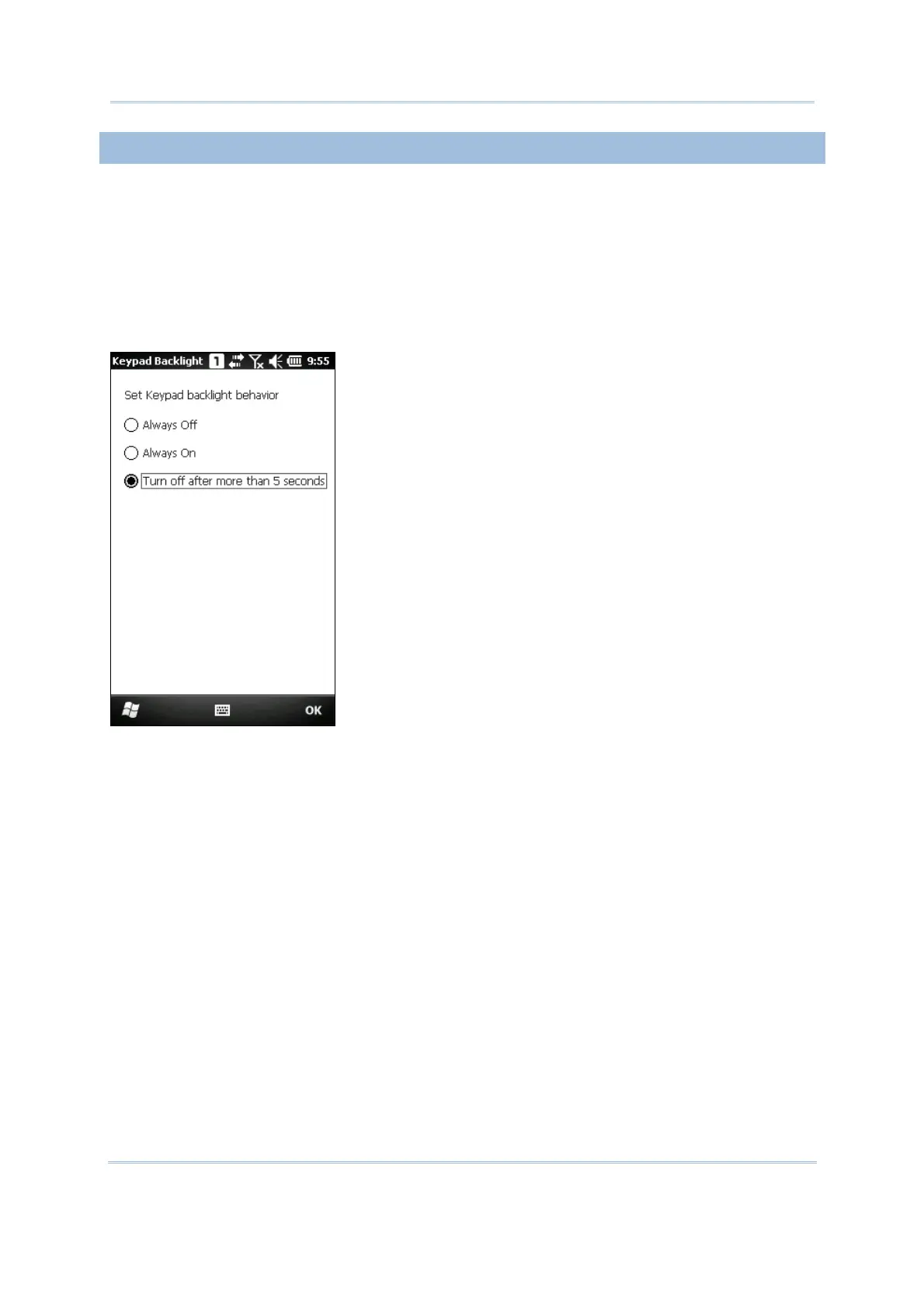
Go to Start | Settings | System, and tap Keypad to configure related settings.
The LED backlight of keypad is turned off by default. It is suggested to turn on the
keypad backlight while working in a dark area; however, using backlight while on battery
power will substantially reduce battery power.
The keypad backlight is set to be automatically turned on for 5 seconds when any key is
pressed. You may have it always turned off or turned on instead.



 To Next Page