120
CP30 Mobile Computer
Reference Manual
8.4.2 PLAYBACK A VIDEO
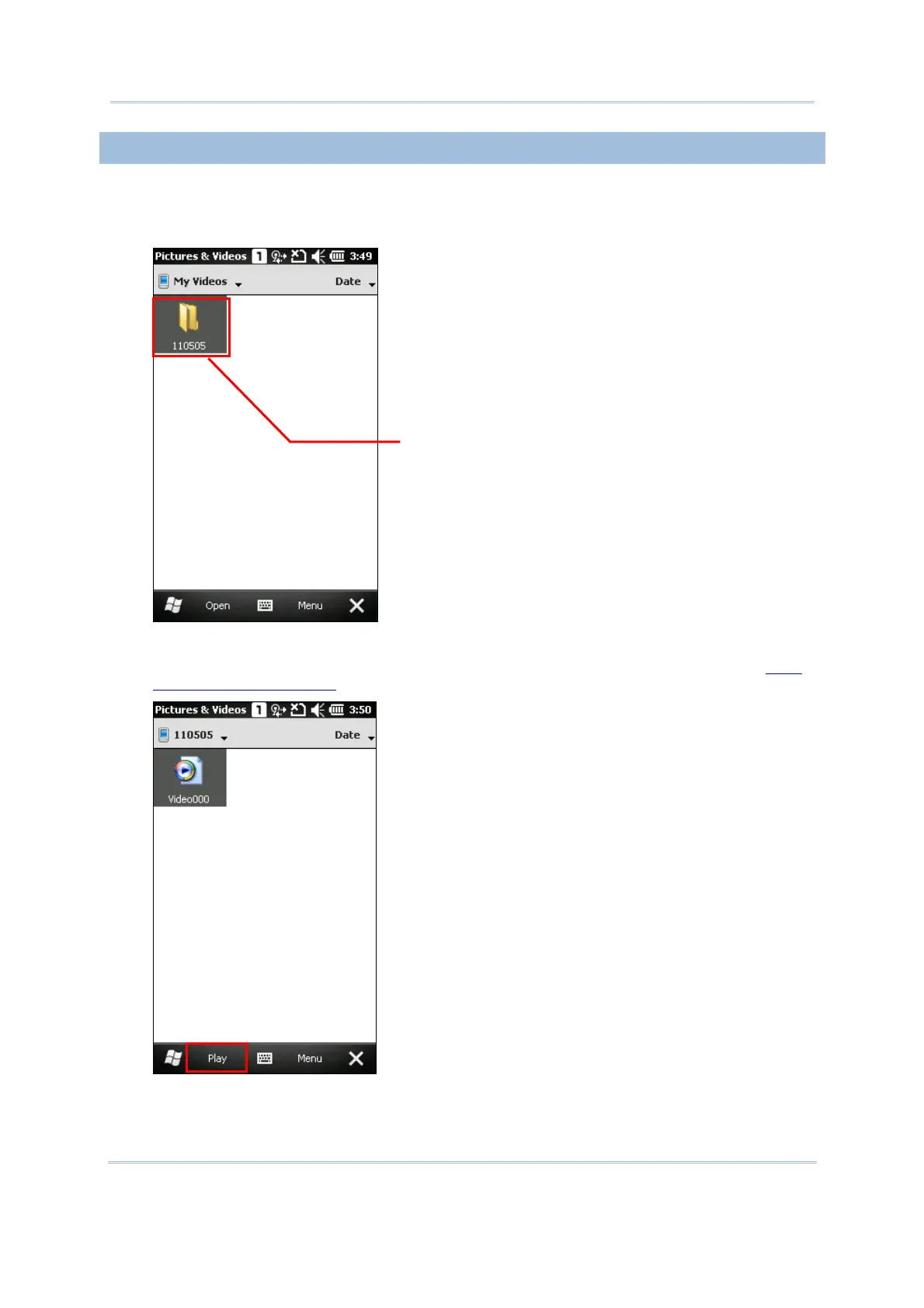
1. Locate the target folder and the desired videos.
The subfolders are named with the date YYMMDD (2-digit year, 2-digit month and 2-digit
date) when videos were recorded.
2. Select a desired video and tap [Play] on bottom of the screen.
Tap Menu on the soft key bar right, you may edit, send or beam videos, etc. Refer to 8.4.3
Advanced Editing Settings
.
3.
The video will be played in Windows Media player. Tap [
²] to end the application.
ubfolders in
date format



 To Next Page