119
Chapter 8 Usin
Camera
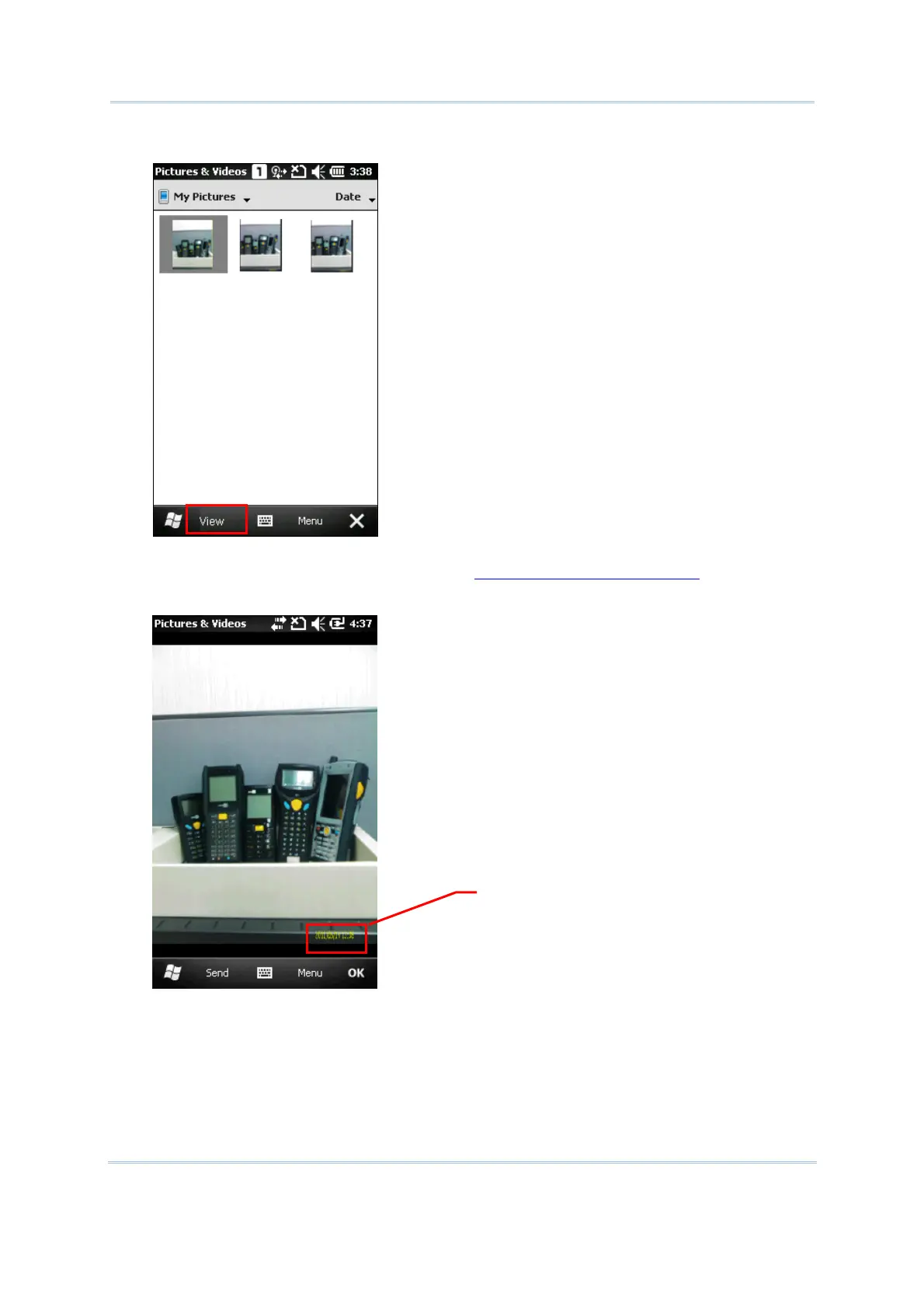
2. Select a desired picture and tap [View] on bottom of the screen.
3. Tap Menu on the soft key bar right, you may adjust the zoom, start a slide show, beam
pictures, edit or rotate pictures, etc. Refer to
8.4.3 Advanced Editing Settings.
Tap Send on the soft key bar left, you may send the picture via text message or e-mail.
4. Tap [OK] to close the current window.
Time Stamp is displayed on the
lower right of each picture



 To Next Page