115
Chapter 8 Usin
Camera
8.2 TAKING AN IMAGE
By default, the camera is set to Still mode for taking pictures, and a preview screen is
displayed.
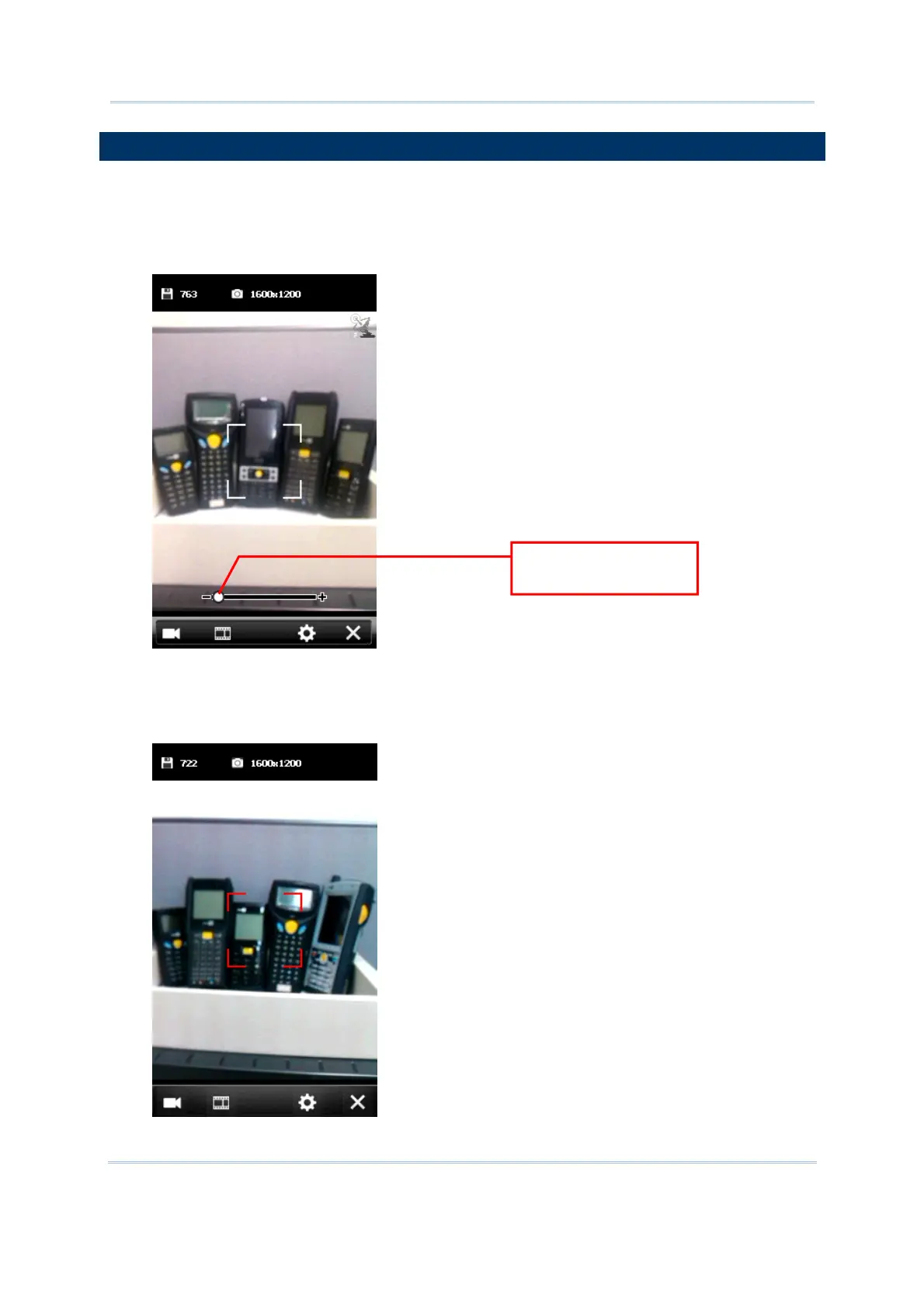
1. Hold still and take aim at the object you want to take a still picture. You may drag the
slider to zoom in (+) or zoom out (-) an image.
2. Press [Scan] or [Enter] on the physical keypad to take a picture.
Each will be automatically saved under the directory “\My Device\My documents\My
Pictures\YYMMDD” in the format of imgXXXXX.jpg (“XXXXX” stands for 5-digit serial
number starting from “00000”) by default.
Drag the slider to
adjust the focus.



 To Next Page