116
CP30 Mobile Computer
Reference Manual
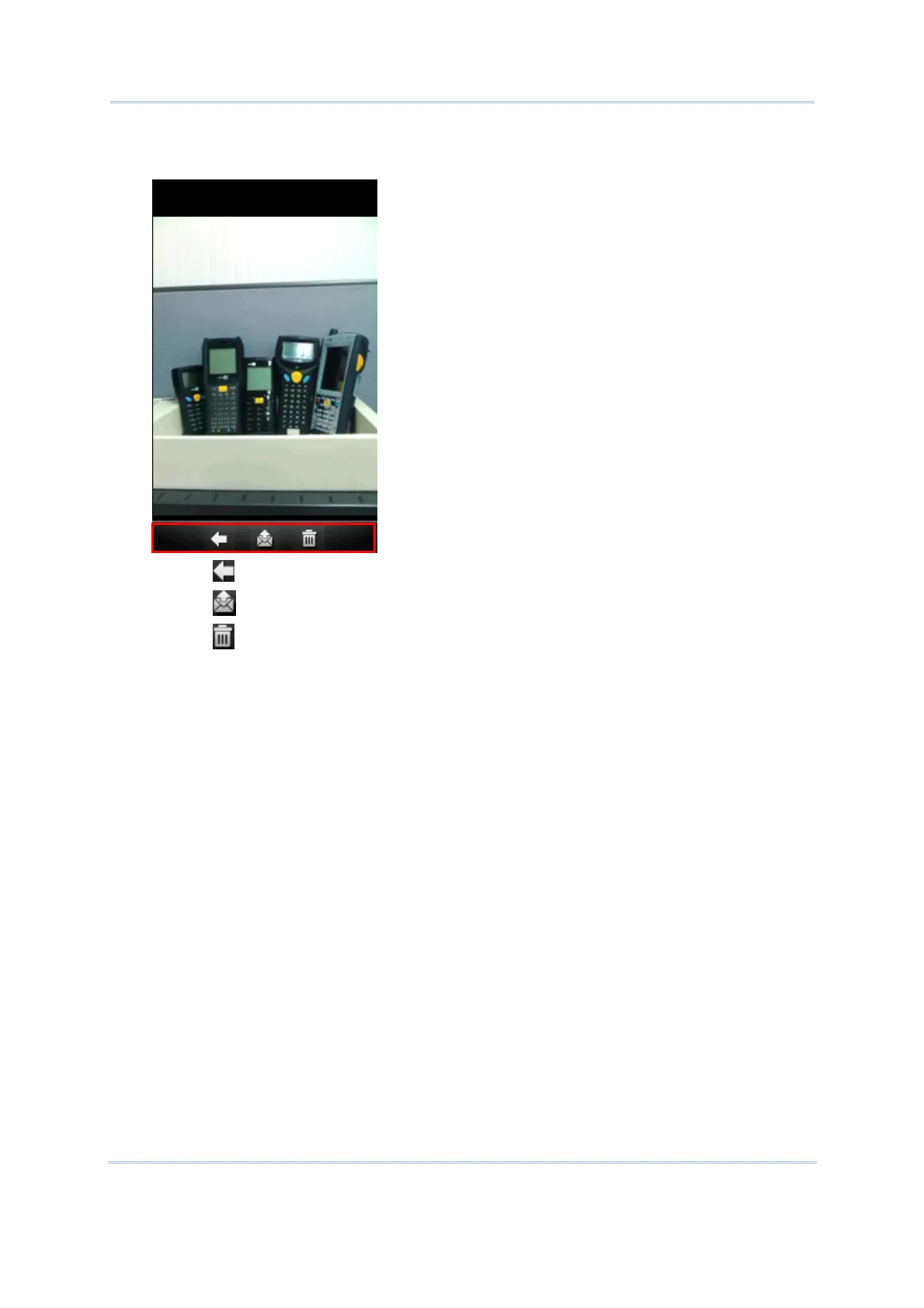
3. Before the camera utility is back to the preview screen, you may tap the advanced buttons
at bottom of the review screen, which will be retained for five seconds by default.
Tap to return to the preview screen.
Tap to send this picture via text message or e-mail.
Tap to delete this image file.



 To Next Page