84
CP30 Mobile Computer
Reference Manual
5.5.2 RECEIVE A FILE
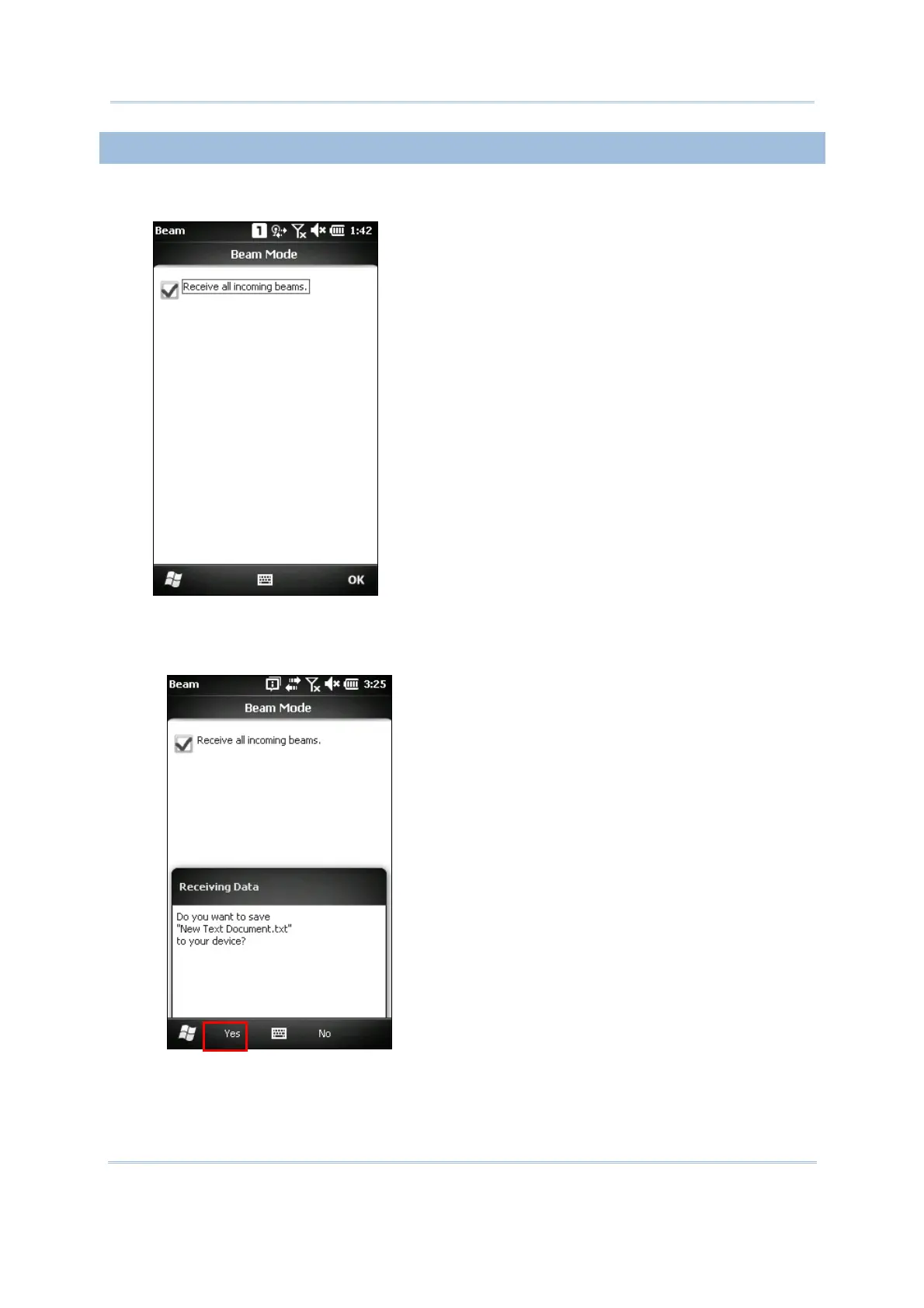
1. Tap Start | Settings | Connections | Beam, and make sure the Beam Mode is enabled in
order to receive all incoming beams.
2. On the remote device, send a desired file to the mobile computer via Bluetooth.
3. When the “Receiving Data” dialog appears on the screen, tap Yes. The received data will
be saved to \My Device\My Documents.



 To Next Page