129
Chapter 9 More Applications
If you wish to reset the current system configurations and settings to defaults, tap
[Restore] to delete the current system registry "\My Device\Windows\". It will then
reload the default registry values after a warm boot.
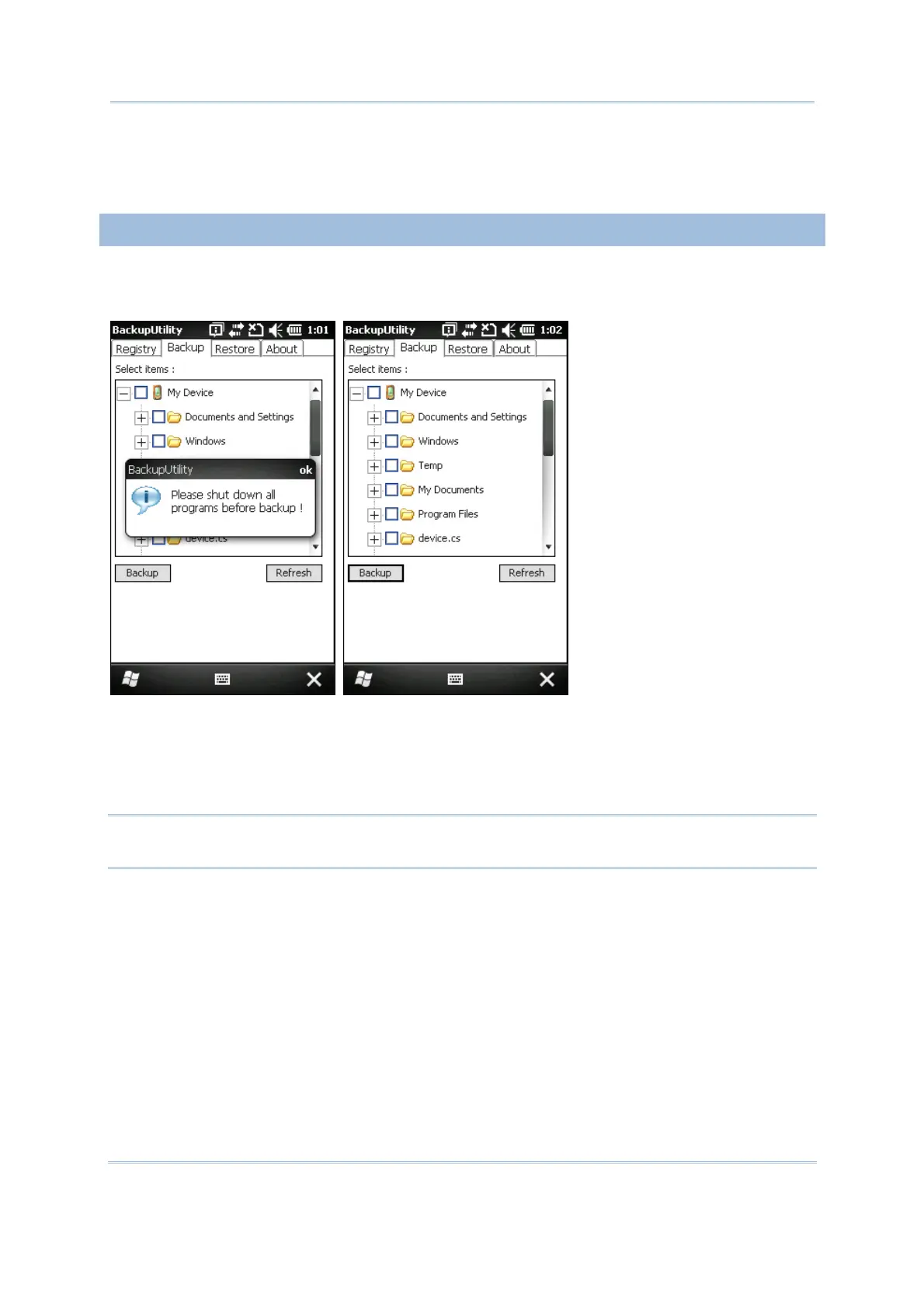
9.1.2 PREPARING FOR BACKUP
Tap the Backup tab and it will automatically start scanning the file system. Within a few
minutes, it will generate a list for the backup operation.
If the items "Machine Registry" and "User Registry" are not listed, it means no
RegMachine.reg and RegUser.reg are found in "\My Device\Windows\". Take necessary
steps before you tap [Refresh] to refresh the list of available items.
Go to the Registry tab and tap [Back up].
Warning: You may not be able to backup all data when programs are still running! It
is suggested that you disable all the applications before backup.



 To Next Page