61
Chapter 3
Configurin
CP30 Mobile Computer
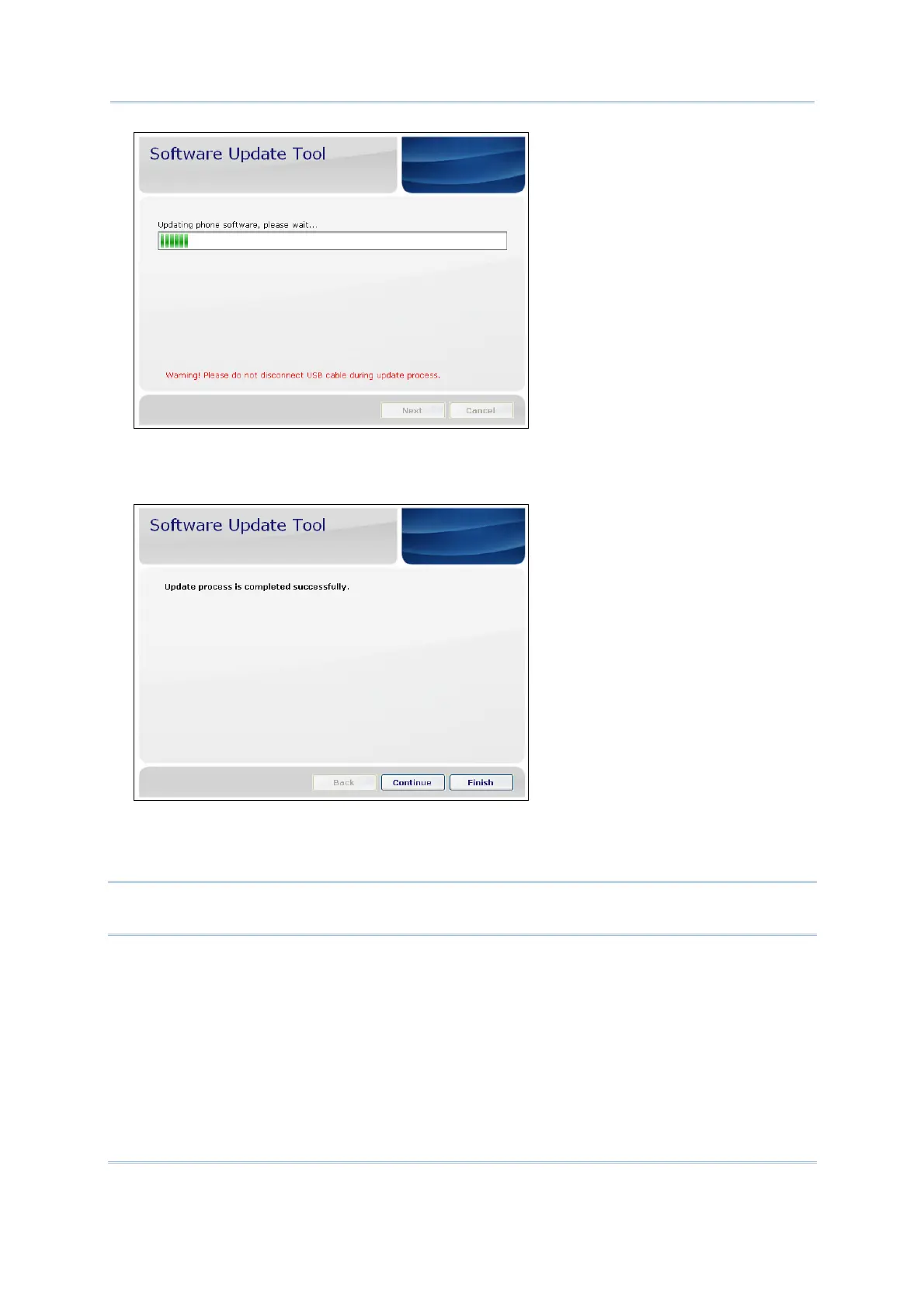
5) After updating, in the Software Update Tool will show “Update process is completed
successfully”. Click “Finish” or you want to update another phone, please click
“Continue”.
On the other hand, your phone will also restart after finishing OS update. Normally,
your phone will ask you to set some basic settings just like align screen, date and
time, password and so on.
Warning: Once you update the newest OS version, you can not upload the old
version to cover the existed new OS version.



 To Next Page