122
CP30 Mobile Computer
Reference Manual
Slide Show tab
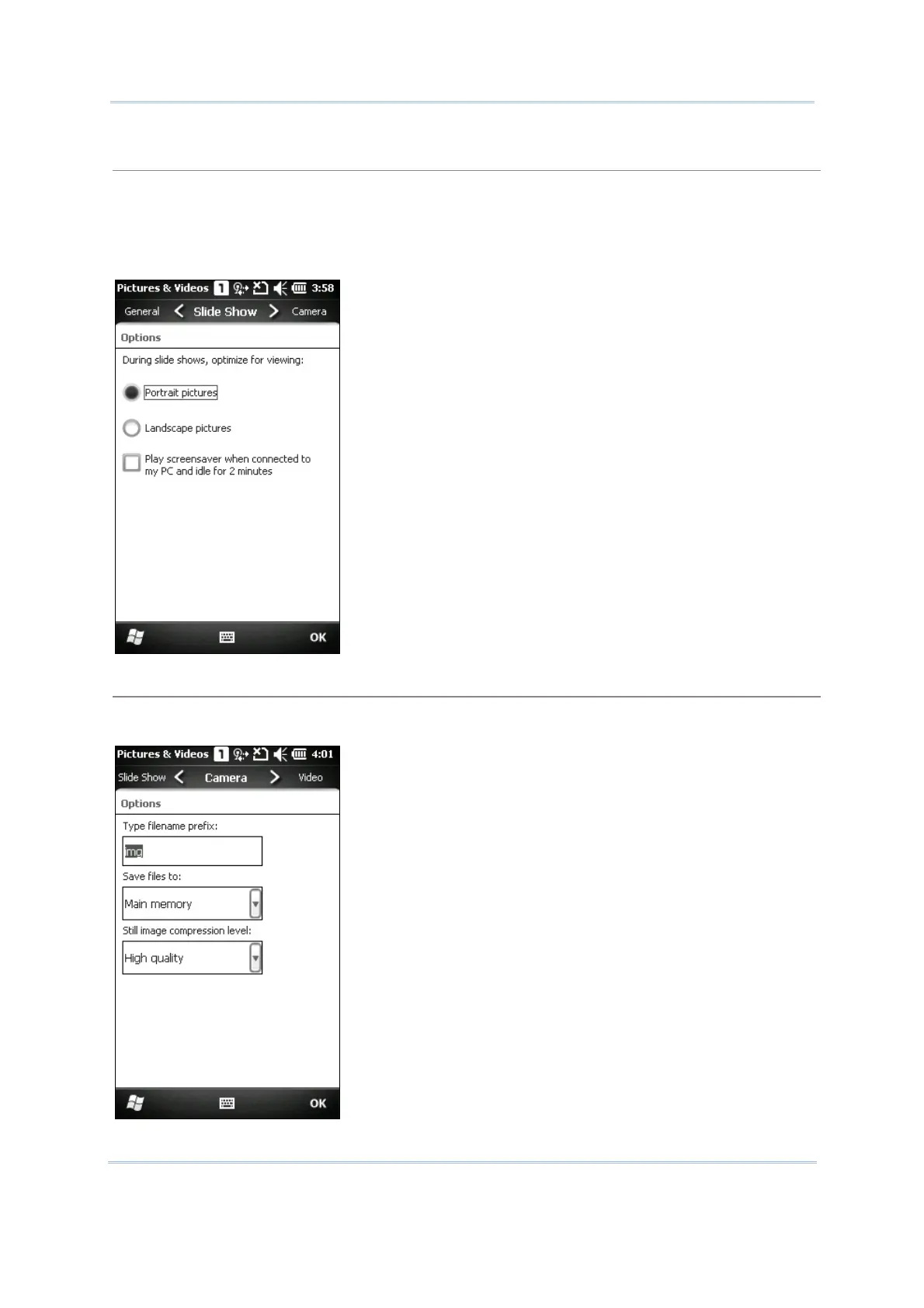
By default, slide shows are played in a Portrait view. You may change to use landscape view
instead to make pictures properly fit the screen.
If you select “Play screensaver when connected to my PC and idle for 2minutes”, pictures stored in
the default image folder “\My Device\My Documents\My Pictures” can be used in a slideshow
screensaver on the mobile computer.
Camera tab
All captured still images are prefixed “img” saving to main memory at high compression level by
default. You may change the prefix, save files to your memory card, or adjust the compression.



 To Next Page