94
CP30 Mobile Computer
Reference Manual
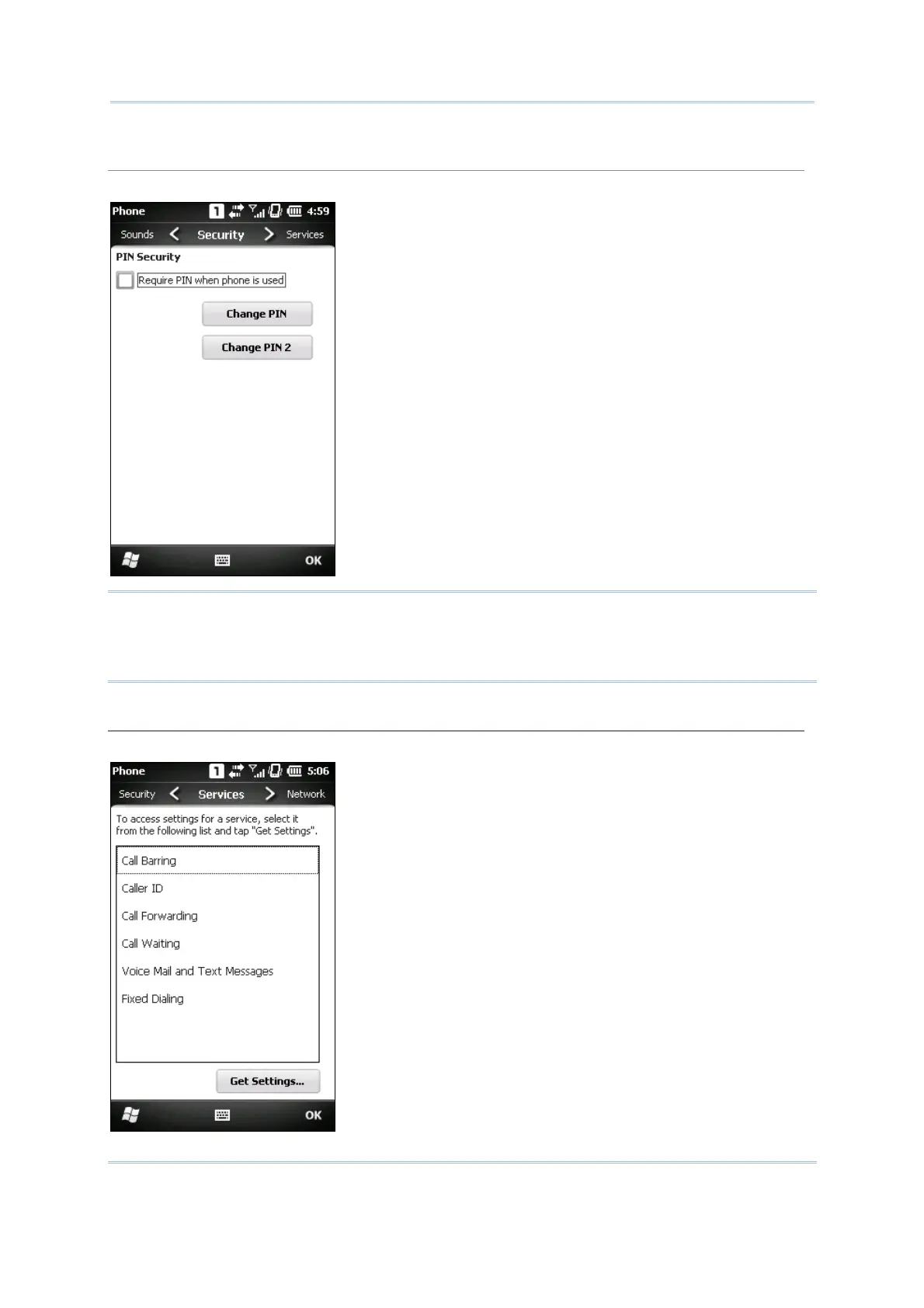
Security tab
Tap the Security tab to change SIM card security and PIN code setting.
Note: The PIN verification on the mobile computer allows three chances to input the
correct PIN code. If input fails three times, the PIN will be blocked, and you will
need to obtain the PUK code from your network operator and unblock the SIM card
on your cellular phone/mobile computer.
Services tab
Tap the Services tab to get the phone service settings from your network operator.



 To Next Page