33
Chapter 2
Learnin
Windows Mobile Basics
Icon Description
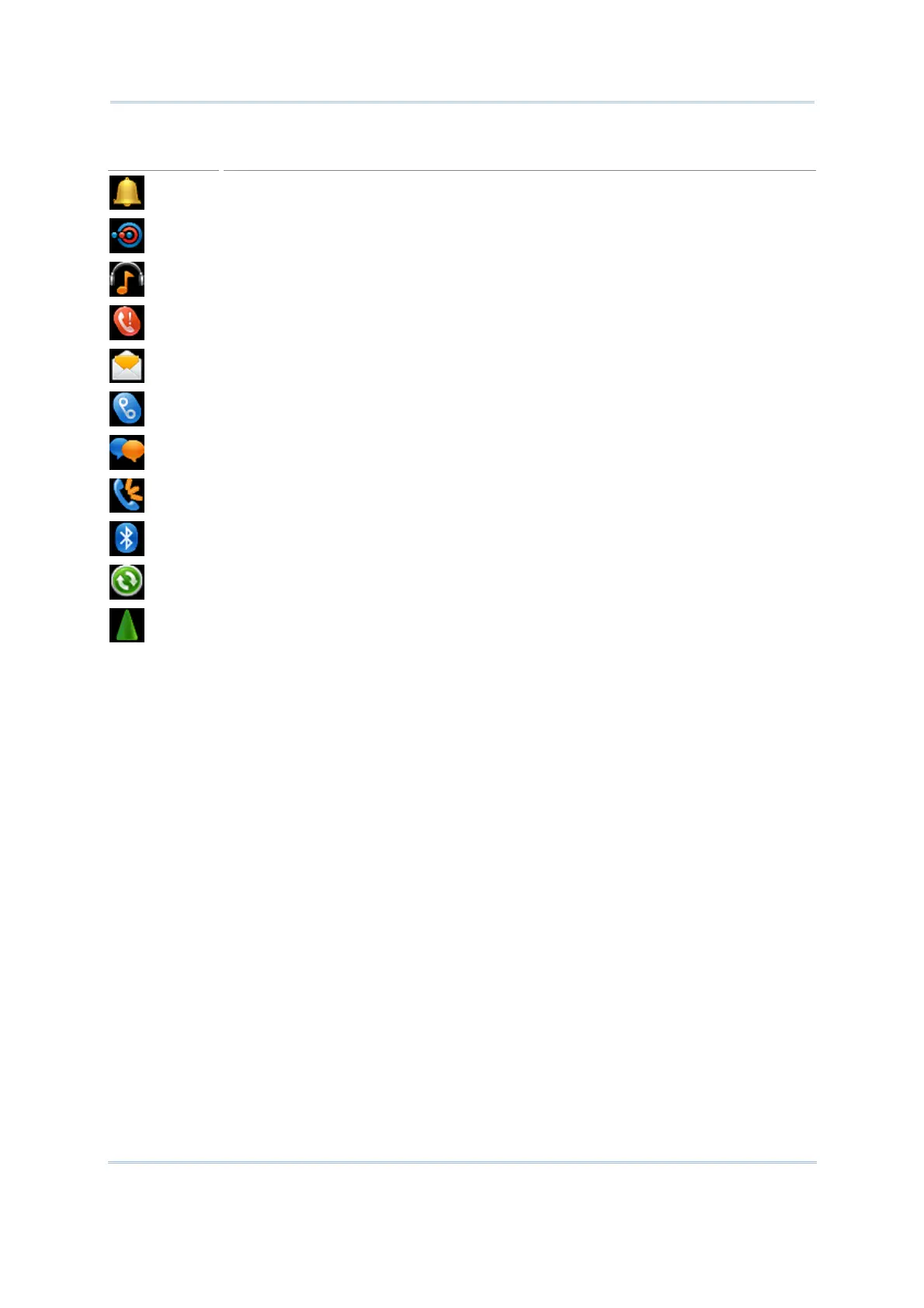
Tap it to view the reminder for an alarm or appointment.
Tap it to receive incoming Bluetooth beams.
Bluetooth A2DP profile is in use. Tap it to access the Bluetooth devices list.
Tap it to overlook a missed call.
Tap it to check a new e-mail.
Tap it to check a new voicemail.
Tap it to send an SMS text message.
Speakerphone is on.
Tap it to access the Bluetooth configuration.
Tap it to configure ActiveSync connection settings.
Roaming is on.



 To Next Page