EasyManua.ls Logo

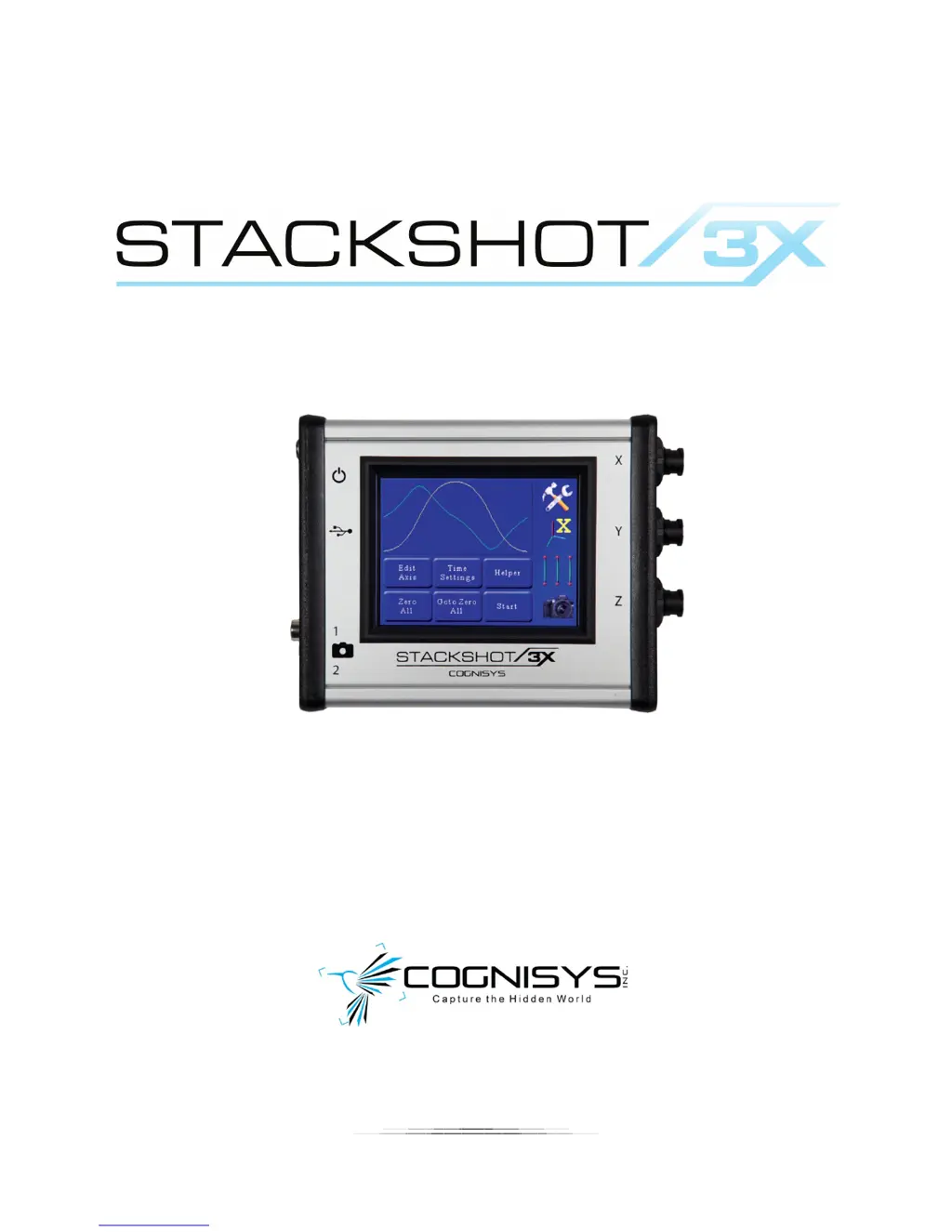
Cognisys STACKSHOT 3X - User Manual

Cognisys STACKSHOT 3X
134 pages
Print Icon
To Next Page IconTo Next Page
Loading...
1
Owner’s Manual
Revision 1.0
Copyright 2014 Cognisys, Inc.

Table of Contents

Questions and Answers

  • M
    Mike ChapmanAug 16, 2025
    How to fix a Cognisys STACKSHOT 3X with power LED not lit?
    • T
      Timothy PriceAug 16, 2025
      If the power LED on your Cognisys Camera Accessories is not lit, there could be several reasons. First, ensure the power cord is fully and properly inserted into the power jack. Second, verify that the power adapter is plugged into a working wall outlet. Third, confirm that you are using the correct AC/DC adapter (12VDC minimum 2amp (2000 mAh)) that came with your StackShot 3X module. Lastly, the StackShot 3X has a small power button next to the power jack. Press and release it to turn the device on.
  • J
    Jamie JacksonAug 19, 2025
    What to do if the motor does not spin on Cognisys STACKSHOT 3X Camera Accessories?
    • E
      Eric GoodmanAug 19, 2025
      If the motor of your Cognisys Camera Accessories isn't spinning, start by checking if the motor cable is properly plugged in. Ensure that the connectors are fully seated in both the controller and the motorized device, as they can be quite stiff with new products. If the cable is connected, the motor torque setting might be too low. Try increasing the motor torque setting.
  • J
    jason21Aug 21, 2025
    Why is my Cognisys STACKSHOT 3X Camera Accessories camera or flash not triggering?
    • W
      Wendy MahoneyAug 22, 2025
      If your Cognisys Camera Accessories' camera or flash isn't triggering, first ensure that all equipment is in ready mode and not in sleep mode. If the issue persists, check the shutter output settings and ensure they are correctly configured. Also, verify that the camera is connected to the correct shutter output.
  • B
    Bill CampbellAug 25, 2025
    How to troubleshoot motor clunking/grinding noise in Cognisys STACKSHOT 3X?
    • D
      dannyrodriguezAug 26, 2025
      If the motor on your Cognisys Camera Accessories is making a clunking or grinding noise, it might be due to the motor cable not being fully seated into the controller; ensure it is properly connected. Additionally, the torque setting might be too low for the load; try increasing the motor torque setting.
  • L
    Larry Watkins DVMAug 27, 2025
    Why does my Cognisys STACKSHOT 3X Camera Accessories camera take multiple pictures per step?
    • S
      samantha22Aug 27, 2025
      If your Cognisys Camera Accessories camera is taking multiple pictures per step, it could be due to the '# pics' setting being set to greater than one. Alternatively, your camera might be in continuous shooting mode. StackShot 3X defaults to a 500ms shutter press, so ensure the camera is in single-shot mode.
  • J
    Janet RhodesAug 30, 2025
    How do I restore factory settings on my Cognisys STACKSHOT 3X?
    • J
      Jason PattersonAug 30, 2025
      To restore the factory settings on your Cognisys Camera Accessories, with the StackShot 3X powered off, press and hold the power button until the red power light goes out, then release the power button.
  • K
    Kimberly HillSep 2, 2025
    Why is the red LED flashing and then Cognisys Remote Control turning off?
    • D
      Dustin ValdezSep 2, 2025
      If the red LED on your Cognisys Remote Control is flashing and then the remote turns off, it likely means the batteries are discharged. Replace them with fresh batteries to resolve the issue.
  • D
    Deborah GrahamSep 4, 2025
    How to fix a Cognisys Remote Control with a blue Wifi LED that is not lit?
    • J
      Jeremy BakerSep 4, 2025
      If the blue WiFi LED on your Cognisys Remote Control isn't lit, it could be due to several reasons: * The remote might not be turned on. Press the center “B” power button to turn it on. * Batteries might not be installed. Place two AA batteries into the remote. * The batteries might be inserted with the wrong polarity. Check that the batteries are in the correct orientation.
  • B
    bdavisSep 7, 2025
    What to do if Cognisys Remote Control won’t connect (blue LED flashing quickly)?
    • D
      Diamond AndersonSep 7, 2025
      If your Cognisys Remote Control won’t connect and the blue LED is flashing quickly, it could be because: * The remote is not paired to your StackShot 3X. You should follow the pairing procedure in section “3 - Pairing Process”. * The StackShot 3X is not in “Access Point” mode. See section “3 - Pairing Process” for details on how to enable “Access Point” mode on your StackShot 3X.
  • C
    Caleb RiversSep 10, 2025
    Why are the motors moving but the joystick isn’t being used on Cognisys Remote Control?
    • S
      Steven HarperSep 10, 2025
      If the motors are moving but the joystick isn’t being used on your Cognisys Remote Control, it could be due to: 1. The joystick wasn’t centered at power-up. When you first turn on the Remote, it will perform a calibration for the center position. Be sure to not be tilting the joystick when turning on the remote. 2. The dead-zone setting is too small. Increase the dead-zone setting (default is 15%).

Cognisys STACKSHOT 3X Specifications

General IconGeneral
BrandCognisys
ModelSTACKSHOT 3X
CategoryCamera Accessories
LanguageEnglish