70
plot window is zero, which makes sense for this plot. The motor is going to start at speed zero.
You can see that the speed curve is highest in the middle – meaning that the speed is fastest in
the middle. Since we chose “Smooth start and finish”, this speed profile is expected. It starts
off slow, gets faster in the middle, and then slows down at the end.
If you see the velocity curve turn red at any point there is a problem with the move profile you
have programmed. The “Start” button will also turn red. The reason the curve and start button
turn red is to indicate that the velocity at that point exceeds the maximum allowed velocity.
The rotary table or slider just can’t move that fast in the time-frame you provided (like trying to
move a full meter in two seconds).
What happens if you press the start button when it is red? The controller will move along until
it hits the red portion and then the velocity will remain at the maximum for the duration it is in
the red section. Since it can’t hit the target speed it will end up not moving as far as you
wanted. That isn’t always a problem but there is one condition where this can cause serious
issues and camera equipment damage. Let’s say you have the camera tilt up too fast, and then
slowly tilt down. In this case the controller won’t be able to tilt the camera up to your target
position because it has reached maximum velocity. It can, however, tilt it back down slowly.
The net result is that it won’t go as high as you wanted but can go lower. This could potentially
cause camera equipment damage.
CAUTION: If you see the red velocity curve and/or the red “Start” button you should verify that
camera equipment damage won’t occur.
7.6 Time Settings
The units of time in “Video: Continuous” and “Video: Timelapse” is in seconds. For “Timelapse:
Shoot-move-shoot” seconds don’t really apply. Frames, however, do! So “Time” is in seconds
for all modes except for “Shoot-move-shoot”, which is in frames. The time settings screen
changes slightly if you’re in “Video: Continuous” mode or “Shoot-move-Shoot”. They are,
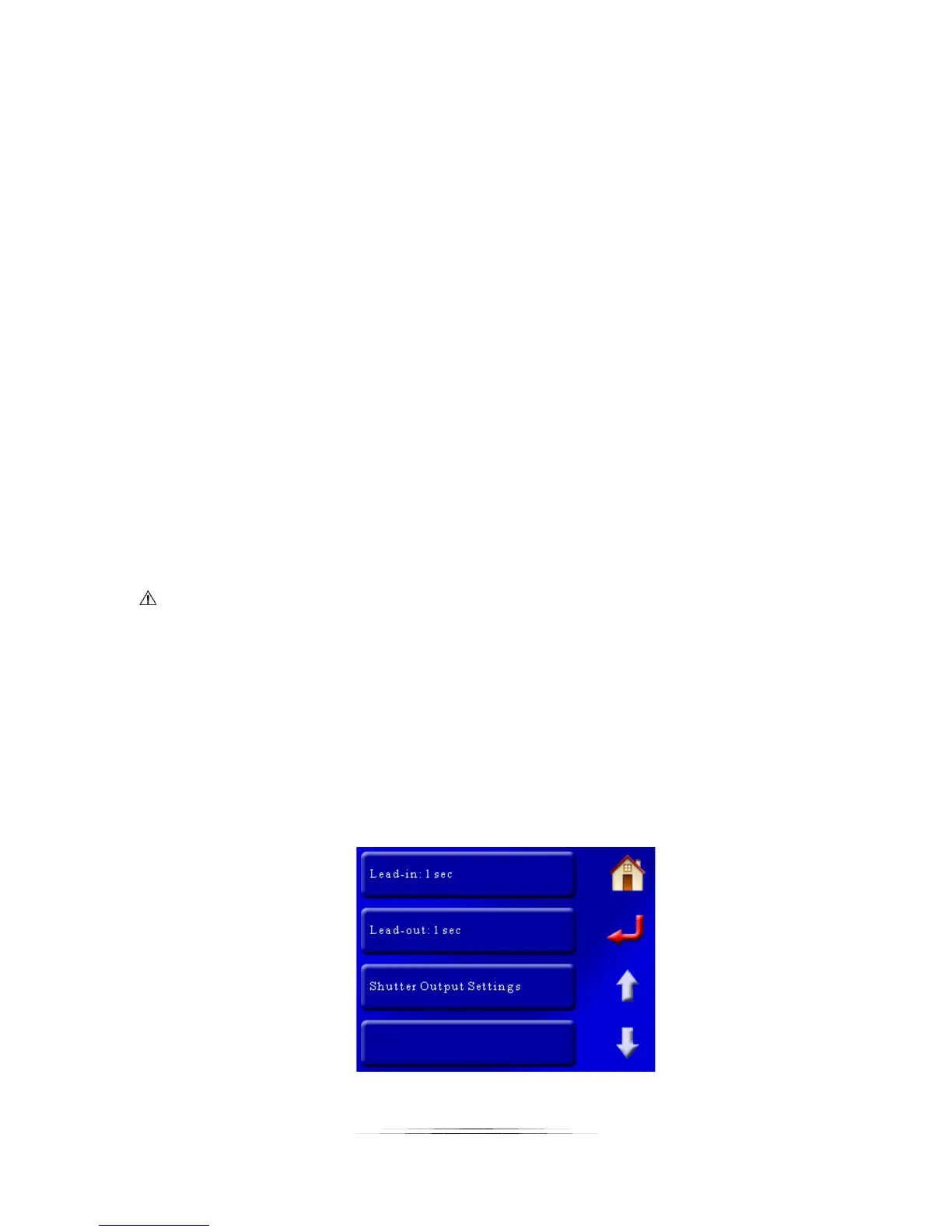
however, similar. Here is the “Video: Continuous” screen:



 To Next Page