29
5.1.3 Mode: Total Travel Distance
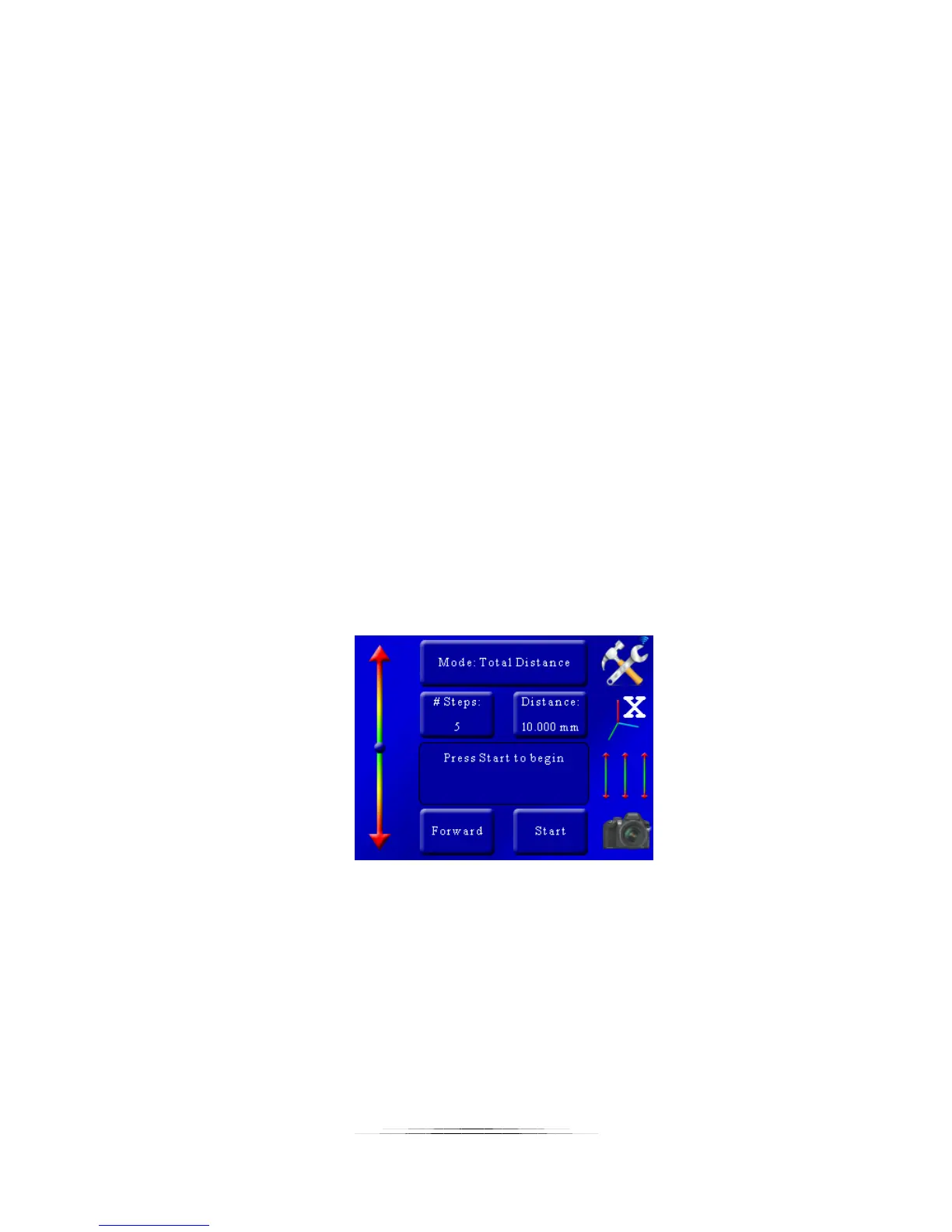
In this operating mode (“Total Distance”) you can select the total distance the rail will travel
and the number of steps to use in that given distance.
5.1.3.1 Number of Steps
The “# Steps” option functions identically to the “Automatic Step” mode. It is the number of
steps (movements of the rail) by the specified distance below. To change the number of steps
press the “# Steps” button and enter the desired value.
5.1.3.2 Total Distance
Total distance (“Distance”) specifies the complete distance to move the rail. StackShot 3X will
automatically calculate the distance of each step required to result in the total distance desired.
5.1.3.3 Direction Desired
The direction defaults to “Forward”. To change the direction the rail will travel simply touch this
button to toggle between “Forward” and “Backward”.
5.1.3.4 Starting the Sequence
Exactly like “Auto-Step” mode, you press the “Start” button to begin the sequence.
When the stack completes you’ll be given the option to change the start and end positions or
run the stack again.
If you touch the screen any time during the stack it will stop the motor, abort the sequence, and
the display will show “Aborted” and give you the option to start the sequence again.
See Figure 5 below. The 2mm step size is determined by StackShot 3X. Just like “Automatic
Step” mode, the number of pictures taken is always “# Steps” + 1.



 To Next Page