35
5.1.8.3 Starting the Sequence
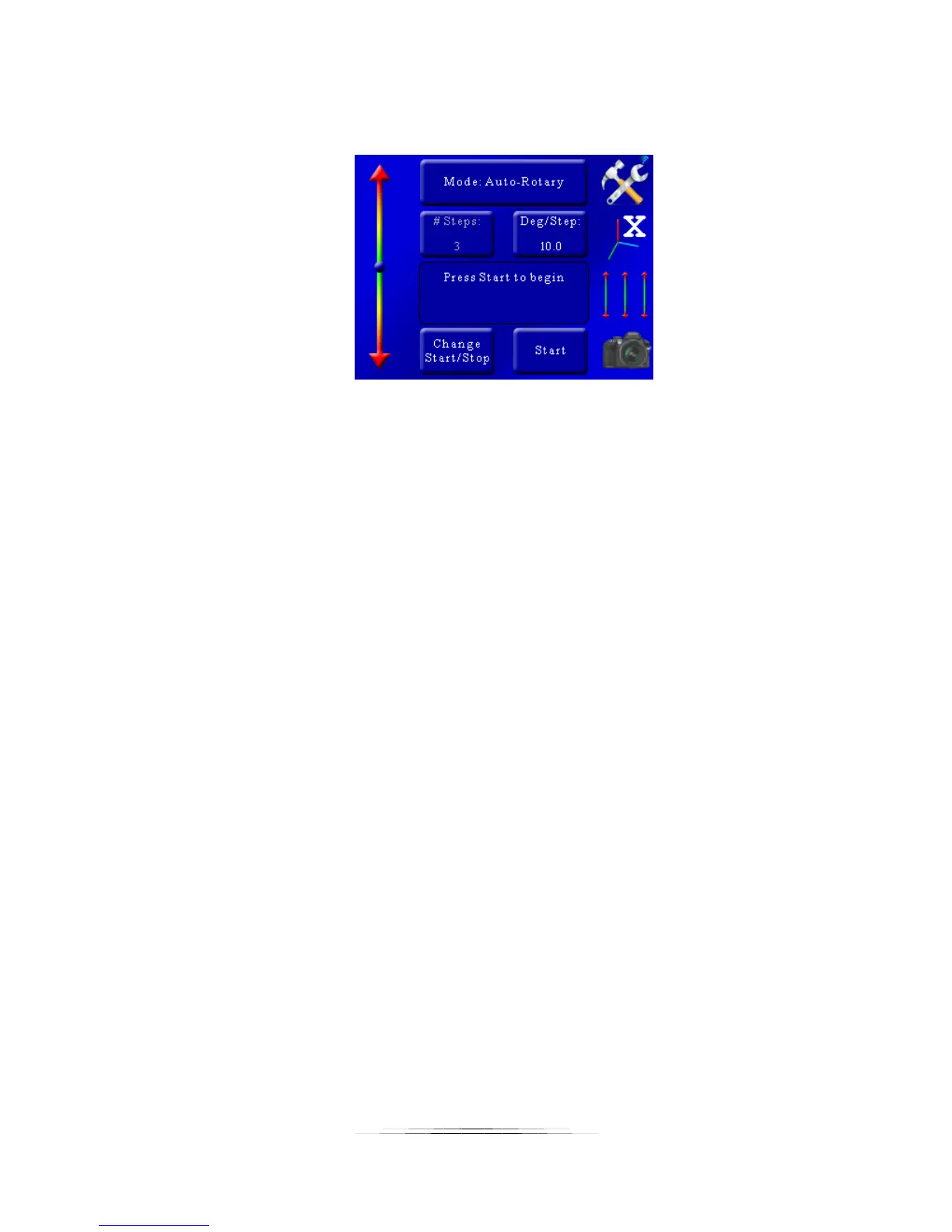
Once the final position has been selected, the status will change to “Press Start to begin”:
Exactly like “Auto-Step” mode, you press the “Start” button to begin the sequence.
When the stack completes you’ll be given the option to change the start and end points or run
the stack again.
If you touch the screen any time during the stack it will stop the motor, abort the sequence, and
the display will show “Aborted” and give you the option to start the sequence again.
5.1.9 Mode: Rotary
“Rotary” mode is intended for use with rotary tables. In this mode you specify the number of
steps and the distance to move per step
5.1.9.1 Number of Steps
The “# Steps” option functions identically to the “Automatic Step” mode. It is the number of
steps (movements of the rotary table or motor) by the specified distance below. To change the
number of steps press the “# Steps” button and enter the desired value.
5.1.9.2 Degrees per Step
“Deg/Step” is the rotational distance the rotary table will move for every step. To adjust this
angle press the “Deg/Step” button and enter the desired angle you would like the rotary table to
move per step.
5.1.9.3 Direction
The direction defaults to “CCW” (Counter-clockwise). To change the direction the rotary table
will travel press this button to toggle between “CCW” and “CW”.



 To Next Page