26
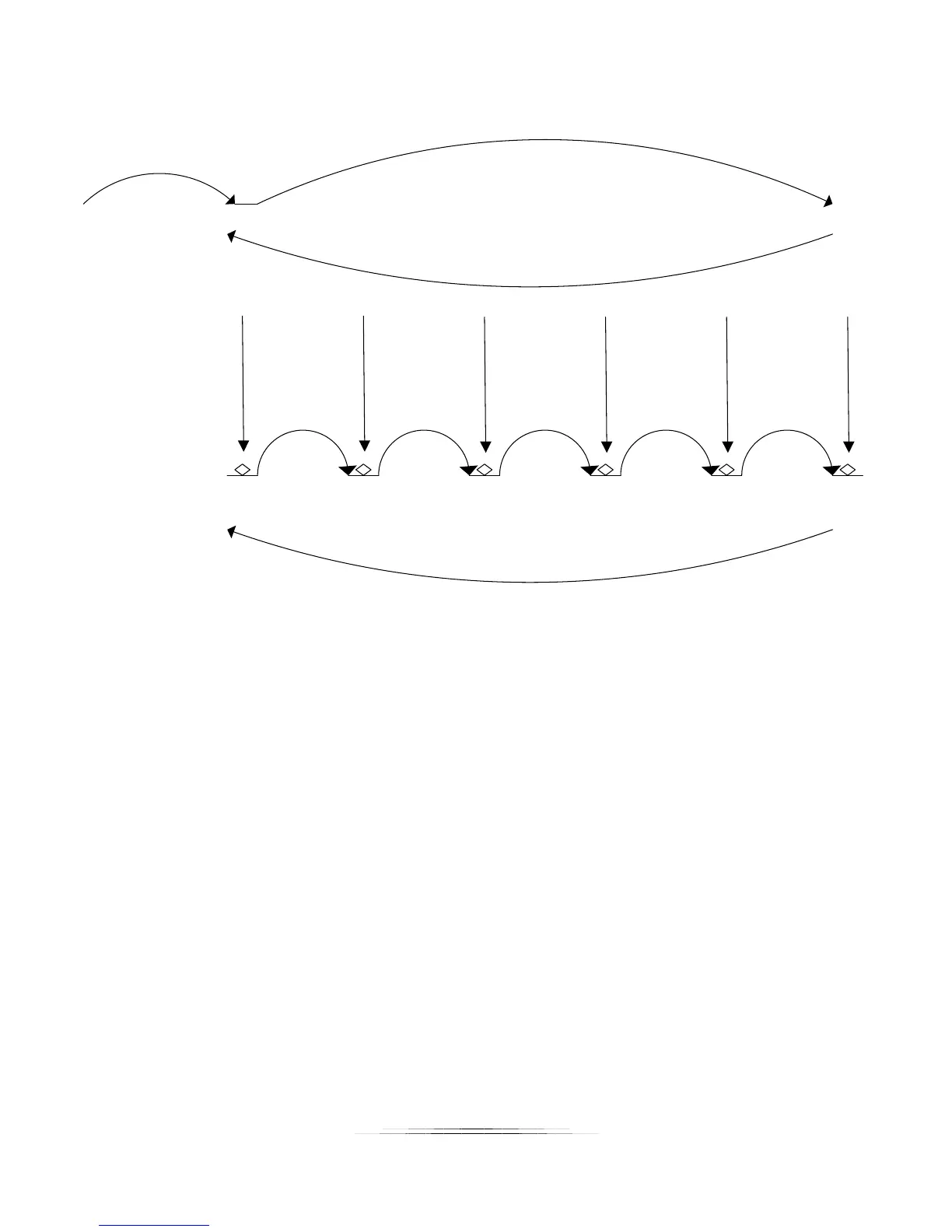
Step 1 Step 2 Step 3 Step 4 Step 5
Pic 1 Pic 2 Pic 3 Pic 4 Pic 5 Pic 6
Step 1:
Manually move to
start position
Step 2:
Manually move to
end position
Step 3:
Automatically
returns to start
position
Step 4:
Automatically
takes pictures
Step 5:
Automatically
returns to start
position if “Auto
Return” is enabled.
Figure 3 - Automatic Step Mode
Note: If you adjust the rail position using the slider after the stack has completed, the rail will
move in the direction desired. If you then choose “Run Again”, it will use the current position
of the rail as the start rather than the original position. This allows adjustments to the starting
point without having to go through and choose a new start and end point for the stack.



 To Next Page