23
If you have the StackShot macro rail connected to another axis, you can touch this icon to
change through all the different axes.
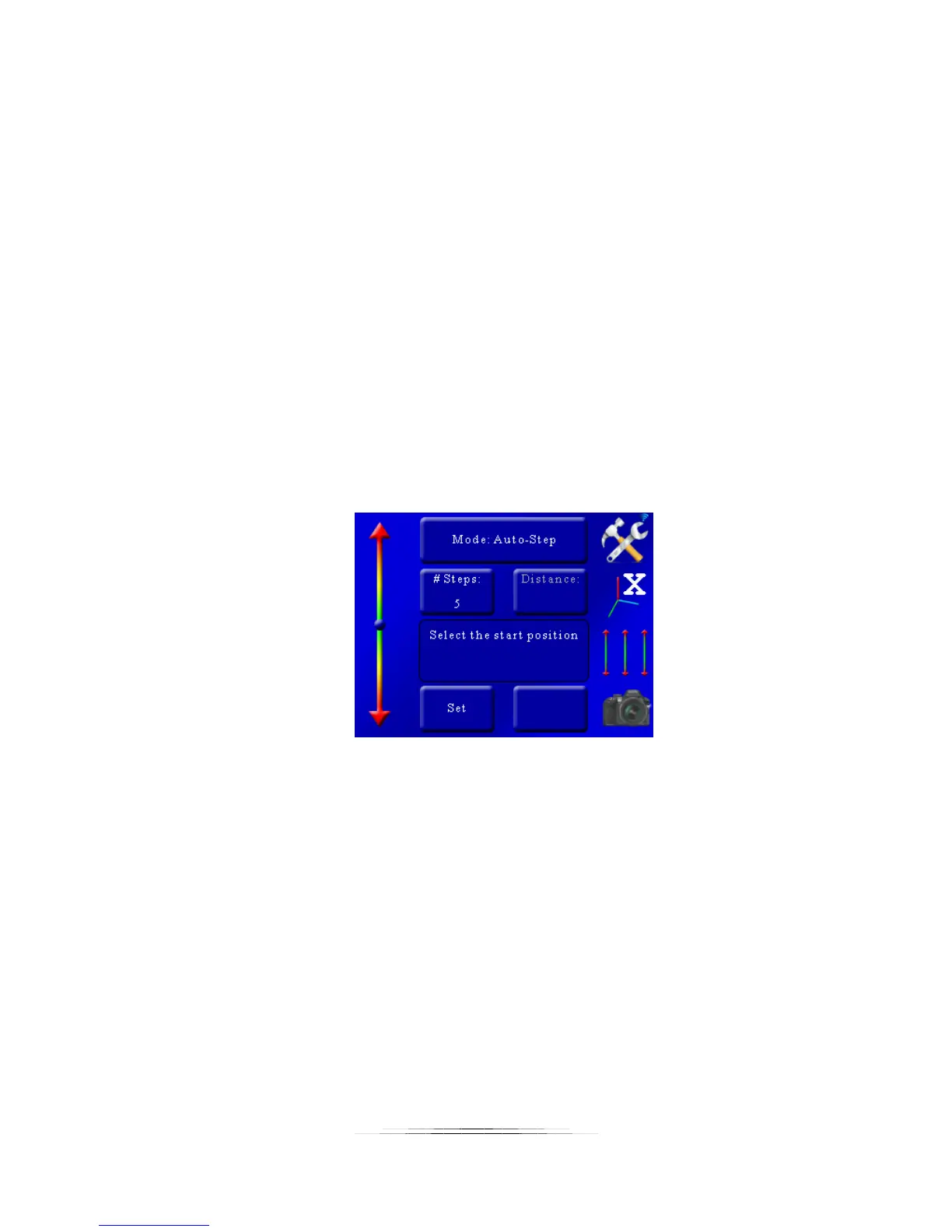
You’ll see that the top button shows what type of stacking you will be using on this axis. Here
we will discuss the different stacking modes available:
5.1.1 Mode: Automatic Step
Automatic Step mode (“Auto-Step”) simplifies the picture taking process. It allows the user to
determine the beginning and end position by using the position slider on the left, and also the
number of steps desired. There is no need to enter any distance – just choose the appropriate
start and end position that you desire.
5.1.1.1 Number of Steps
“# Steps” is the number of steps between the beginning and end position. The default number
of steps is 10. To adjust the number of steps simply touch the “# Steps” button and enter the
number of steps desired. StackShot 3X always takes a picture prior to moving the motor so the
total number of pictures taken will always be: “# Steps” + 1. See below:
As you can see in Figure 2 below, there are five steps (movements) of the rail. The first picture
starts prior to moving it, and the final picture occurs after the last step. Five steps -- six pictures.



 To Next Page