89
8.3.2 Load Settings
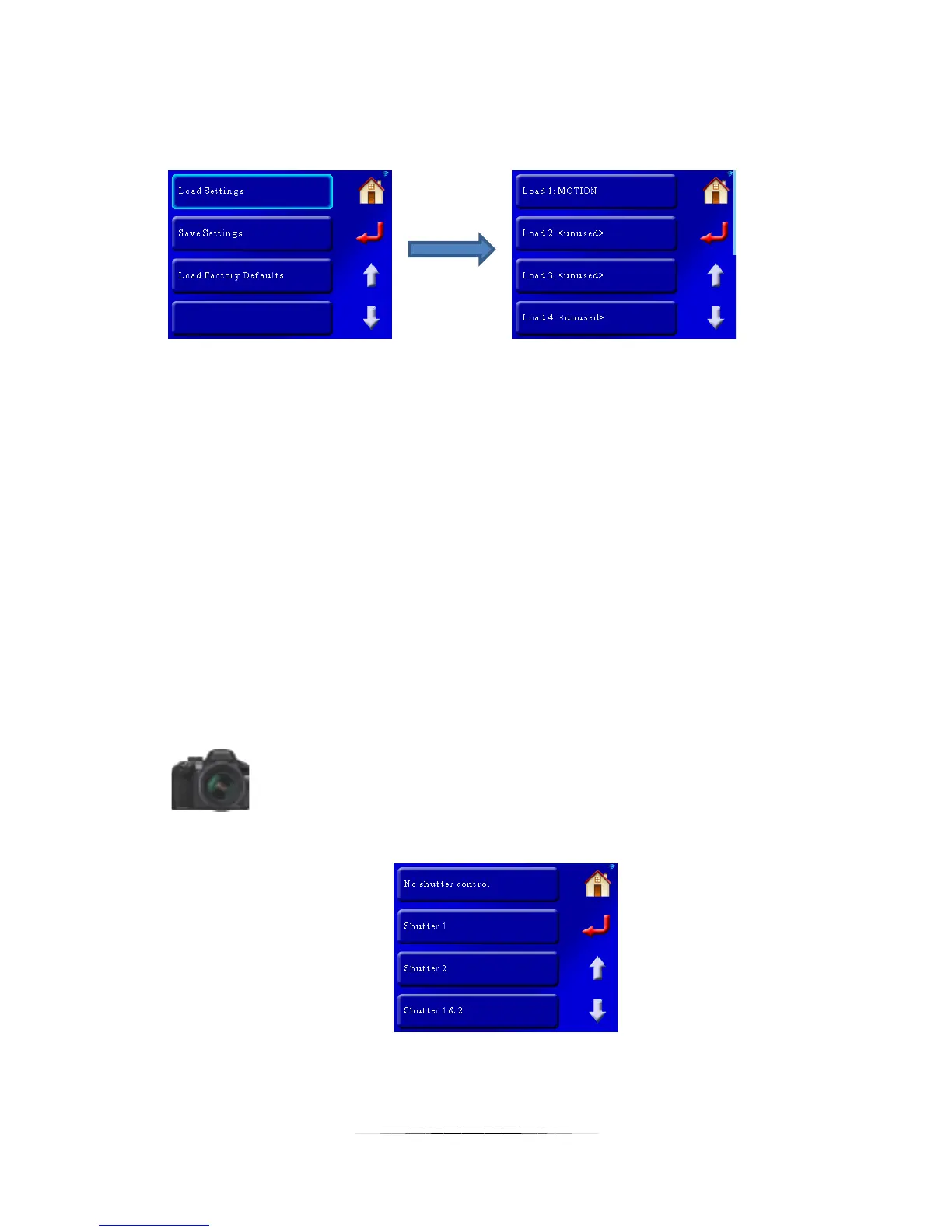
This will load previously saved settings. In this example we’ll show the above saved off
“MOTION” setting:
To load the “MOTION” setting, press the “Load 1: MOTION” button. To exit the load screen
press the return or home button.
8.3.3 Load Factory Defaults
Pressing this button will load the factory defaults for the controller. It will not erase your
previously saved settings – only your current settings.
Note: You can also load the factory defaults another way without using the touch screen. If the
controller is off, press and hold the power button until the red LED goes out. Release the power
button as soon as the red LED goes out. The defaults are now loaded.
8.4 Shutter Button
This setting lets you choose which shutter outputs will activate when you press the shutter
button:
As you can see you have four options:
The default is shutter outputs 1 & 2.



 To Next Page