38
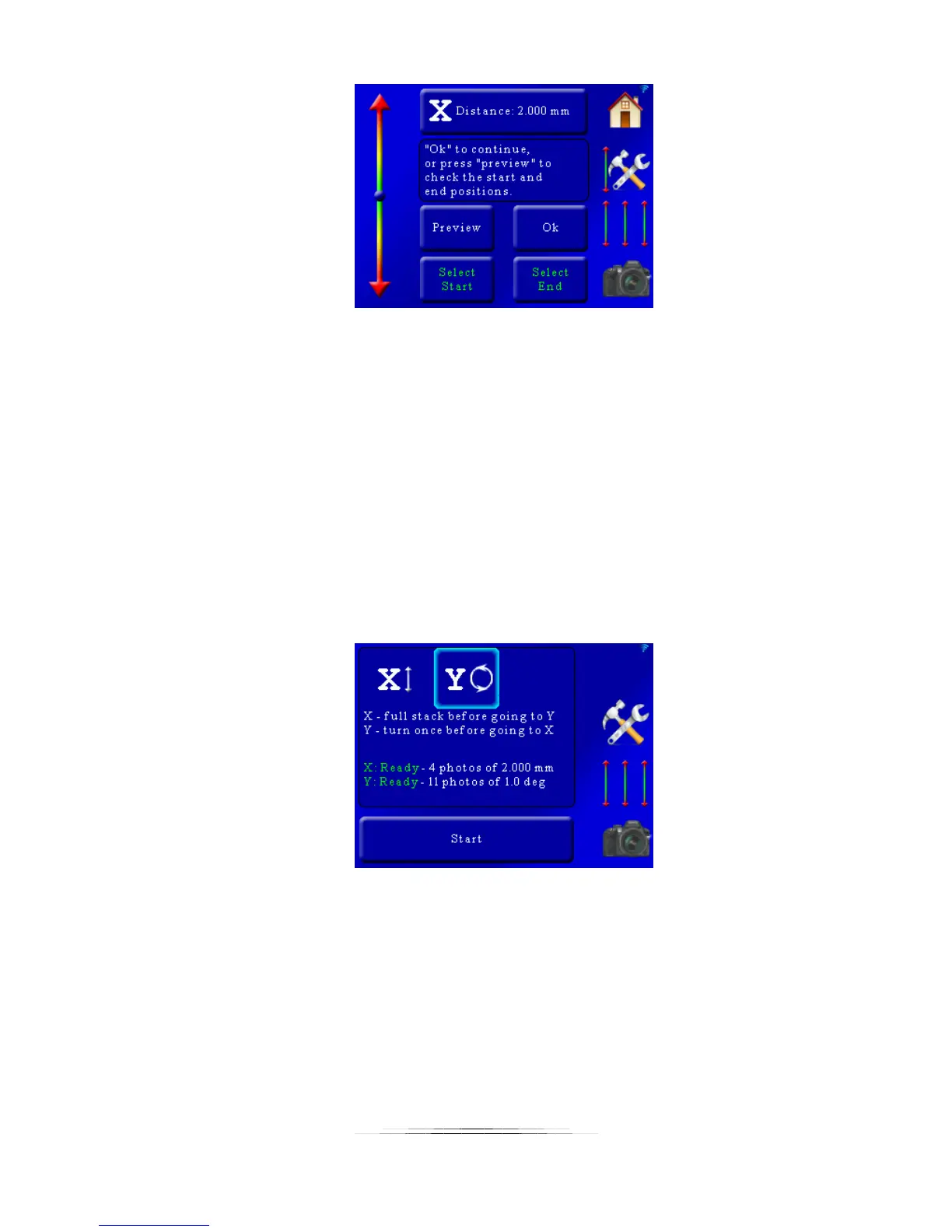
From here you can press “Ok” to return to the main screen. You can also optionally press the
“Preview” button. This will take a single picture at the beginning and the end of stack to verify
your composition. If everything looks good press the “Ok” button.
You can also return to this screen later if you ned to adjust the move distance or the the start
and end positions.
5.2.3 Adjusting/Setting the rotary position
Adjusting the rotary position and number of moves is similar to the linear rail. To make the
adjustment from the main screen press the “Y” at the top:
This will bring up the following screen:



 To Next Page