37
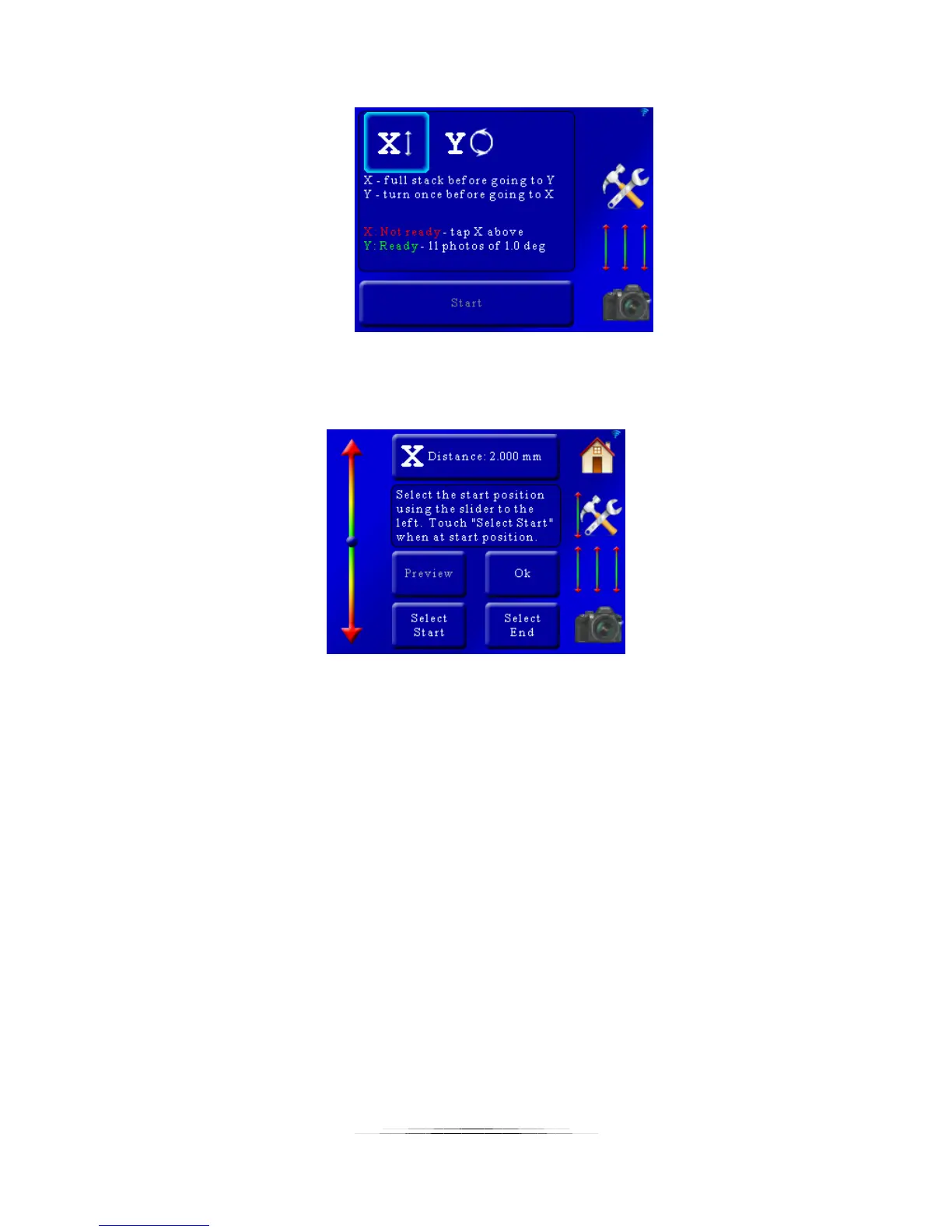
That will bring up the selection for the X-axis:
These settings are similar to the “Auto-Distance” mode in section 5.1.2. At the top of the screen
you will see “X Distance: 2.000mm”. This is distance the rail will move for your focusing steps.
To adjust this value simply press this button and enter the step size required.
You are also prompted to choose the start and stop position. First let’s choose the starting
position of this stack. Use the slider on the left side of the screen to position the rail at the
starting position of the stack and then press the “Select Start” button. The “Select Start” button
text will turn green.
Next use the slider on the left of the screen to move the rail to the end position of the stack.
Once at the required position press the “Select End” button. It will then turn green indicating
that it is confirmed.



 To Next Page