102
9. Axis Settings
There are several settings that you can adjust on an axis-by-axis basis. For most applications you
won’t have to adjust these settings but there are some occasions where it would be nice to fine-
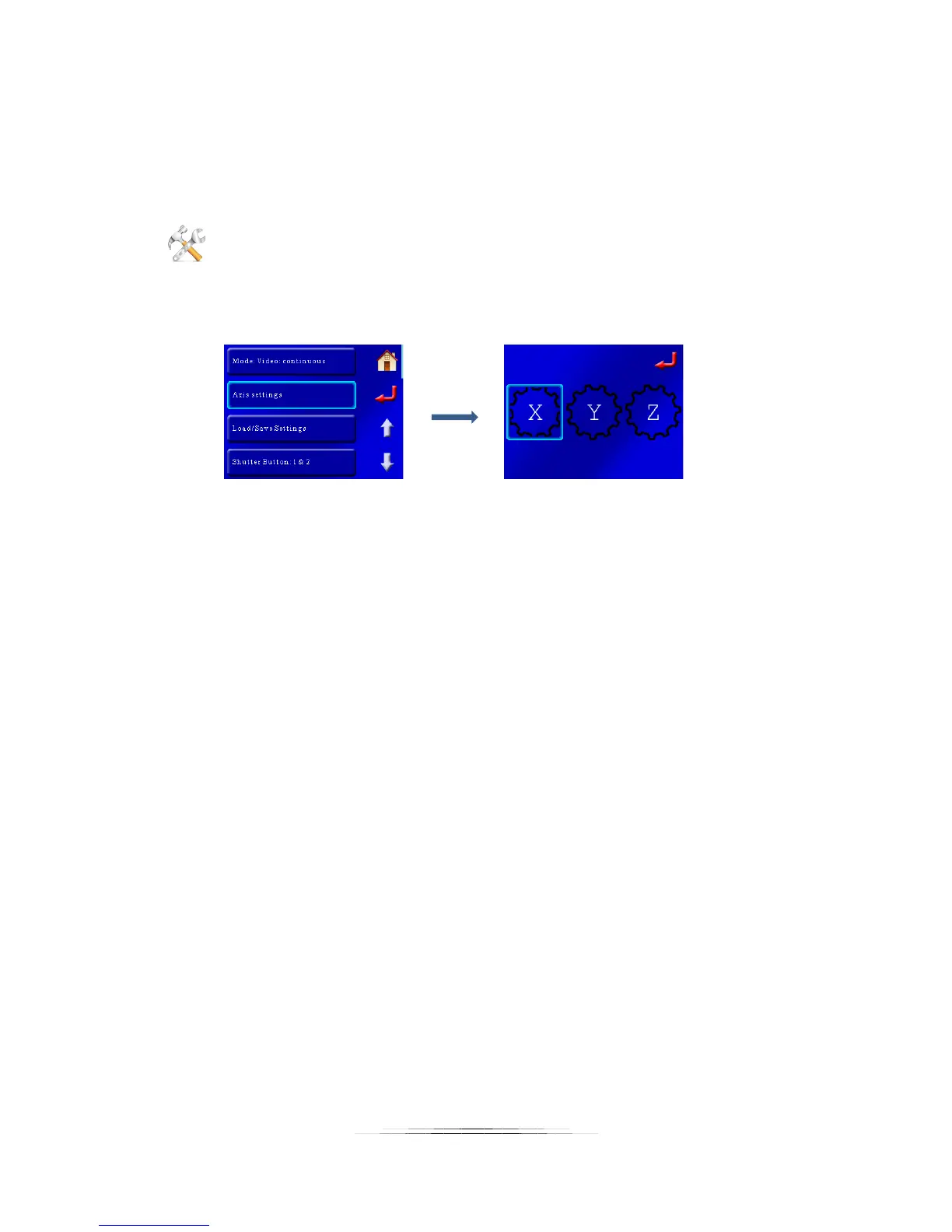
tune the behavior of a certain axis. It’s easy! To get to the axis settings, first press the
“Settings” button:
Then you’ll press the “Axis Settings” button, followed by the axis you want to adjust (in this case
we’ll adjust the settings for the X-axis):
That will bring up a list of settings that you can scroll through.
9.1 Axis Type
There are three axis-types available:
• Macro Rail
• Rotary
• Slider
Touching the “Axis Type” will cycle through the different options. Why is this important? Each
type of device can have its own group of settings. We don’t want you trying to adjust the speed
for the macro-rail and inadvertently be changing the speed for the rotary table. They each can
have their own independent settings saved off. That will save you time down the road by not
having to re-adjust everything when you change gear or connections.
You’ll notice some settings will be grayed out and you won’t be able to press them. If you see
that then your “Axis Type” is not set properly for the setting you are trying to adjust.
9.2 Settle Time
“Settle Time” is how long after the motor moves it will wait before continuing on to the next
task (like activating your camera). The default is two seconds. If you have a solid mounting
fixture you may be able to decrease this value. If, however, you’re using a $25 tripod to support
the gear you may need to increase this time. The settle time is used to make sure any system
vibration has stopped after the motor moves.



 To Next Page