100
8.10.5 AP Security
“AP Security” refers to what security method StackShot 3X should use when configured as an
“Access Point”. It defaults to using “WPA2” security and encryption. Older network cards may
not support the enhanced security of “WPA2”. If you press the “AP Security” button the
security will toggle between “WPA2” and “Open”. “Open” indicates that there is no security or
password/passphrase required to connect to StackShot 3X. The downside to “Open” is that
anyone can connect to your controller.
8.11 View Log
This is a temporary log file containing information that may help Cognisys track down a problem
you are having. Don’t panic if you see warnings and errors in here! Evil happens – the
important thing is that the evil is managed!
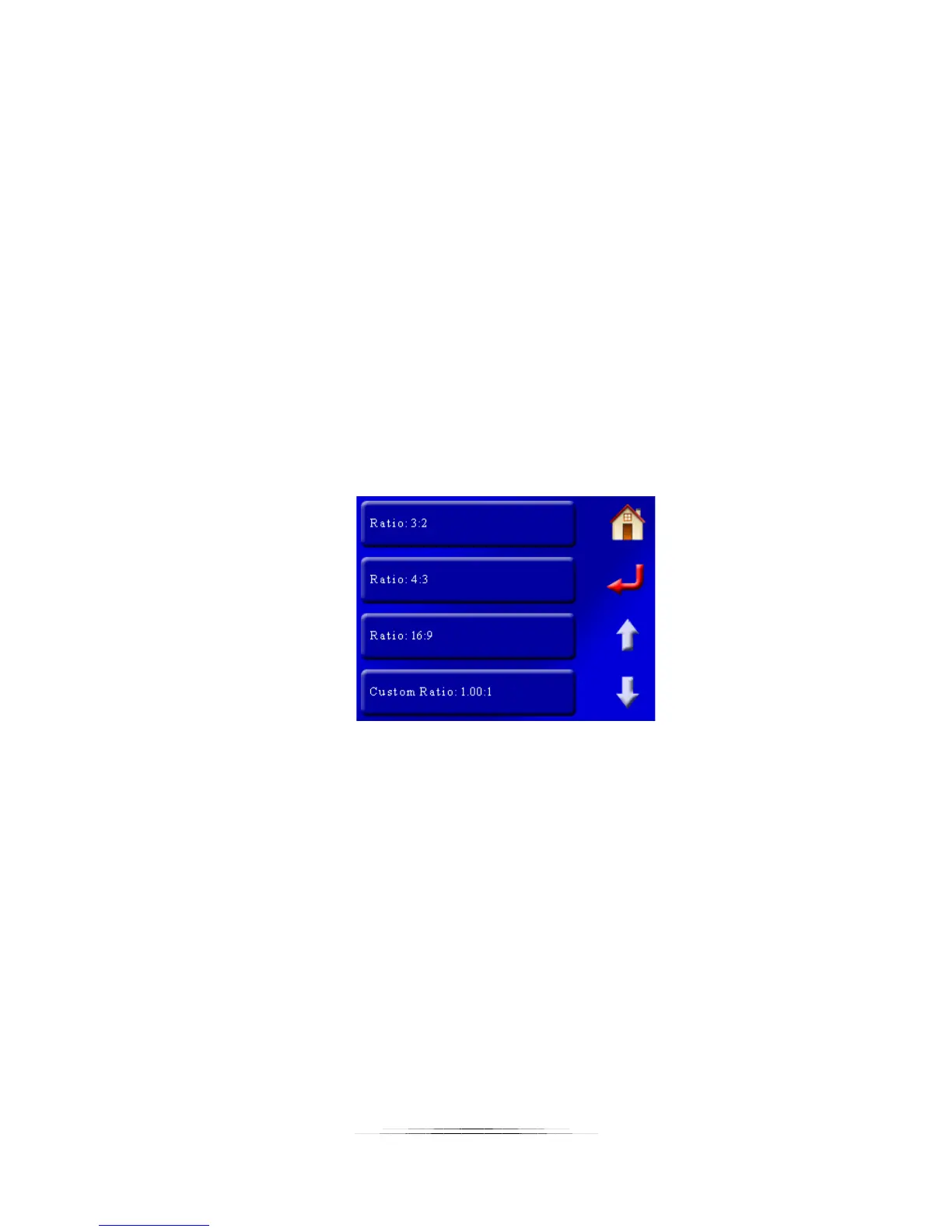
8.12 Aspect Ratio
This is the aspect ratio of your camera. The default is “Ratio: 3:2”:
Available ratios are 3:2, 4:3, and 16:9. You also have the option to enter a custom ratio.
The aspect ratio is only used for the Panoramic modes – See section “6.1.2 – Setting the aspect
ratio“ for details on how this setting is used.
8.13 Panoramic overlap
This is the amount of guaranteed overlap for Panoramic modes (See section “6.1.3 – Setting the
overlap“ for details on how this setting is used). It is expressed in a percent of your camera’s
field of view. Chances are that you will have more overlap than this value but this is the
guaranteed minimum. To adjust the value touch the “Panoramic Overlap” button and enter the
percent desired. Valid values are 0 – 80%.



 To Next Page