28
Exactly like “Auto-Step” mode, you press the “Start” button to begin the sequence.
When the stack completes you’ll be given the option to change the start and end points or run
the stack again.
If you touch the screen any time during the stack it will stop the motor, abort the sequence, and
the display will show “Aborted” and give you the option to start the sequence again.
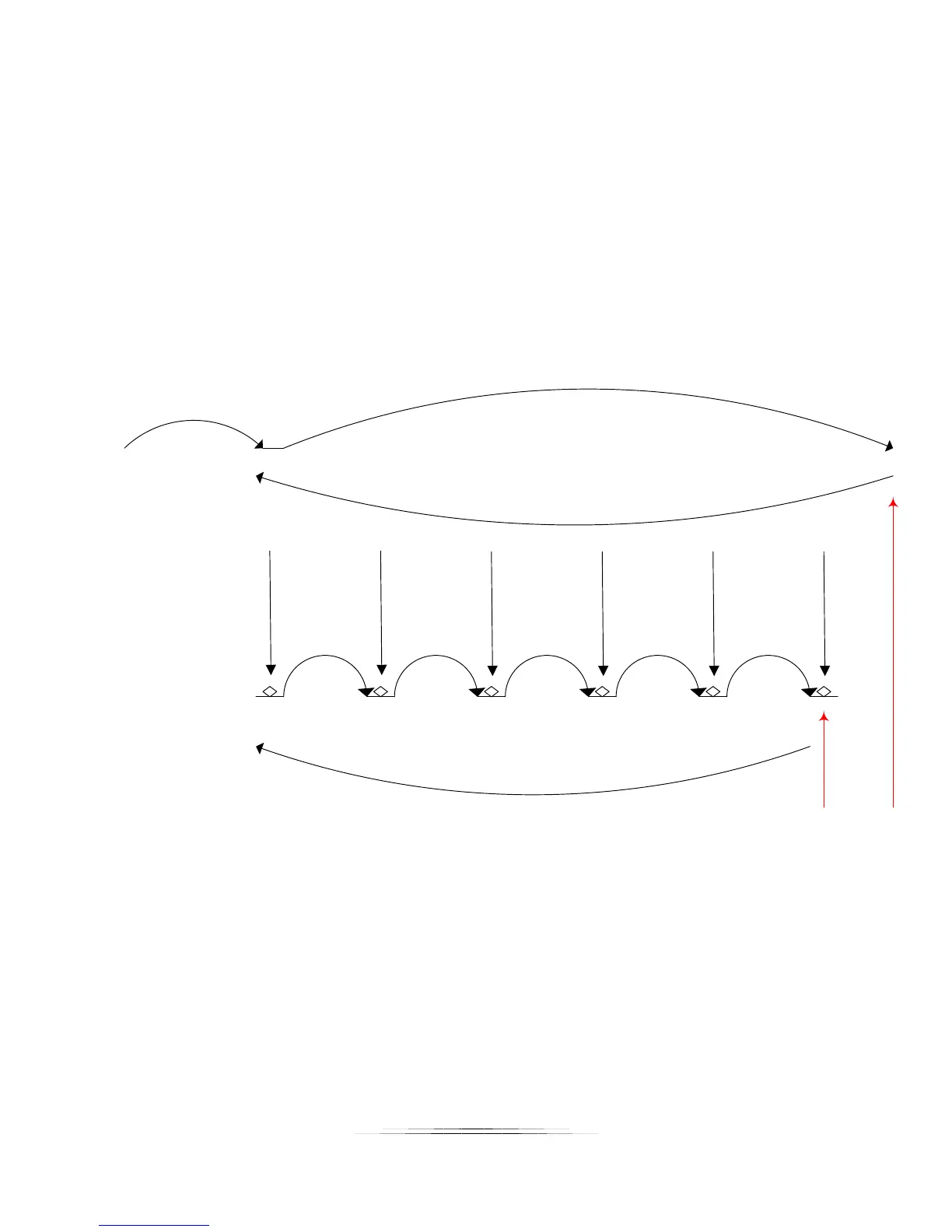
See Figure 4 below to demonstrate “Auto-Distance” mode.
Move
200 um
Pic 1 Pic 2 Pic 3 Pic 4 Pic 5 Pic 6
Step 1:
Manually move to
start position
Step 2:
Manually move to
end position
Step 3:
Automatically
returns to start
position
Step 4:
Automatically
takes pictures
Step 5:
Automatically
returns to start
position if “Auto
Return” is enabled.
Move
200 um
Move
200 um
Move
200 um
Move
200 um
Distance not
travelled. The
end point is
not more than
0.2 mm away.
Figure 4 - Automatic Distance Mode



 To Next Page