50
6.1.5 Checklist
Here are some is a list of gotchya’s to check before starting a panorama. These are all “obvious”
yet somehow we still skip one of the items on this list and have to reshoot a scene.
o Tripod stable for all camera positions
o Camera set to “Manual” mode
o Camera has enough storage for all the pictures
o Image stabilization off
o Auto-focus off – probably
o Auto-ISO turned off
o Exposure tested at different locations of the panorama
o Camera in single-shot only (continuous mode turned off)
o Level your camera – Tripod bubble or your camera’s digital level indicator
o Aspect ratio set properly
o Overlap set properly
6.2 Panoramic: Single Axis
This panoramic mode expects that the rotary table is attached to the X-axis. Before starting be
sure to have set your aspect ratio and percent overlap.
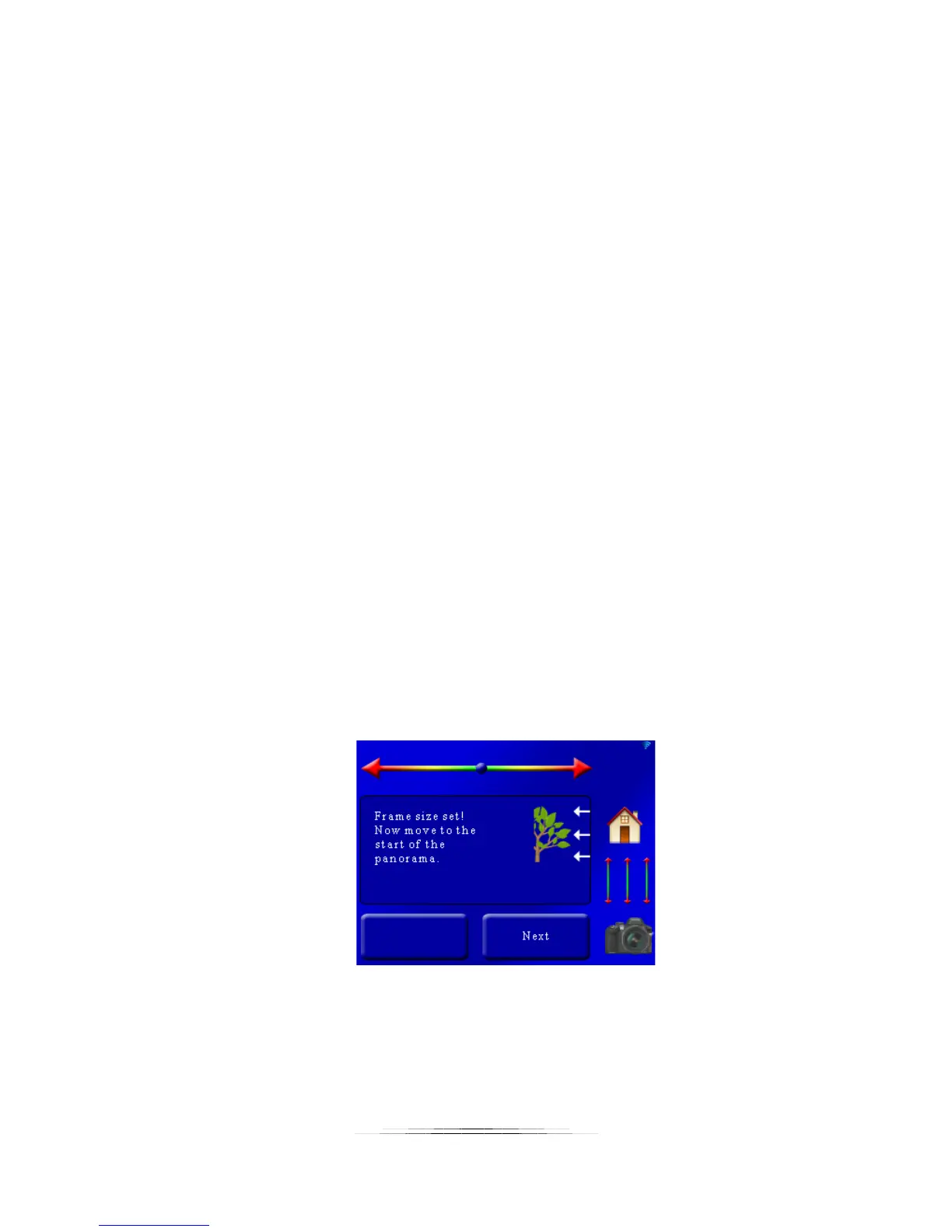
Once you have set your field of view (discussed in section 6.1.4) you are prompted to choose
the start of the panorama:
Use the slider at the top of the screen to adjust the rotary position to where you want the
panorama to start. Once the rotary table is at the start of the panorama press the “Next”
button.
Once you press “Next” you will be prompted to move to the end position:



 To Next Page