27
5.1.2 Mode: Automatic Distance
Automatic Distance mode (“Auto-Distance”) is very similar to “Automatic Step” mode. It allows
the user to determine the beginning and end position exactly like “Automatic Step” mode. The
only difference is that the user specifies the distance to travel for each step. StackShot 3X will
take a picture before first moving, and then at every distance interval specified. If the total
distance desired is not evenly divisible by the desired distance per step, StackShot will “round
down”, that is, it will not move the last partial distance. See Figure 4 below as an example.
5.1.2.1 Distance per Step
“Distance” is the distance the will move for every step. To adjust this distance press the
“Distance” button and enter the distance you would like the rail to move per step.
5.1.2.2 Selecting the Start/End Positions
Use the position slider on the left to find the appropriate beginning of the picture sequence.
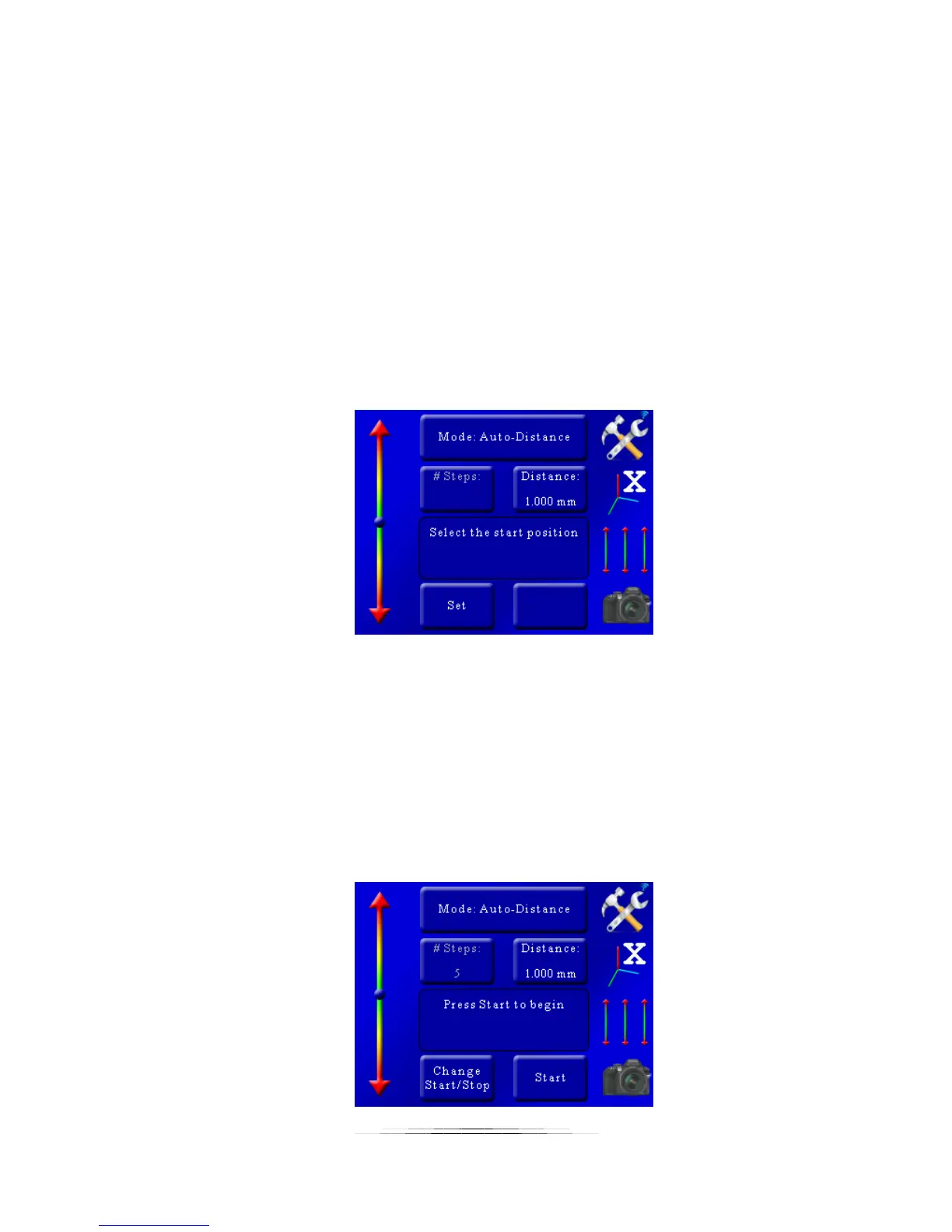
Once happy with that position, press the “set” button. The status window will change to “Select
the end position”. Again, use the position slider on the left to choose the final position of the
sequence. Press the “set” button to confirm the end position.
5.1.2.3 Starting the Sequence
Once the final position has been selected, the status will change to “Press Start to begin”:



 To Next Page