82
7.12.1 Dragon Frame connecting to StackShot 3X
The first step in using Dragon Frame is to set up the software to communicate with StackShot
3X.
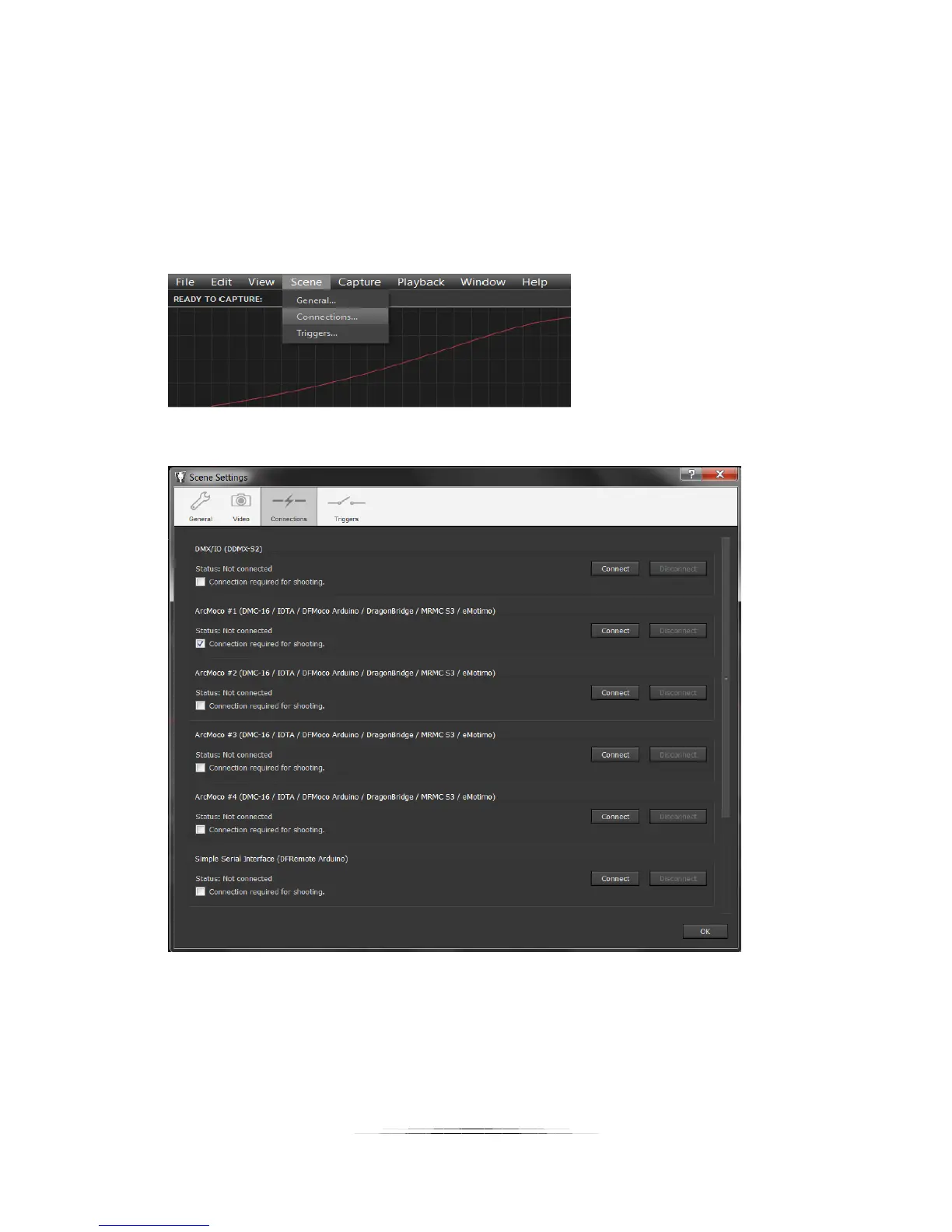
First, click on the “Arc Motion Control” in the upper-right hand corner of the program. This will
bring up the velocity and position graph. Now go to Scene->Connections:
That will bring up the following menu:
1. Make sure that the “Connection required for shooting” check-box beneath “ArcMoco #1” is
checked.
2. Now press the “Connect” button to the right of the “ArcMoco #1”.
You will then see a request for the serial port to use:



 To Next Page