40
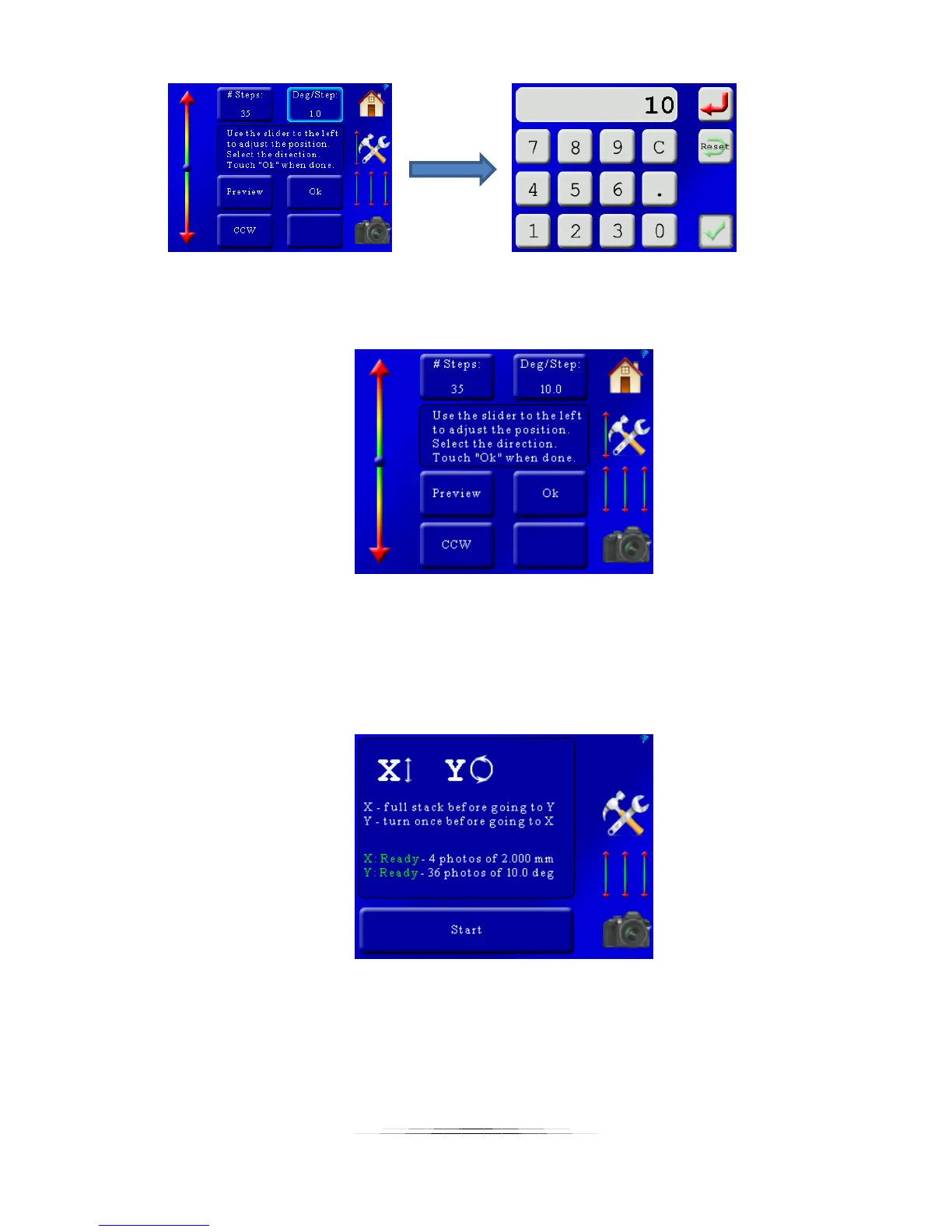
That results in the following screen:
Everything looks good! Press “Ok” to return to the main screen.
5.2.4 Starting the Stack/Rotate Stack
Continuing with our example our main screen now looks like the following:
There is green for both the X-axis and Y-axis. It also shows the number of photos. These
numbers will be important when adding them to your focus stacking software. It means that
each stack is four photos deep, and 36 across. There are file-sorting programs to move the files
into sub-directories to simplify the stacking process on your computer.
Press the “Start” button to start the stacking process. You will then see the following screen:



 To Next Page