22
5.1 Stacking: Checklist
Here is a list of requirements/suggestions for focus stacking:
o Camera in manual mode
o Camera set to single-shot (not continuous)
o Lens in manual focus
o Image stabilization off
o Aperture set to your lenses sweet spot (Generally two stops down from the widest
aperture)
o Take one or two shots more in front of and behind of your subject than you think you
need (more data is better than not enough)
o Use the preview function and keep an eye on the framing (it’s easy to have the subject
go out of frame!). Live-view can be useful for this as well.
o If using a flash: Settle time + shutter time needs to be long enough for your flash to
recharge
o If using a flash: diffused lighting is critical
o If you are using continuous lighting use mirror up or live view function to minimize
vibration
5.1 Stacking: Single Axis
Single axis focus stacking is the traditional method of stacking. Only one axis is moved at a time.
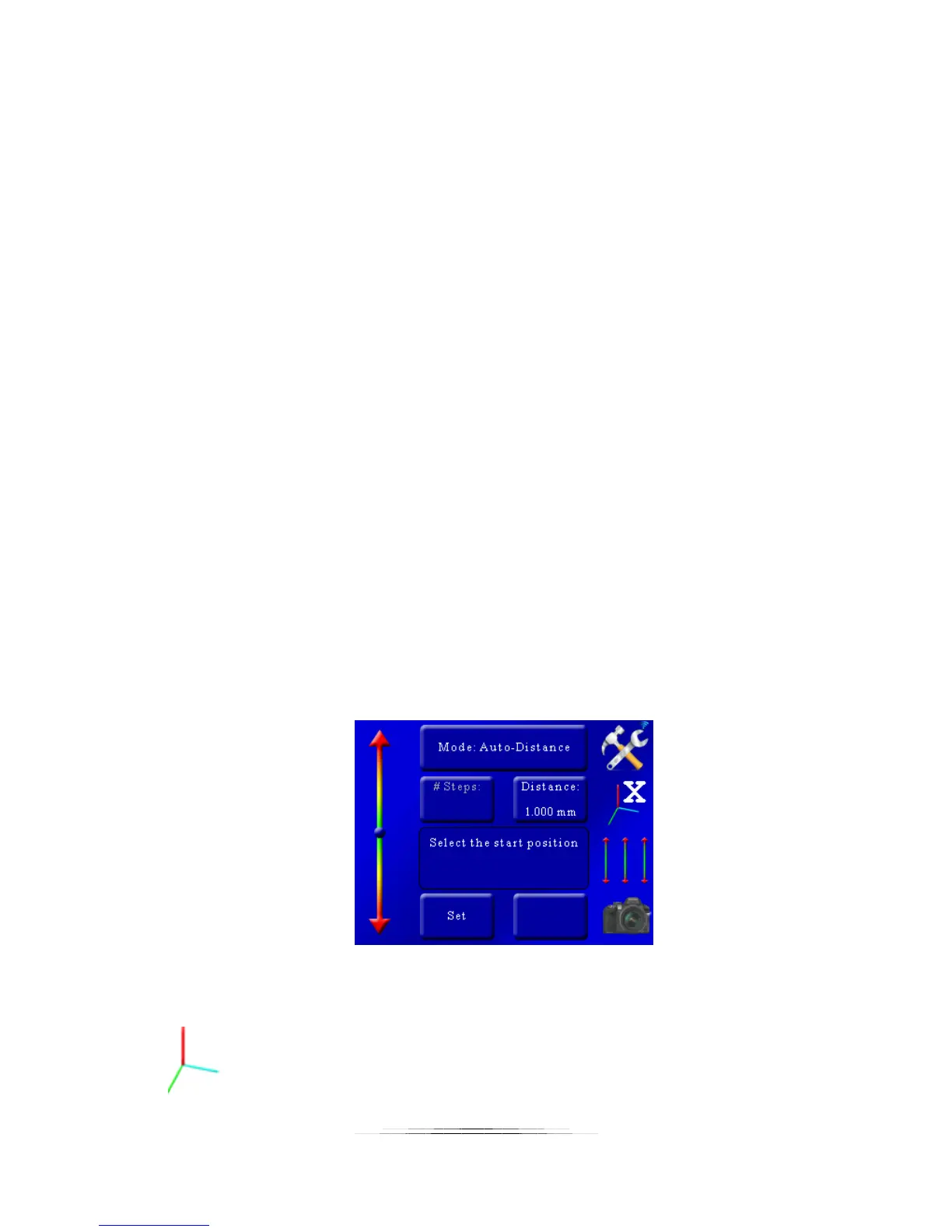
Once you enter single-axis mode, you are presented with the following screen:
You’ll notice the position slider on the left. You’ll see that the current axis is set to the X-axis as
indicated in by the axis icon:



 To Next Page