118
10.3 Motion – Shoot-Move-Shoot
Here we will walk through an example of shooting a motion-controlled time lapse with the
pan/tilt system. The subject: The milky-way galaxy and mountains off in the distance. Here are
the camera settings we will be using in this example:
ISO: 1000
Shutter: 20 second exposure
Lens: 24mm manual aperture set at f/1.4
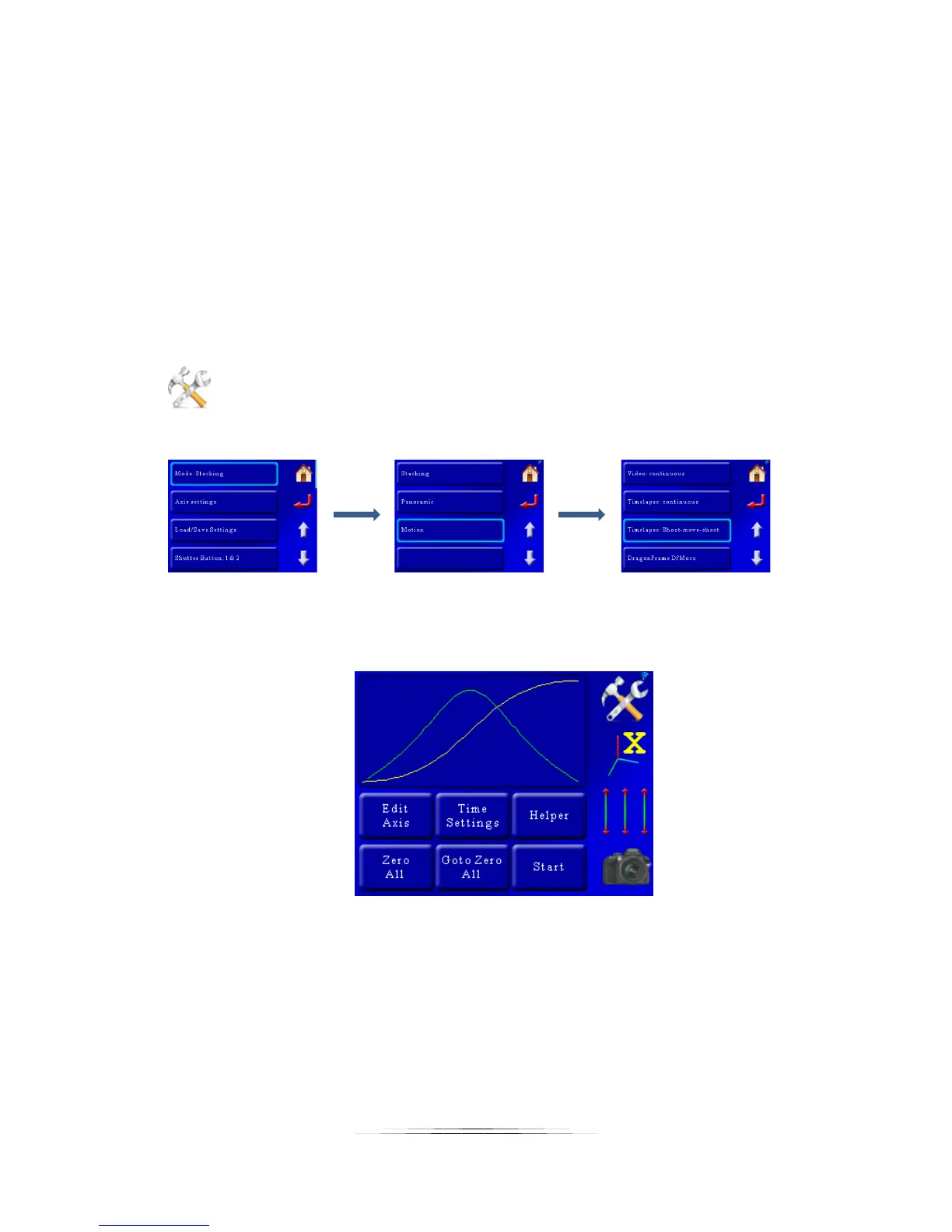
Now that we know what we want to shoot let’s get set up to do the deed. First press the
“Settings” button to change the operating mode:
That will bring up the settings for the controller. Then we want to press the first button which
will let us choose the mode. The mode we’re after is Motion->Timelapse: Shoot-move-shoot:
That will bring up the motion control screen with the last used settings:
We’re going to use the “Helper” to guide us through the rest of this to get up and running in a
short order. Press the “Helper” button to get started. That will bring a window asking how
many axes we would like to use. In this case we need two – one for pan and one for tilt:



 To Next Page