32
5.1.5.1 Distance per Step
The distance the rail travels per step (“Distance”) is the amount traveled each time the rail is
automatically moved. To adjust this value press the “Distance” button and enter the desired
distance for each move of the motor.
5.1.5.2 Direction
The direction defaults to “Forward”. To change the direction the rail will travel simply press this
button to toggle between “Forward” and “Backward”.
5.1.5.3 Starting the Sequence
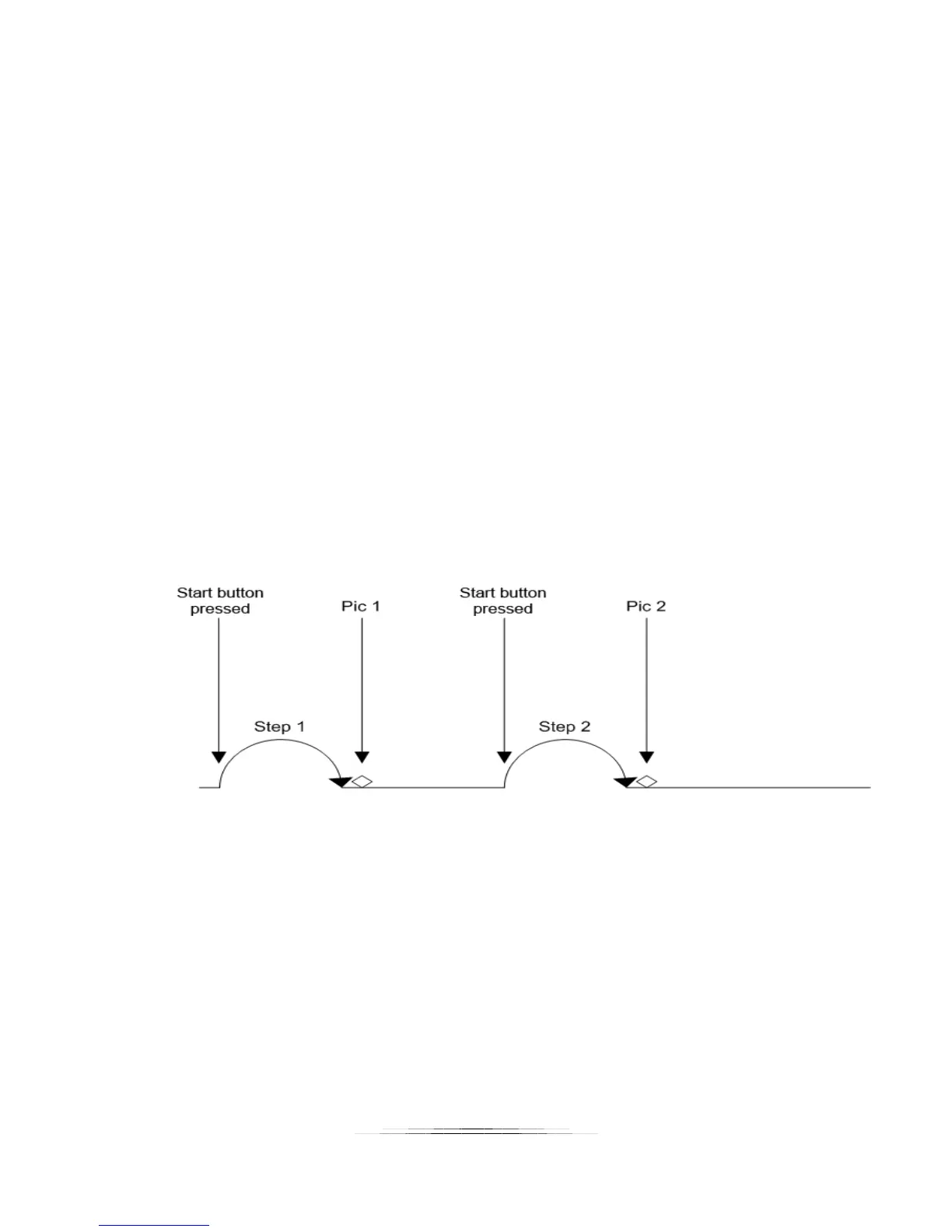
Press the “Start” button to move the rail one step.
If you touch the screen any time during the stack it will stop the motor, abort the sequence, and
the display will show “Aborted” and give you the option to start the sequence again.
See Figure 6 below to show how “Manual” mode functions.
Figure 6 - Manual Mode



 To Next Page