49
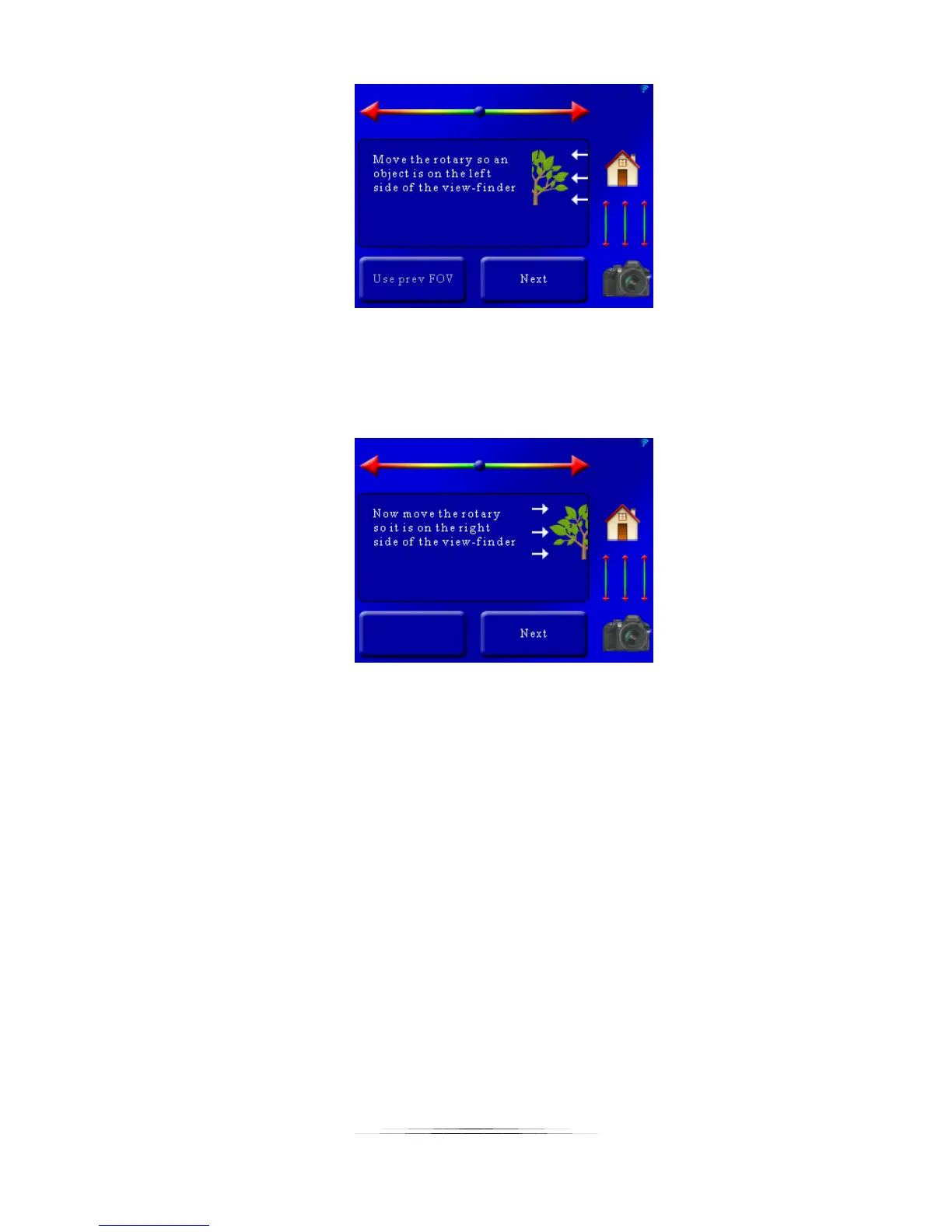
Here we can see the “Use prev FOV” is grayed out. You’ll see this if you haven’t set the field of
view yet (there is no previous!). To set the FOV use the position slider at the top and move the
camera so the object is on the left of the viewfinder. Once the position is correct press the
“Next” button. You’ll then see:
Now the controller is asking you to use the position slider so that the object is on the right side
of the viewfinder. Once there, press the “Next” button. Your FOV is now set!
Now for a little secret: It really doesn’t matter if you choose the left or right side first. It’s
arbitrary. So if for whatever reason you decide to start with the right instead of the left, that’s
okay too. The controller is forgiving if you’re one of those rule-breaker types.



 To Next Page