53
1. Set your field of view
2. Choose a start position
3. Choose an end position
4. Press start!
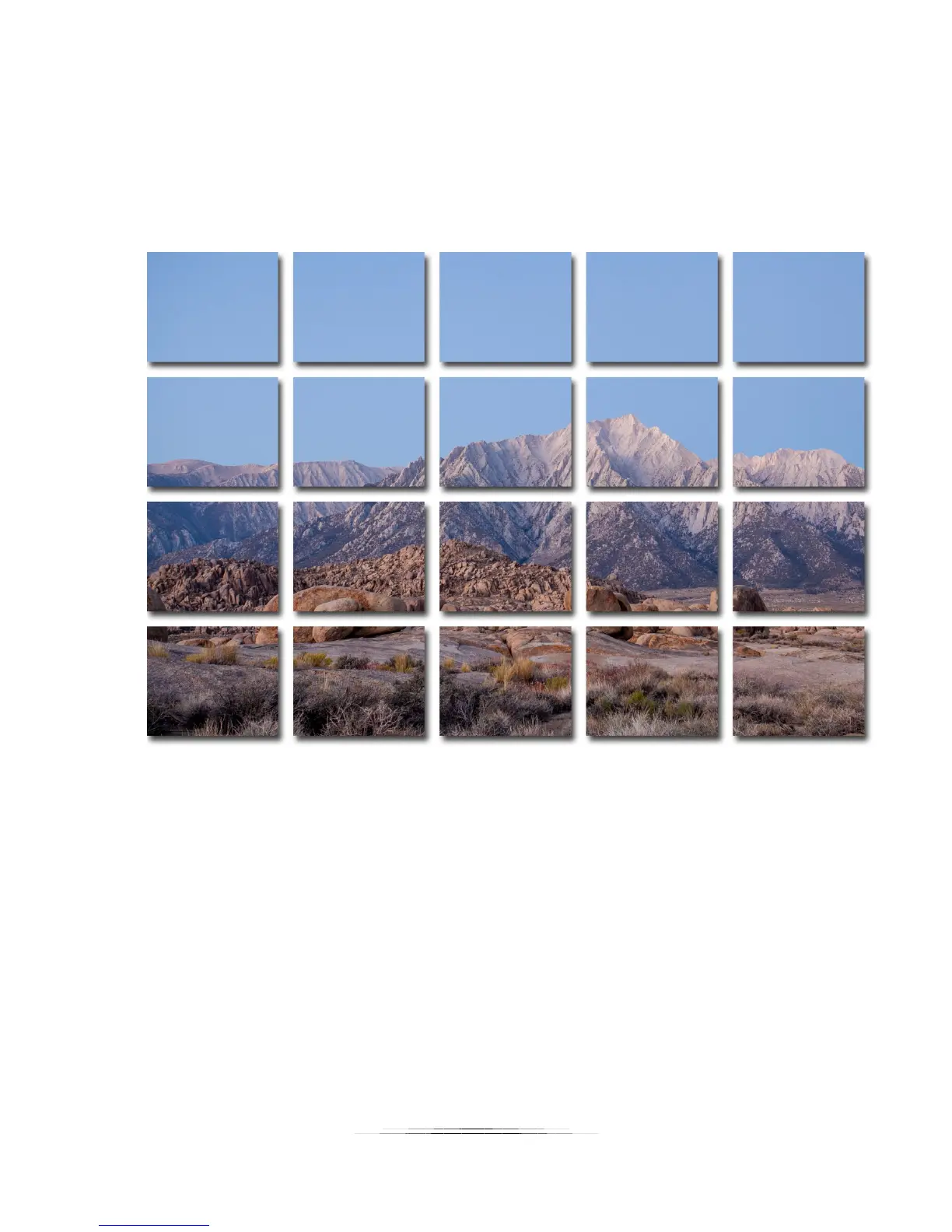
In this example we see a multi-row collection with four rows and five columns (20 total
pictures). It’s not quite a giga-pixel image – only 75 million pixels!
While collecting the images StackShot 3X will start at your initial selection and then zig-zag
toward the final location. This reduces the time spent moving the rotary system. In the above
example the starting position was in the upper-left and the end position was at the bottom
right:



 To Next Page