55
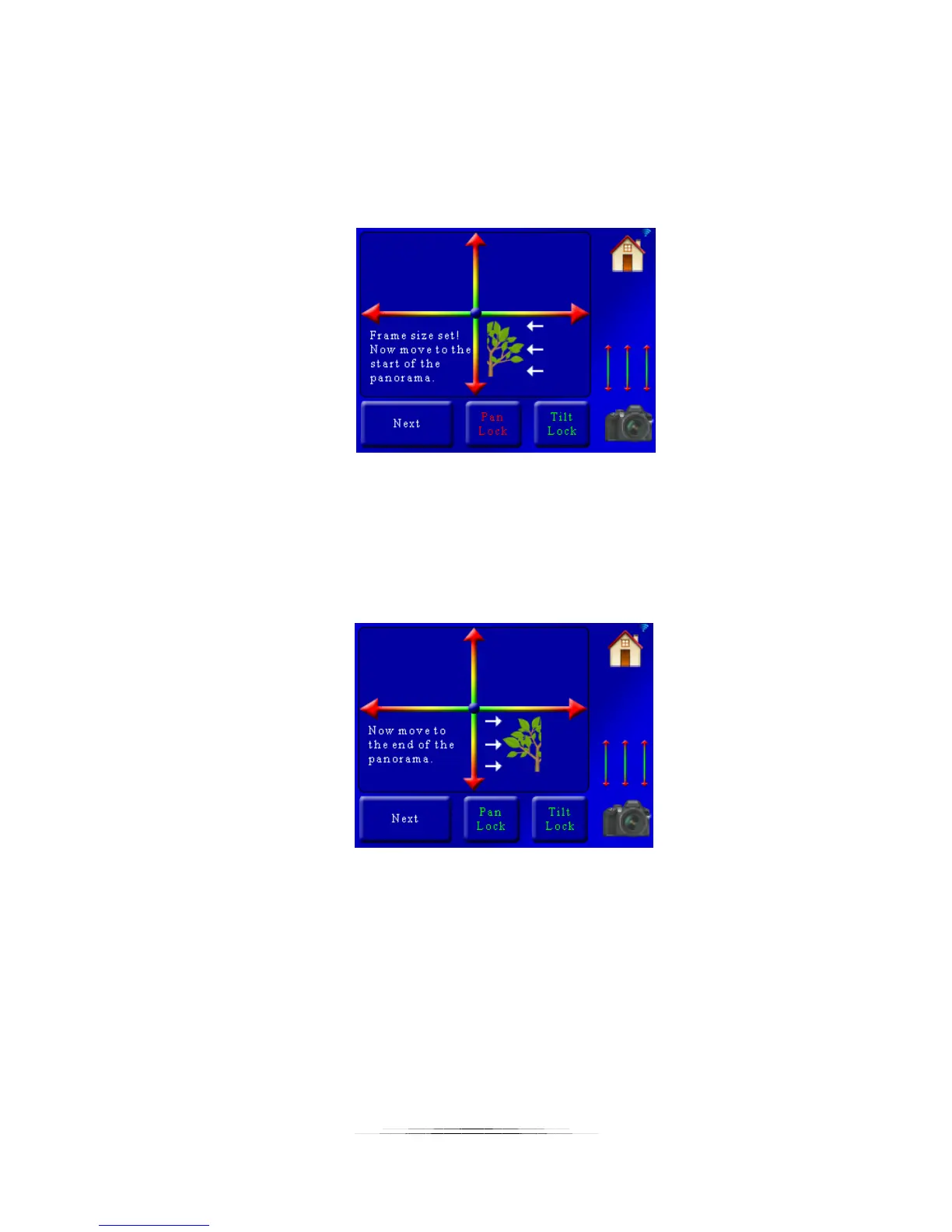
Here you can see you have two position sliders. The X-axis (left/right) allows you to pan and the
Y-axis (up/down) lets you tilt the position of your camera. You can adjust the position
simultaneously of both axes by touching a position between any point on the axes. You have
the option to lock the pan or tilt axis as well. If you touch the “Pan Lock” button you will see it
turn red:
When either the Pan or Tilt is locked it will not move that axis when using the position sliders.
This lets you fine-tune either axis as needed. If you want to unlock the axis simply press the
button again. Once it turns green the position sliders will let you move the axis freely again. In
this example we are selecting a position in the upper-left corner of the panorama. Once the
pan/tilt system is at the start position press the “Next” button. You will then see:
Once again use the position sliders to move the pan/tilt system to its final position. In this
example we will move it to the bottom right of the landscape. Once you are happy with the
final position press the “Next” button. You will then see the summary for the panorama:



 To Next Page