95
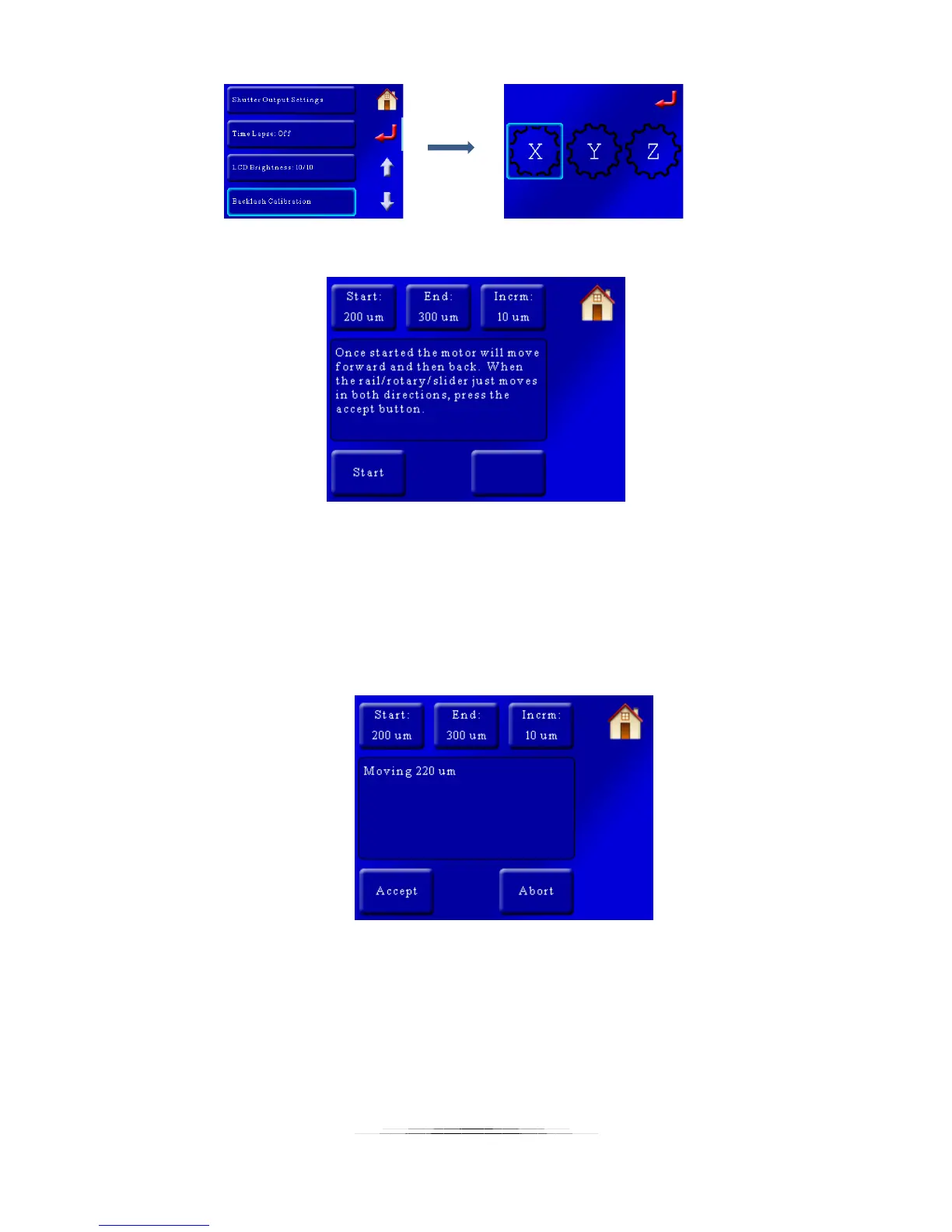
That will bring up the following screen:
There are three buttons at the top: “Start”, “End”, and “Incrm”. What happens during backlash
calibration is that the motor will rock back and forth and then pause. It will then add the
increment and repeat. You will have to either set up a micrometer to touch the rail or for more
course calibration you can visually look for the rail to move. The “Start” value is how far the rail
will start moving, and then get incremented by “Incrm” until it reaches the “End” value.
During the calibration you will see the following screen:
Once you detect the equipment is moving press the “Accept” button. Your backlash value will
be set to this new value!



 To Next Page