47
6.3.3 Inspections during operation
DuringoperationtheCondairCP3andthehumidicationsystemhavetobeinspectedweekly.On
thisoccasioncheckthefollowing:
• thewaterandsteaminstallationforanyleakage.
• thesteamhumidierandtheothersystemcomponentsforcorrectxingandanydamage.
• theelectricinstallationforanydamage.
Iftheinspectionrevealsanyirregularities(e.g.leakage,errorindication)oranydamagedcompo-
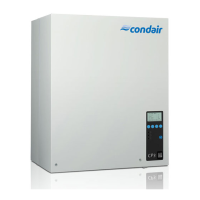
nentstaketheCondairCP3outofoperationasdescribedinchapter6.4.Then,contactyourCondair
representative.
6.3.4 Carrying out manual draining
Proceedasfollowstodraintheunitmanually:
Manual Drain
Modul A
Press START or STOP
Esc Set
Start
6.4 Taking the unit out of operation
Inordertotakethesteamhumidieroutofoperation,performthefollowingsteps:
1. Iftheunithastobeswitchedoffbecauseofamalfunction,pleasenotetheerrorcodeoftheactual
error message shown in the display.
2. Closetheshut-offvalveinthewatersupplyline
3. Startmanualdraining(seechapter6.3.4)andwaituntilthesteamcylinderisempty.
4. Actuate the unit switch
5. Disconnectsteamhumidierfromthemains:Switchoffallserviceswitchestomainssup-
plies(heatingandcontrolvoltage)andsecureswitchesin“off”positionagainstaccidentallybeing
switchedon,orclearlymarktheswitches.
6. Ifambient temperatures ≤0°Cmustbeexpectedwhentheunitisoutofoperation (operation
oftheCondairCP3inaprotectivehousingoutsidethebuilding):drainthewatersupplypipeand
thewaterlter(ltervalve).
WARNING!
Danger of burning!
Ifsteamwasproducedjustbeforetheunitistakenoutofoperation,waitbeforeopeningtheunit
andletthesteamcylindercooldowntopreventdangerofburning.
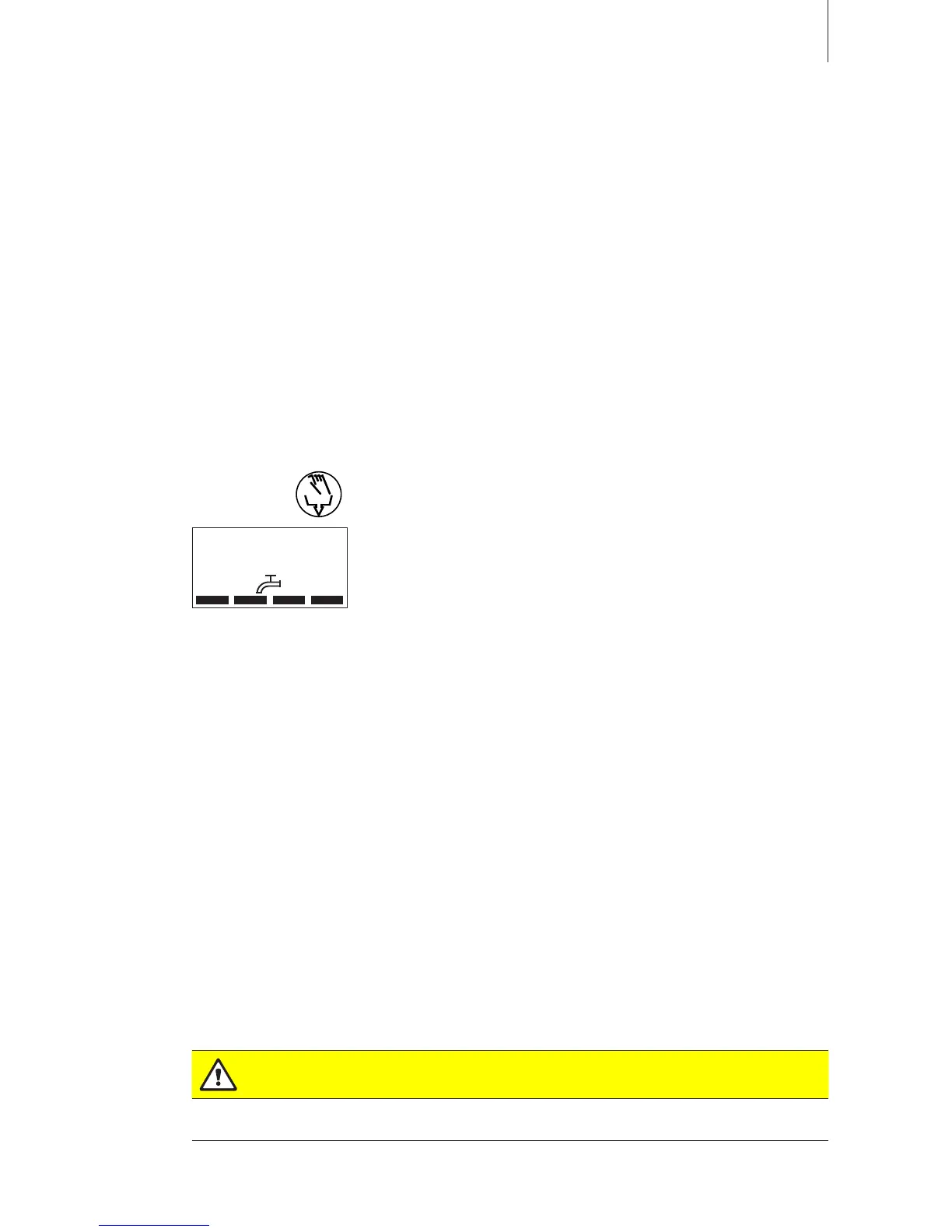
1. Brieypressthedrainkey. The drain dialogue appears in the
display.
2. Pressthe<Start>key.Theheatingvoltageisinterruptedandthe
drain pump starts. The yellowLEDashes.
To stop the drain cycle press the <Stop>key.
Note:Bypressingthe<Esc>keytheunitreturnstotheindication
level. A drain cycle in progress will be stopped automatically.












 To Next Page