58
6.7.10 Performing remote relay tests
Settings
Water Manag.:Set
Remote Test :Set
Date :19.10.07
Multi-Mode :Sequence
Time :12:00
Esc Set
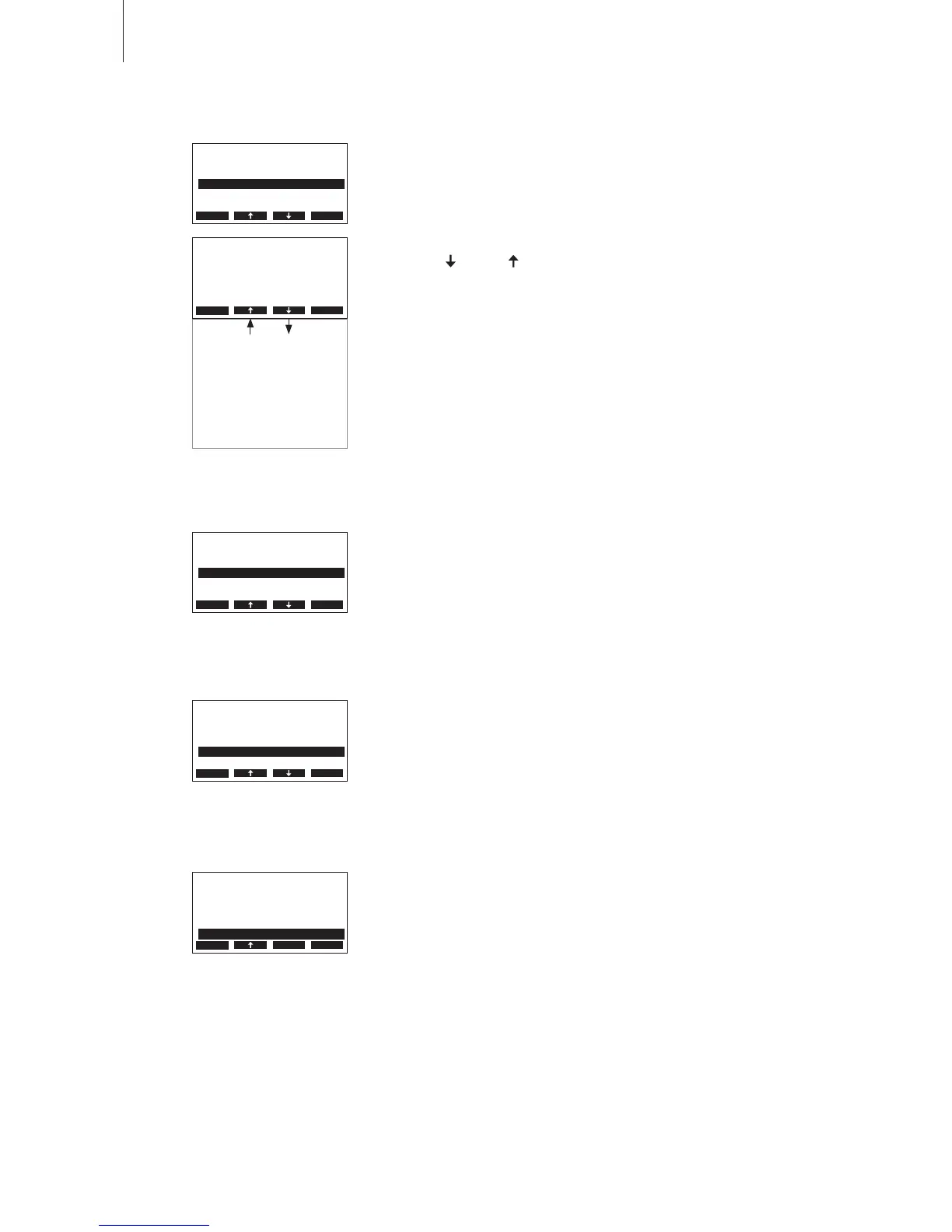
Select “Remote Test”inthesettingsmenu,thenpressthe<Set>key.
Thelistwiththeremoterelaytestsappears,therstrelaytestisshown.
Pressthe< > and < >keysinordertoselectthefurtherrelaytests
available and press the <Set>keytoactivate/deactivatethecorrespond-
ingrelayfortesting.
Remote Test
Remote Steam:
O
Esc Set
Remote Service
O 12.00.00
Remote Error
O
Remote Unit On
On.11.2006 12.00.00
Remote Analog Out-1
0.0 V
Remote Analog Out-2
0.0 V
6.7.11 Setting the date
Select “Date” in the settings menu, then press the <Set> key. In the
upcomingmodicationdialoguesettheactualdate(format:“dd.mm.yy”).
Settings
Remote Test :Set
Date :19.10.07
Time :12:00
Water Manag.:Set
Contrast :15
Esc Set
Settings
Remote Test :Set
Date :19.10.07
Time :12:00
Water Manag.:Set
Contrast :15
Esc Set
6.7.12 Setting the time
Select “Time”in the settings menu, then press the <Set> key. In the
upcomingmodicationdialoguesettheactualtime(format:“hh.mm”).
6.7.13 Setting the display contrast
Select “Contrast”inthesettingsmenu,thenpressthe<Set>key.
Intheupcomingmodicationdialoguesetthedesiredvalueforthedis-
play contrast.
Factorysetting: 15
Settingrange: 0(nodisplay)...100(displayturnsblack)
Settings
Remote Test :Set
Date :19.10.07
Time :12:00
Water Manag.:Set
Contrast :15
Esc Set












 To Next Page