59
6.8 Modbus settings
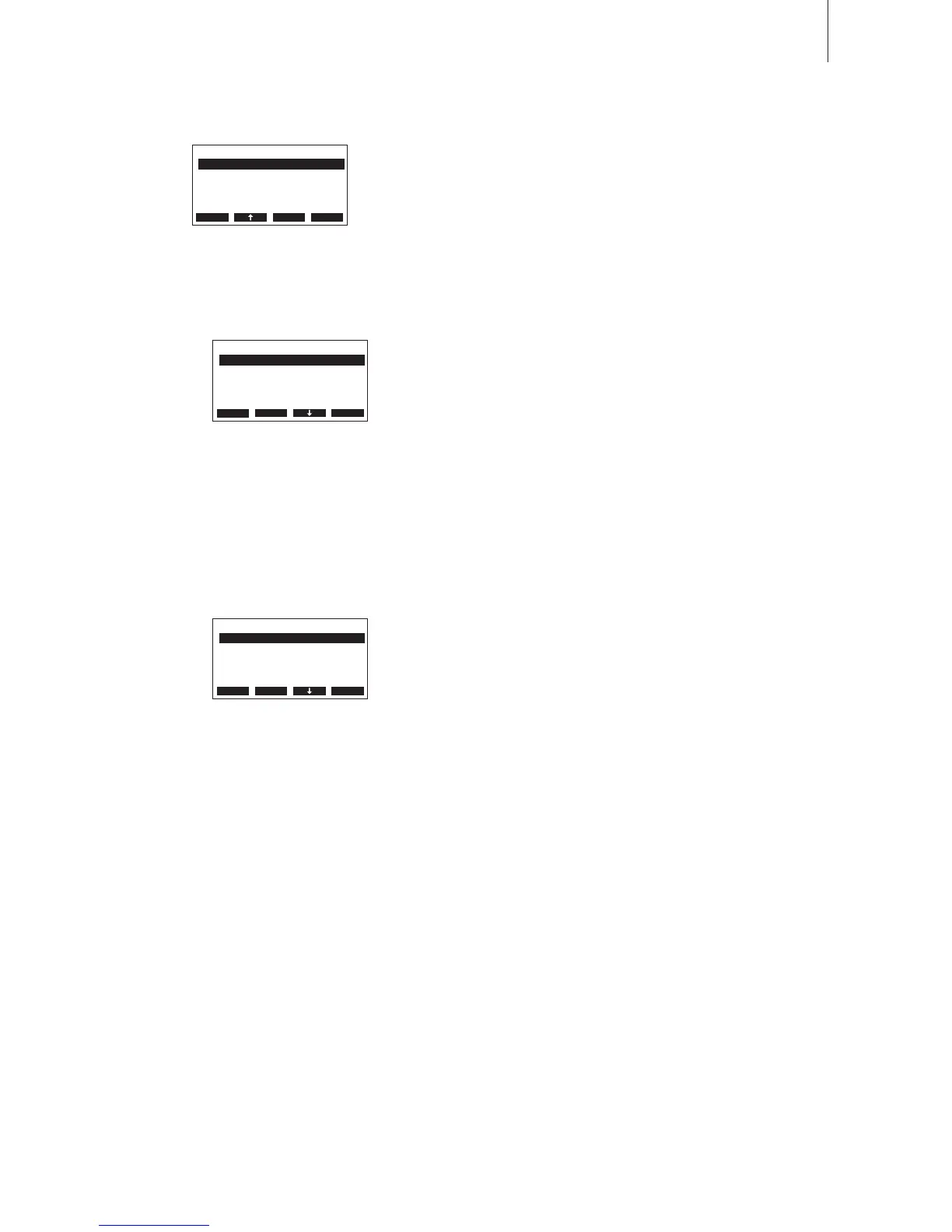
SelecttheModbusmenu:
Path:Main menu > User > Password entry: 8808 > Modbus
The Modbus menu appears. In the Modbus menu you can set the com-
municationparameters for the Modbus interface on thecontrol board
(Network)andfortheModbusinterfaceonthepowerboard(Remote).
Description of the Modbus settings
– Networking:
Withtheparametersinthe“Networking”submenuyoucanadjustthe
settingsforthe Modbusinterfaceonthecontrol board.TheModbus
interfaceonthecontrolboardworkswithaxedbaudrateof9600baud
andaxedtimeoutof5seconds.
– Modbus Addr.: ModbusaddressoftheCondairCP3.
Factorysetting: 1
Settingrange: 1...247
– Parity: Paritybitforthedatatransmission
Factorysetting: None1
Options: None1, None2, Odd, Even
– Remote:
With the parameters in the “Remote” sub menu you can adjust the
settings for the Modbus interface on the power board. The Modbus
interfaceonthepowerboardworkswithaxedtimeoutof5seconds.
– Settings: Operationmodeoftheinterface.
Factorysetting: Remote
Options: Remote, Upload
Note:
the“Upload”functionisintendedonlyfortheservicetechnician
of your Condair representative. In this operation mode the Modbus
interfaceworkswithxedsettings.
– Modbus Addr.: ModbusaddressoftheCondairCP3.
Factorysetting: 1
Settingrange: 1...247
– Baudrate: Baudrateforthrdatatransmission.
Factorysetting: 9600
Options: 9600, 19200, 38400, 57600
– Parity: Paritybitforthedatatransmission
Factorysetting: None1
Options: None1, None2, Odd, Even
Modbus
Remote :Set
XXXXXXXXXXXXXXXXXXXX
Networking :Set
2014-01-21 12:00:00
Esc Set
Networking
Parity :none1
XXXXXXXXXXXXXXXXXXXX
Modbus Addr.:1
2014-01-21 12:00:00
Esc Set
Remote
Modbus Addr.:1
Baudrate :9600
Parity :None1
Settings :Remote
Esc Set












 To Next Page