52
6.7 Unit settings
6.7.1 Launching the unit settings menu
Selecttheunitsettingsmenu:
Path:Main menu > User > Password entry: 8808 > Settings
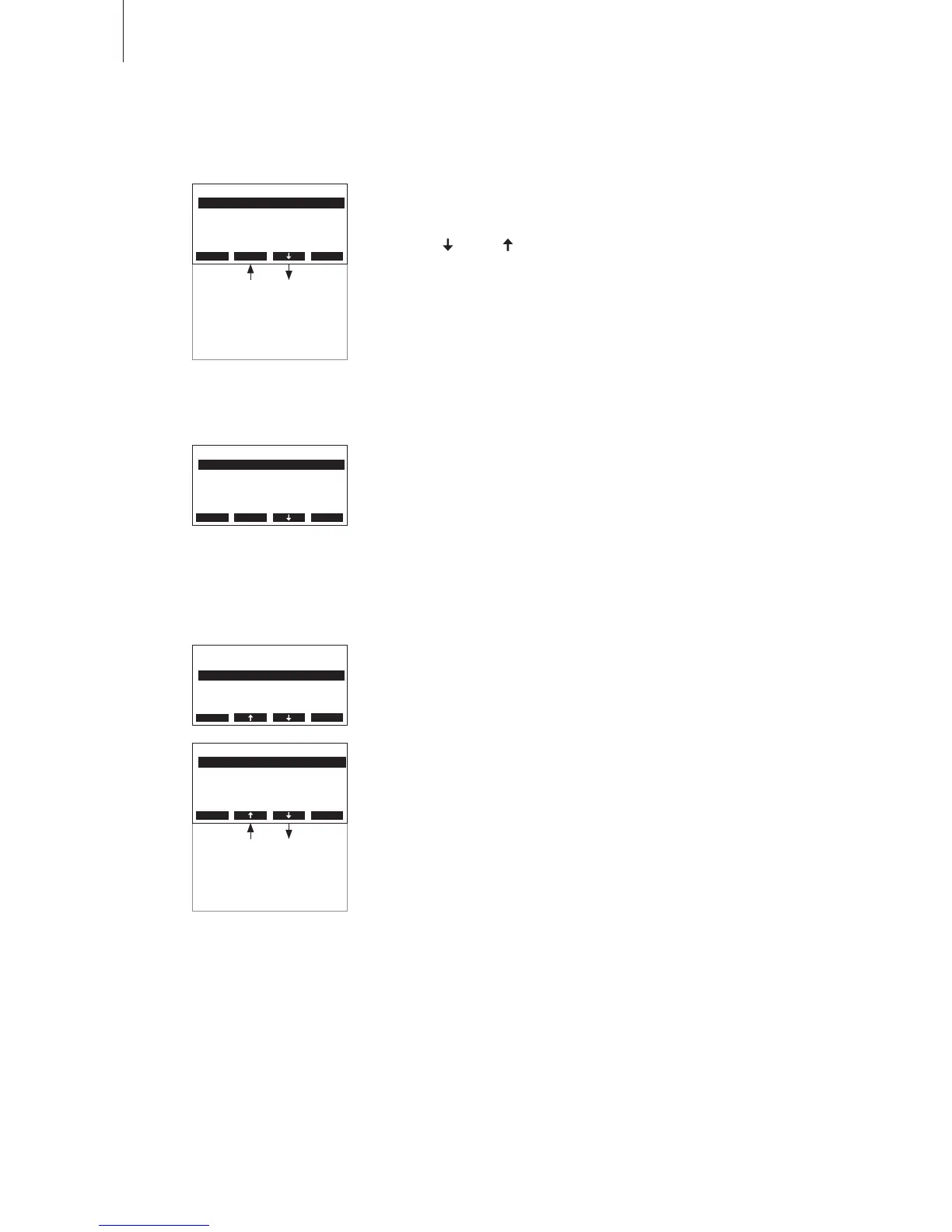
Pressthe< > and < >keysinordertoselecttheindividualsettingsin
the settings menu.
Detailedinformationonthedifferentsettingsarefoundinthefollowing
chapters.
6.7.2 Selecting the dialogue language
Settings
Controls :Set
Cylinder :Set
Power Limit :Set
Language :English
On/O Timer :Set
Esc Set
Select “Language”inthesettingsmenu,thenpressthe<Set>key.
Intheupcomingmodicationdialogueselectthedesireddialoguelan-
guage.Afterconrmation,theunitautomaticallyswitchestotheselected
dialogue language.
Factorysetting: countryspecic
Options: divers languages
6.7.3 Control settings
Select “Controls”inthesettingsmenu,thenpressthe<Set>key.
The control settings appear. The settings available depend on the se-
lected signal source and the control type. The opposite display shows
themaximumnumberofsettingsavailable.
Settings
Controls :Set
Cylinder :Set
Power Limit :Set
Language :English
On/O Timer :Set
Esc Set
Description of the control settings
– SignalSource: Selectingthesignalsource.
Factorysetting: Analog
Options: Analog, Modbus
– Timeout: SettingthetimeoutforcontrolsignaltransmissionviaModus.
Note:thissettingisavailableonlyiftheparameter“SignalSource”isset
to“Modbus”.
Factorysetting: 5 seconds
Settingrange: 1 .... 600 seconds
Remote Test :Set
Date :19.10.07
Time :12:00
Water Manag.:Set
Contrast :15
Settings
Controls :Set
Cylinder :Set
Power Limit :Set
Language :English
On/O Timer :Set
Esc Set
GFCI-Mode :On
Multi-Mode :Sequence
Integr.-Time:8min
Lim. Control:On
Limitsignal :0-10V
P-Band :18%rH
Limit Min :70%rH
Limit Max :90%rH
Controls
Timeout :5s
Hum.Control :Int.(PI)
Controlsign.:0-10V
SignalSource:Modbus
Hum.Setpoint:Set
Esc Set












 To Next Page