Scanner Setup 10
Cleaning the glass area
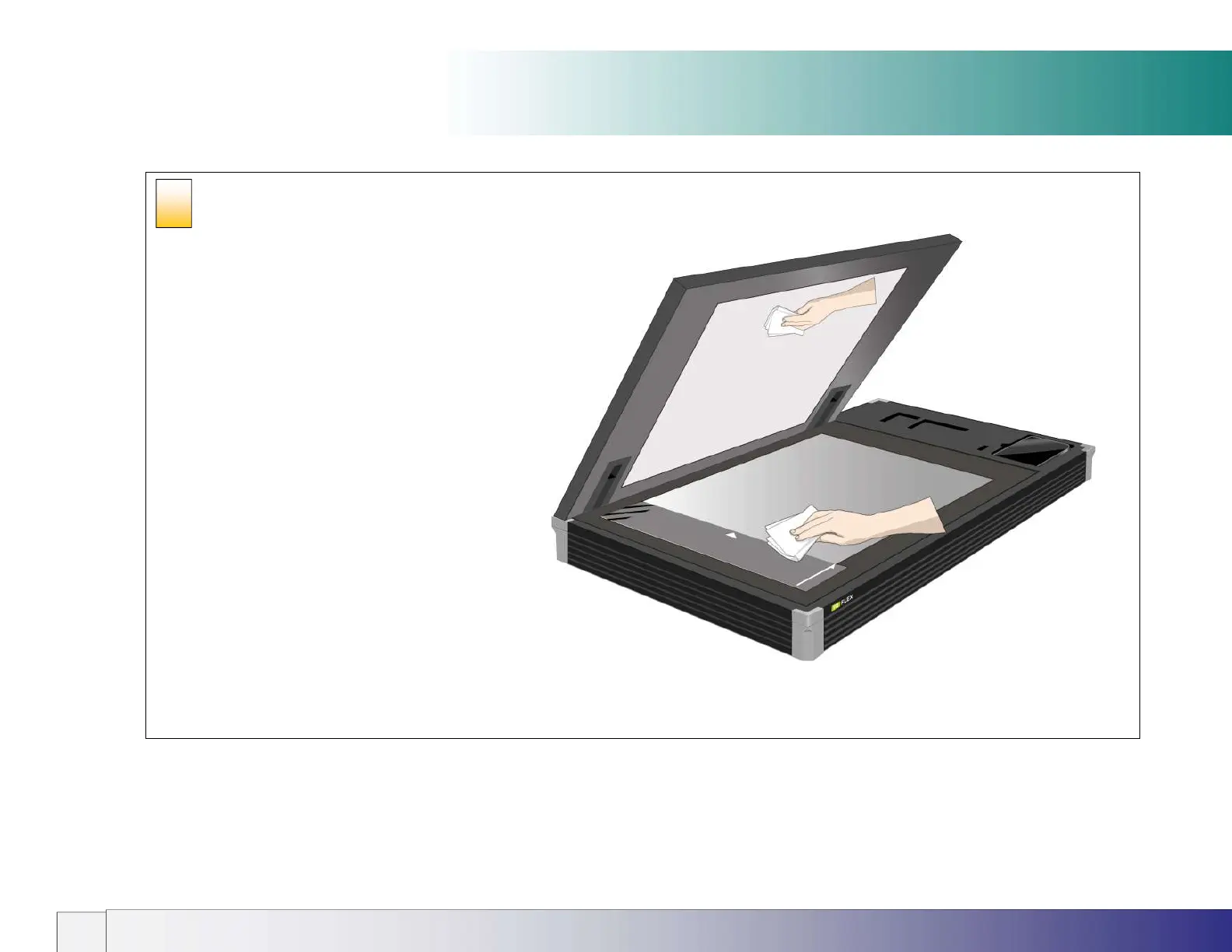
Clean the internal scan area
Lightly wipe the internal scan area’s glass plate free of dust.
Use a dry lint-free cloth.
If you detect difficult smudges on the glass that cannot be
wiped clean with a dry cloth, refer to this guide’s section
Cleaning the scan area
for instructions on thoroughly cleaning
the scan area.
Close the lid after cleaning the internal scan area.
5













 To Next Page