Scanner Setup 18
Running the Wizard
The Installation Wizard starts
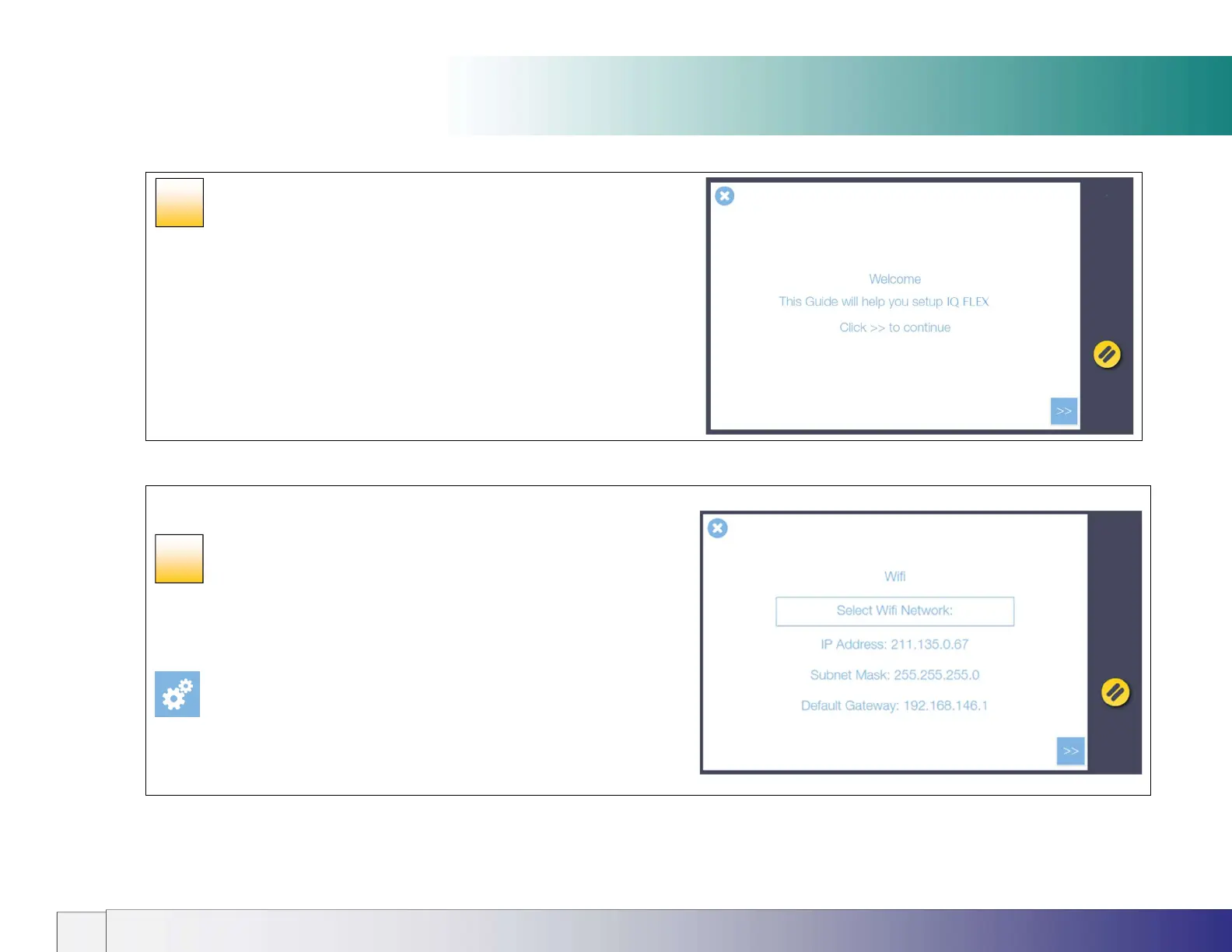
The IQ FLEX welcome screen signals that the scanner installation process
has begun.
The following screens contain the various installation steps required to set
up the scanner. Follow the screens shown in [path] below to return to this
area after the wizard has completed.
Press the Next button >> to proceed.
Use the Back << button to go back a step (where displayed).
Wi-Fi
Scanner installation
Using Wi-Fi
If a Wi-Fi network is in range and the physical LAN is disconnected, the
scanner will automatically display a highlighted ‘Select Wi-Fi Network’
button. Touch the highlighted button to connect using Wi-Fi. See Using the
Wi-Fi Connection later in this manual for more information.
[Settings > System > Wifi]
12
13













 To Next Page