Maintenance 72
Calibrating the scanner
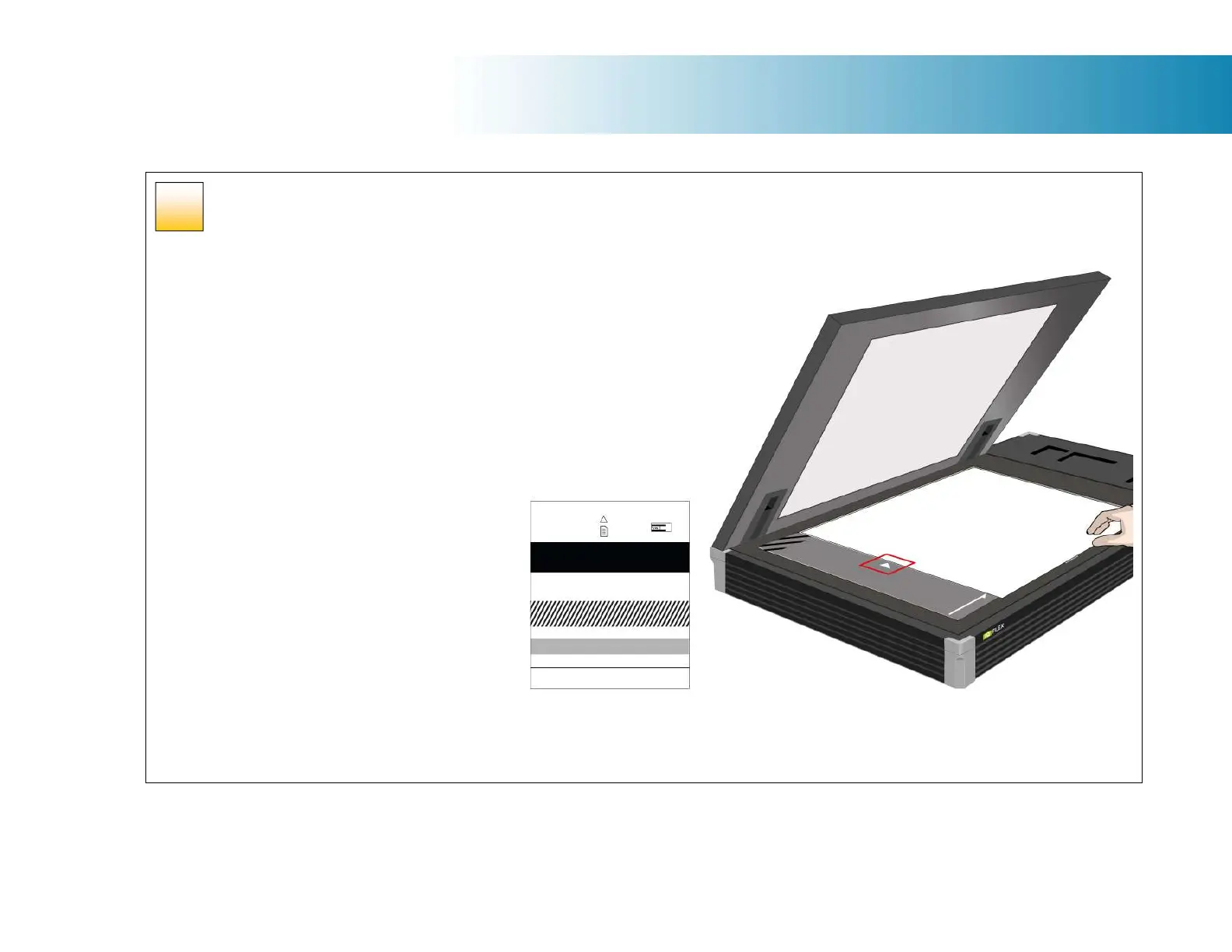
Insert the calibration sheet
During the process, the wizard will ask you to insert
the Calibration Sheet that came with your scanner.
The printed side of the sheet must be inserted
face down onto the scanner glass. Align the
sheet midpoint arrow with the scanner midpoint
arrow then close the lid of the scanner.
Click the wizard Next button to continue.
50













 To Next Page