Maintenance 69
Cleaning the glass
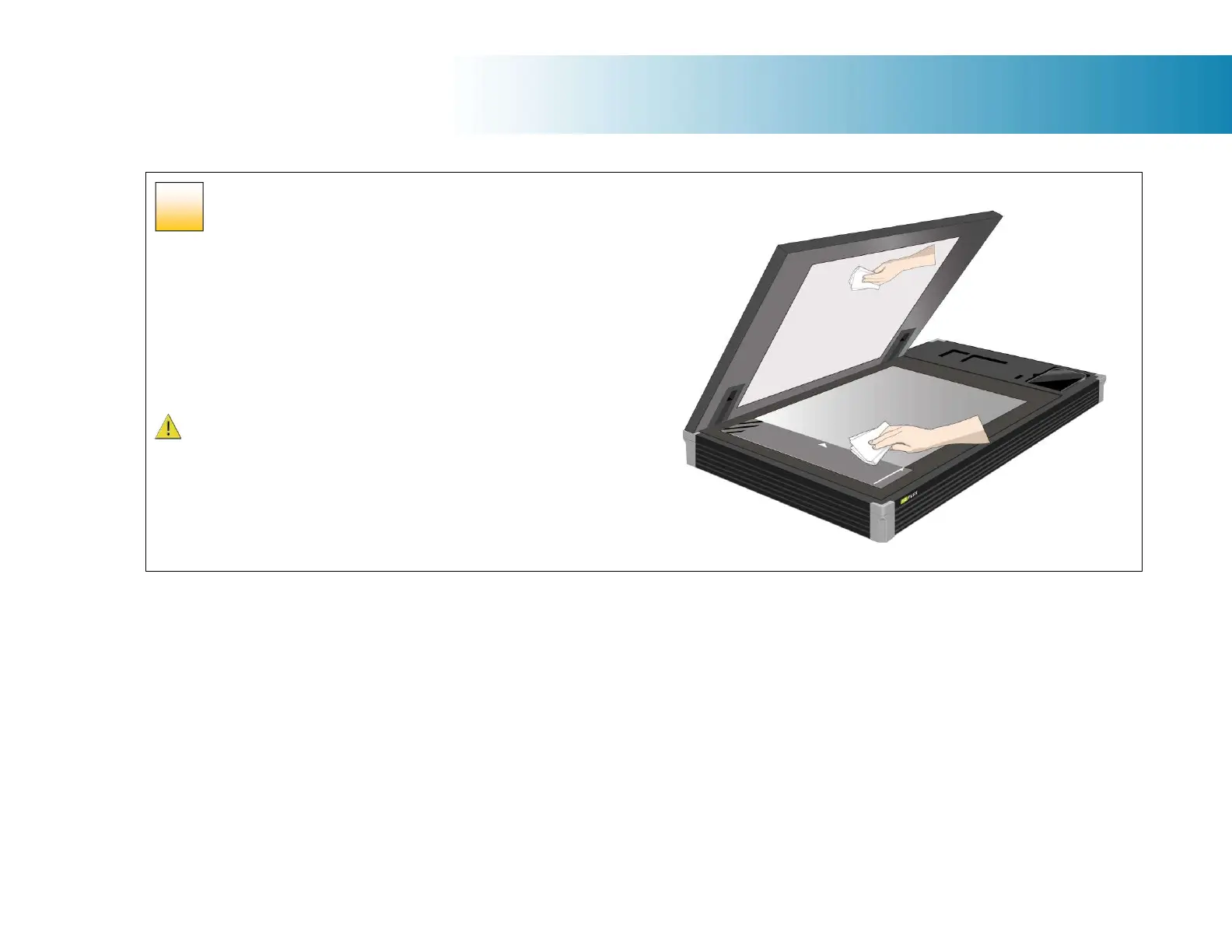
Cleaning the scan glass
Be sure to clean the scan area when results are not optimal. Even small dust
particles in the scan area can cause streaks in your scanned image.
To clean the scan area
Open the lid then follow the instructions below.
1. Use a lint-free cloth and a mild, streak-free, glass cleaner.
2. Dry the glass completely using a separate clean, dry lint-free cloth like the
one provided with the maintenance kit.
Caution: Do not use abrasives, acetone, benzene or fluids that contain these
chemicals. Do not spray liquids directly onto the scanner glass-plate or anywhere
else in the scanner.
46













 To Next Page