Maintenance 75
Updating the Contex LINK client software
1. Make sure your PC is connected to the internet.
2. Start Contex LINK on the PC
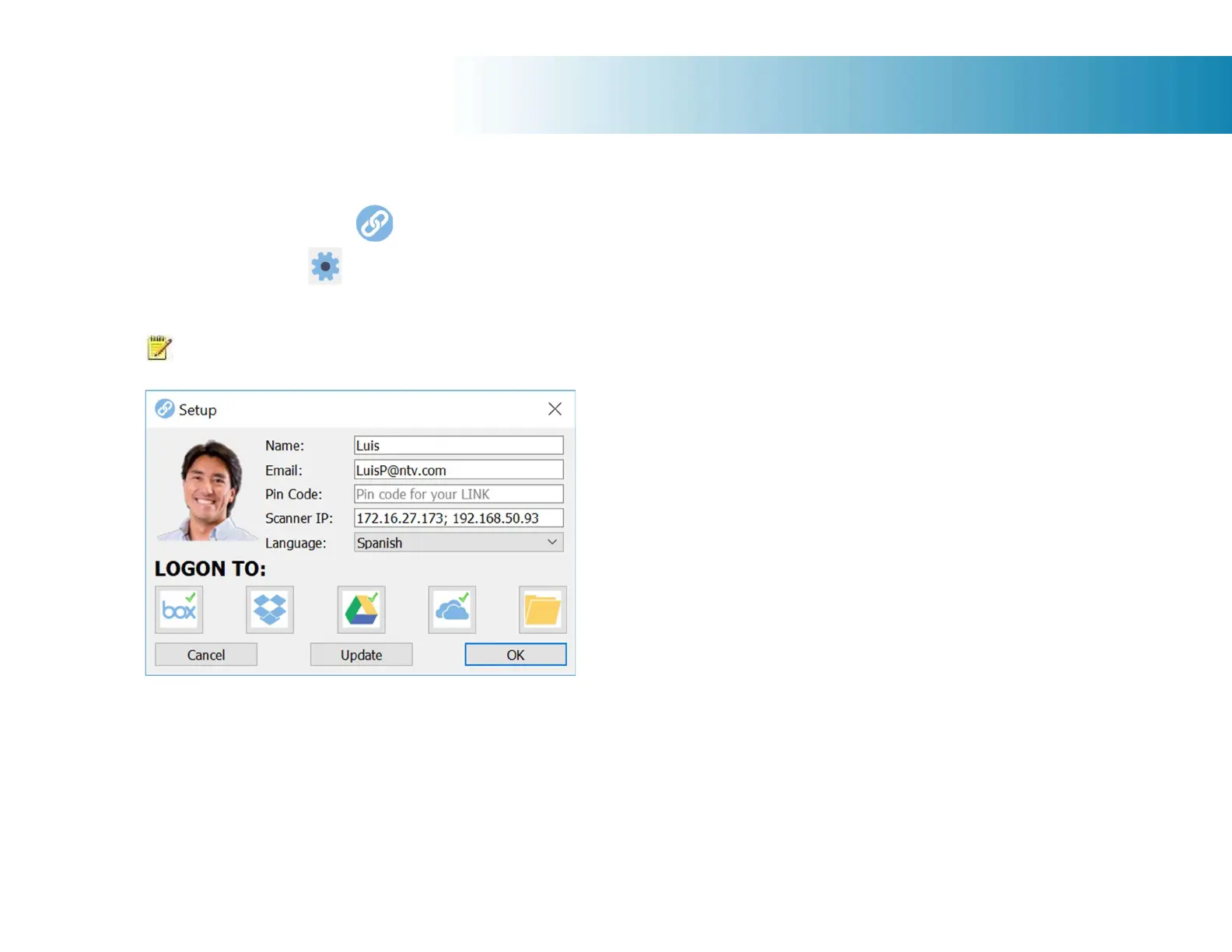
3. Press the setup icon.
4. If the Update button is active, press the button to initate the download and installation wizard.
5. Follow the isntructions on your screen.
NOTE: You can also install Contex LINK from: http://www.contex.com/LINK
Contex LINK scan client software update: Press the Update button.













 To Next Page