Scanning 43
Book positioning
Book scanning book positioning
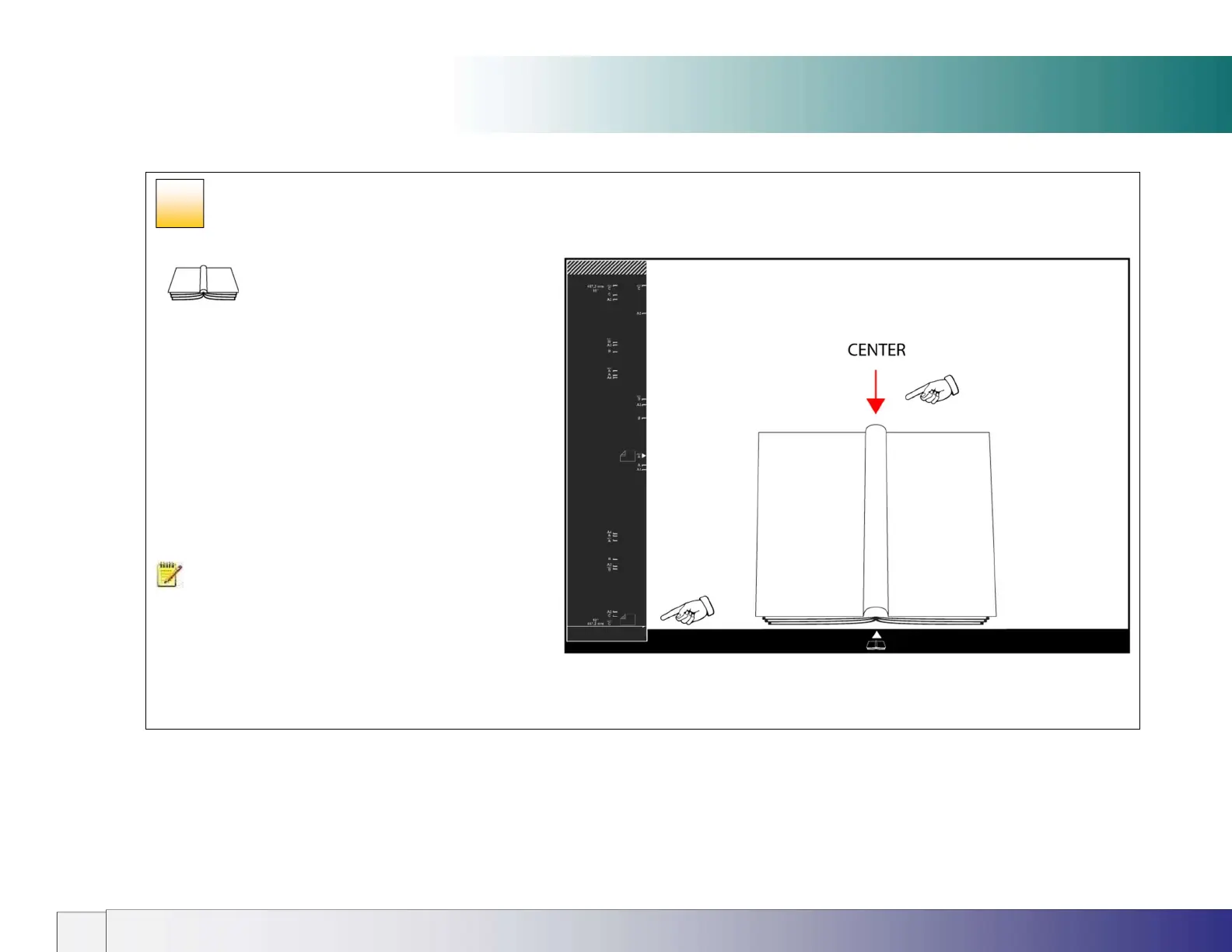
Place the book face down on the scanner glass
with the spine of the book centered in line with the white
pointer and the lower edge in line with the long white arrow
on paper size guide.
NOTE: Thick books can be accommodated in the
scanner by raising the lid hinges before lowering the lid.
This will ensure the scanner white background remains
parallel with the object to be scanned and operates to
prevent light from outside and spoiling the scan.
35













 To Next Page