Scanner Setup 19
Configuring for a local area network (LAN)
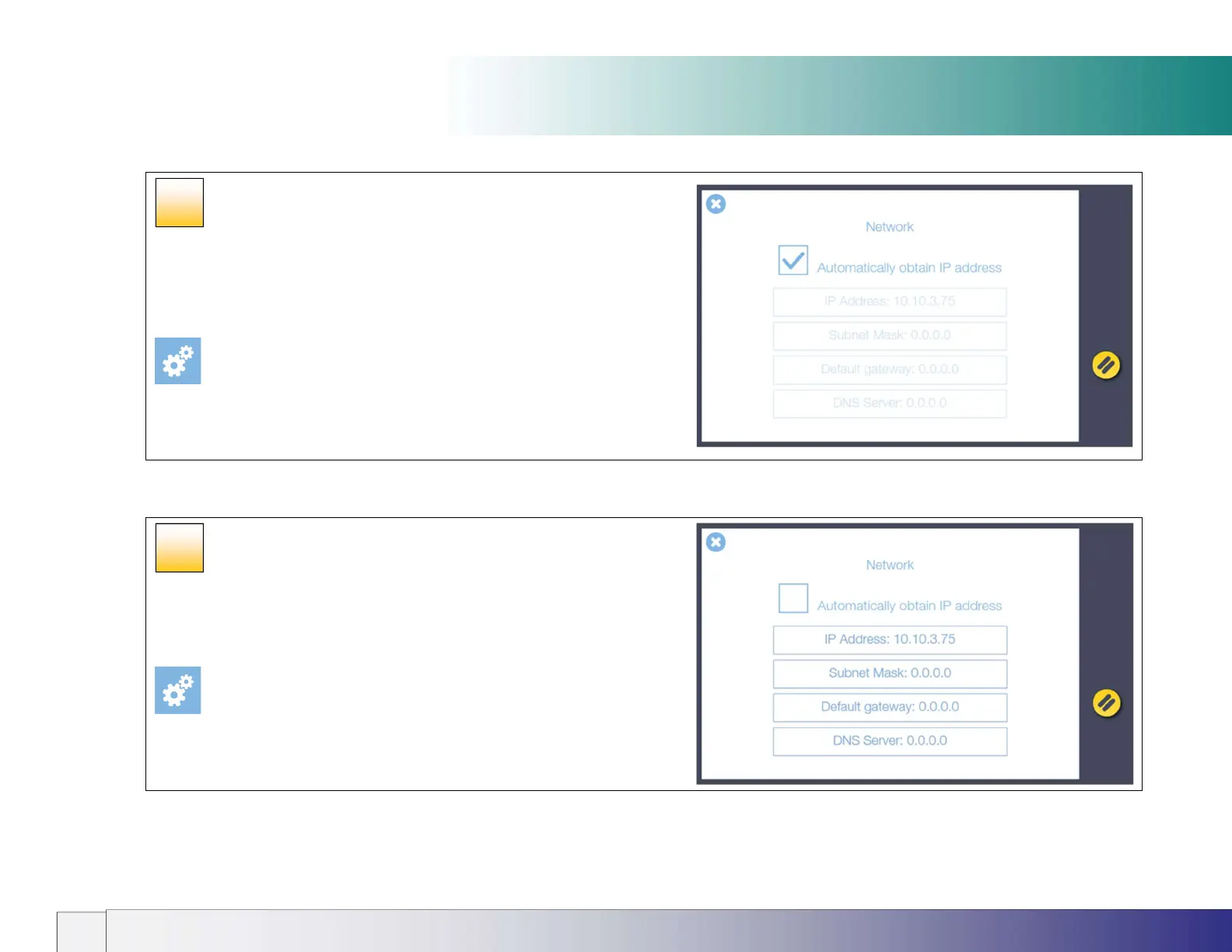
LAN network settings (DHCP)
By default the scanner will automatically try to obtain an IP address using
DHCP if cable connected to a local area network (LAN).
[Settings > System > Network]
Press the Next button >>
LAN settings
LAN network settings (STATIC)
To manually set a static network IP address follow the screens shown in [path]
below to uncheck ‘Automatically obtain IP address’. A static address and subnet
mask can now be set. Consult your IT person if necessary.
[Settings > System > Network]
Press the Next button >>
14
15













 To Next Page