Scanner Setup 16
Startup Wizard
Turning the scanner ON for the first time
Turn on the main power switch on the panel at the back of the scanner.
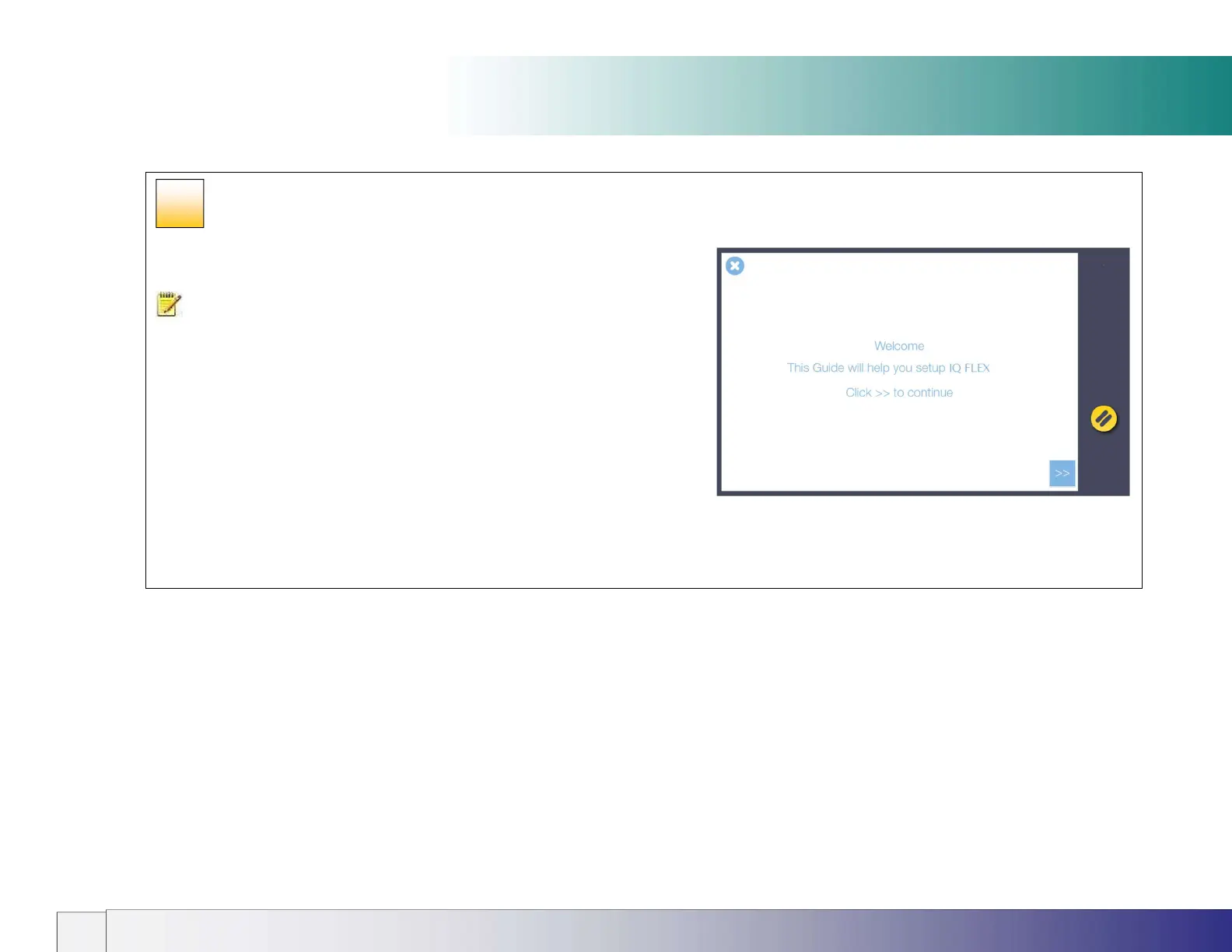
NOTE: When the scanner is switched on for the first time the IQ FLEX Wizard will
take the user through a series of configuration pages on the touch screen.
The Wizard sets up:
Network Connection (for communication to printer(s), cloud and network
computers)
Languages (keyboard and screen can be different)
Date and Time
Email Server settings (for sending scans to recipients via email)
Activation of the scanner
Any of these settings can be skipped and returned to at a later time by touching the
Settings icon on the front screen.
11













 To Next Page