Scanning 47
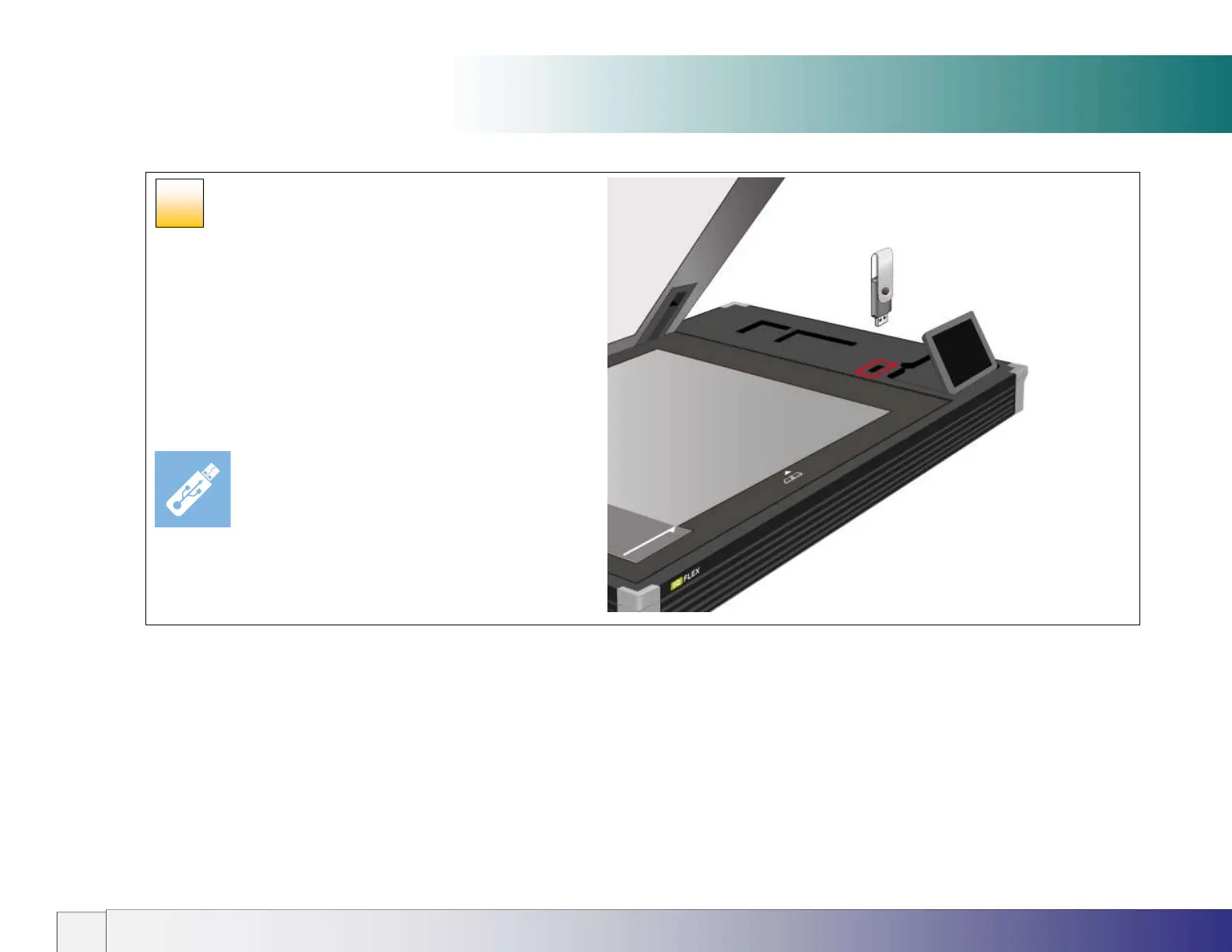
Using the USB socket
Scanning to USB memory
IQ FLEX will accept any USB memory stick in the size range 4GB to
128 GB formatted for FAT-32.
Insert the USB stick into the USB slot on the top of the scanner.
Select the USB memory stick option in the scroll menu.
Choose your settings then press the scan button. The DCIM
folder is the always the default location for scans to memory stick.
Do not remove memory stick until ‘Saving File’ has completed.
39













 To Next Page